How to Build a ChatGPT Study Agent That Works
TL;DR
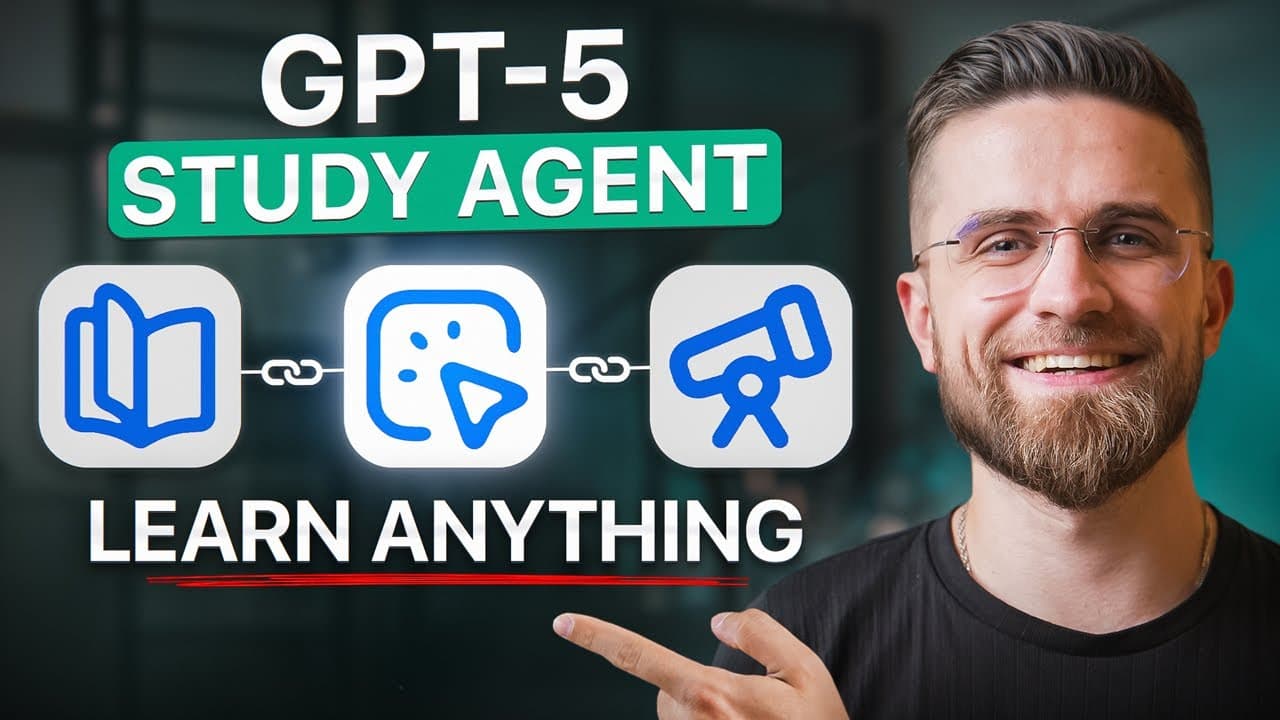
Use ChatGPT Study Mode as an interactive tutor by stating your goal, current knowledge, available time, and relevant source materials. Learn in small chunks, answer its questions, request simpler explanations when needed, schedule repeated reviews, and finish by applying the knowledge to a project, post, script, lesson, or other real output.
Transcript
Let's be real. The old way of learning can be painfully slow. Hours slogging through textbooks, endless tutorials, YouTube rabbit holes, only to realize you didn't actually retain much. No more. Today, I'm going to show you how to cut your learning time in half using AI, specifically chat GPT, and actually remember and use what you learn. No generi... Read More
Key Insights
- ChatGPT Study Mode is an interactive teaching format that responds with hints, questions, step-by-step explanations, and feedback instead of simply delivering a finished answer. Its dialogue-based structure is intended to reveal knowledge gaps, adapt to the learner's level, and encourage genuine understanding rather than passive memorization.
- Clear context is the foundation of a useful AI lesson. A prompt should identify the subject, the learner's existing knowledge, the reason for studying, and the desired outcome, such as preparing a presentation or completing a freelance project, so the instruction can be tailored appropriately.
- Uploaded materials can anchor tutoring to the exact content a learner needs. Notes, slides, PDFs, and images may be added to the conversation with instructions to explain or quiz key points, reducing dependence on generic coverage and creating a more targeted study session.
- Active recall is strengthened when learners attempt answers before seeing corrections. Responding even when uncertain requires the learner to formulate an idea, after which ChatGPT can provide immediate feedback, correct mistakes, add nuance, or explain the concept again from a simpler or different angle.
- Learning pace can be adjusted throughout the conversation. Learners can ask to repeat a difficult section, break an explanation into simpler parts, review an earlier concept, skip familiar material, or increase the challenge, keeping the lesson aligned with their changing level of understanding.
- A session summary is a practical tool for later review. Asking for a brief cheat sheet or bullet list can capture the important concepts, formulas, and definitions discussed during the lesson, giving the learner a compact reference instead of requiring the entire conversation to be reread.
- Passive AI use creates the appearance of productivity without reliable learning. Copying a wall of text, studying too many topics at once, or accepting confident answers without checking important claims can lead to shallow understanding, information overload, and errors in mission-critical work.
- The learning flywheel starts with high-impact material and a realistic plan. ChatGPT can map a topic using the 80/20 rule, prioritize the most useful areas, create modules or a syllabus, fit study sessions around an available schedule, and add short reviews or quizzes for continued practice.
Install to Summarize YouTube Videos and Get Transcripts
Explore YouTube Video Summarizer or Get YouTube Transcript Extractor
Questions & Answers
Q: How do you activate ChatGPT Study Mode?
Open the tools menu near the ChatGPT prompt bar and select "Study and learn" from the available options. An indicator should show that Study Mode is active. The transcript states that the feature is available to free, Plus, and Pro users. After enabling it, describe the subject, your current level, and the reason you need to learn it.
Q: How should you prompt ChatGPT to teach a new subject?
State what you want to learn, why you need it, what you already understand, and any deadline or practical outcome. Instead of requesting a broad lesson in quantum physics, for example, explain that you must present the subject tomorrow and remember only basic high school science. That context helps ChatGPT choose an appropriate starting point and lesson structure.
Q: How can uploaded materials improve an AI study session?
Upload relevant notes, slides, PDFs, or images and tell ChatGPT exactly how to use them, such as identifying key ideas or creating quizzes. The system can tailor its instruction to the supplied material instead of relying only on generic coverage. This is particularly useful when the learning objective is tied to a lecture, presentation, or specific reference document.
Q: Why does ChatGPT ask questions before teaching in Study Mode?
Initial questions help ChatGPT assess prior knowledge and choose an appropriate difficulty level. It may ask whether you have studied the topic before or request a comfort rating from 1 to 10. These questions are not an attempt to avoid the lesson. Honest answers help it identify gaps and avoid explanations that are too basic or too advanced.
Q: How does active recall work with ChatGPT Study Mode?
Active recall occurs when you try to produce an answer instead of merely reading one. When ChatGPT asks a question, make an attempt even if you are uncertain. The effort of formulating a response reinforces memory, while the resulting feedback can correct errors or add nuance. Remaining a silent reader removes this important part of the learning process.
Q: What should you do when an AI explanation is confusing?
Tell ChatGPT directly that the explanation did not make sense and request a simpler version, another example, or a different angle. You can also ask it to repeat the previous section or divide the concept into smaller steps. Needing another explanation is part of tuning the lesson, and the conversation can continue until the presentation matches your level.
Q: What mistakes should you avoid when learning with AI?
Avoid treating ChatGPT as a search engine that produces text to copy, requesting too many subjects at once, and reading without answering questions or testing yourself. Provide context, focus first on the highest-value material, and remain skeptical because confident wording does not guarantee correctness. The transcript specifically recommends checking any information that is critical to the intended task.
Q: How can ChatGPT create an efficient study plan?
First ask ChatGPT to map the subject and identify the high-impact 20% that could cover 80% of the practical need. Then provide your real availability and request a timetable with lessons, quizzes, and review sessions. The example uses one hour on Monday, Wednesday, and Friday evenings across four weeks, plus a 15-minute next-day review for each topic.
Summary & Key Takeaways
-
ChatGPT Study Mode turns a standard question-and-answer exchange into an interactive lesson built around hints, follow-up questions, scaffolded explanations, quizzes, and immediate feedback. Activating it through the tools menu and providing a specific goal helps the system assess prior knowledge, adapt its teaching level, and address gaps through conversation.
-
Effective sessions require active participation. Learners should attempt every question, admit confusion, request alternative explanations, adjust the pace, and summarize concepts in their own words. Uploading notes, slides, PDFs, or images can focus the lesson on required material, while a final cheat sheet provides a compact resource for later review.
-
The proposed learning flywheel begins by identifying the most valuable 20% of a subject and turning those priorities into a realistic schedule. Regular quizzes, next-day reviews, skepticism toward uncertain claims, and practical application help prevent passive consumption. Projects, posts, scripts, code snippets, and teaching others convert studied information into usable outcomes.
Read in Other Languages (beta)
Share This Summary 📚
Summarize YouTube Videos and Get Video Transcripts with 1-Click
Try YouTube Summary with ChatGPT & Claude or YouTube Transcript Generator
Explore More Summaries from AI Master 📚



Summarize YouTube Videos and Get Video Transcripts with 1-Click
Try YouTube Summary with ChatGPT & Claude or YouTube Transcript Generator