How to Create Animated Cartoons Using Canva Pro
TL;DR
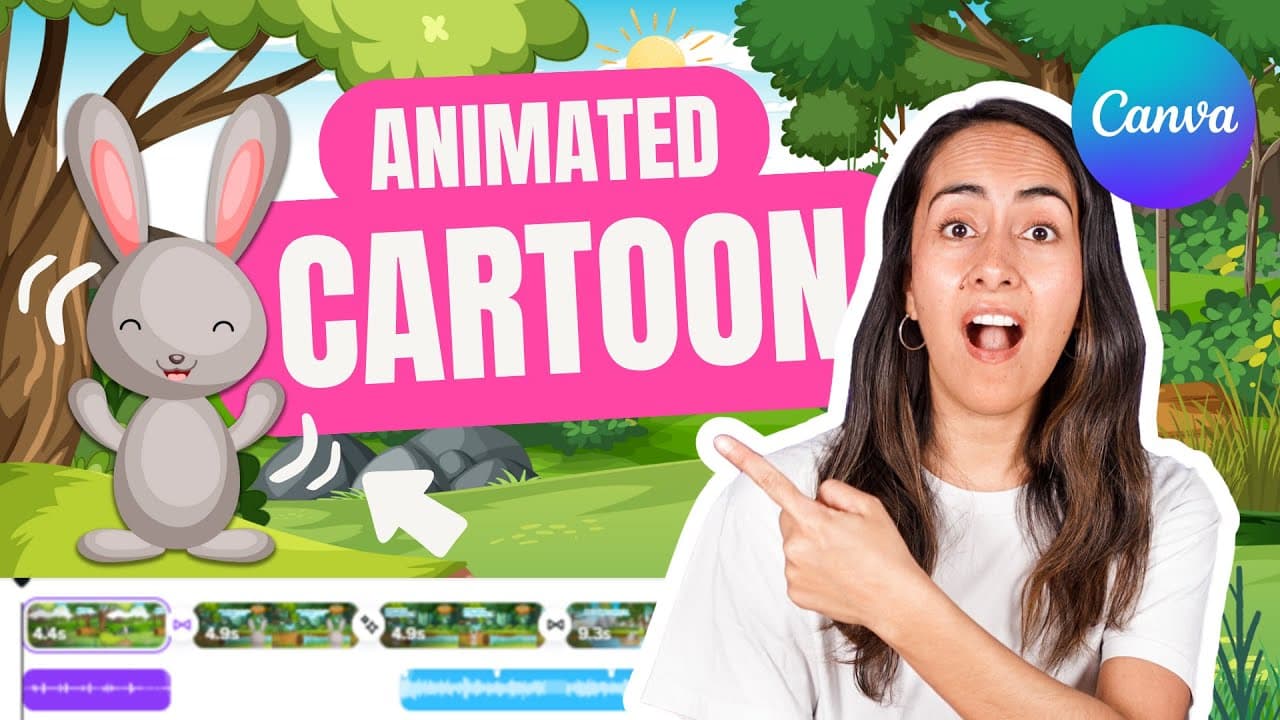
To create animated cartoons with Canva Pro, start by writing a story and use the Canva Assistant for help. Build static scenes by selecting backgrounds and characters, then add animations, transitions, sound effects, and music to enhance your cartoon. Canva Pro offers premium features that significantly improve your animation quality.
Transcript
pay attention to the animated cartoon I'll show you now because I created using only canva including the animations the music and even the sound effects foreign because in this step-by-step tutorial I'll show you how to create your own animated cartoon which is actually pretty easy to do here's something important to mention before we start the pro... Read More
Key Insights
- ✋ Canva Pro offers access to premium elements for creating high-quality animated cartoons.
- ❓ The Canva Assistant can assist in generating and summarizing a story for your animated cartoon.
- 🏛️ Building static scenes involves selecting backgrounds, characters, and animated elements to create a cohesive visual narrative.
- 👂 Adding animations, transitions, sound effects, and music can enhance the overall quality and immersion of an animated cartoon.
- 🗯️ Spending time selecting the right elements and characters is crucial for ensuring the success of your animated cartoon.
- 👻 Customizing animations and effects in Canva allows for a personalized and professional finish to your animated cartoon.
- ❓ Utilizing Canva's features such as audio effects and transitions can elevate the storytelling aspect of your animated cartoon.
Install to Summarize YouTube Videos and Get Transcripts
Explore YouTube Video Summarizer or Get YouTube Transcript Extractor
Questions & Answers
Q: What are the benefits of using Canva Pro for creating animated cartoons?
Canva Pro offers access to a wide range of illustrations and audio tracks, enhancing the quality of your animated cartoons. It provides more creative freedom compared to the free account, leading to a better outcome.
Q: How can Canva Assistant help in the creation of a story for an animated cartoon?
Canva Assistant can generate and summarize a short story based on your preferences, streamlining the initial creative process and providing a foundation for your animated cartoon.
Q: What steps are involved in building static scenes for an animated cartoon in Canva?
To build static scenes, you need to select backgrounds, add main characters and supporting elements, ensuring a cohesive aesthetic. Using animated elements can make your scenes more engaging and visually appealing.
Q: How can animations, transitions, sound effects, and music enhance the quality of an animated cartoon?
Animations bring elements to life, transitions provide a seamless flow between scenes, sound effects create immersion, and music adds emotions, collectively elevating the overall experience of the animated cartoon.
Summary & Key Takeaways
-
Use Canva Pro to access illustrations and audio tracks for creating animated cartoons.
-
Utilize Canva Assistant to generate and summarize a short story for your cartoon.
-
Build static scenes, add animations, transitions, sound effects, and music to create a professional animated cartoon.
Read in Other Languages (beta)
Share This Summary 📚
Summarize YouTube Videos and Get Video Transcripts with 1-Click
Try YouTube Summary with ChatGPT & Claude or YouTube Transcript Generator
Explore More Summaries from Design with Canva 📚






Summarize YouTube Videos and Get Video Transcripts with 1-Click
Try YouTube Summary with ChatGPT & Claude or YouTube Transcript Generator