How to Set Up the Perfect Home Studio Easily
TL;DR
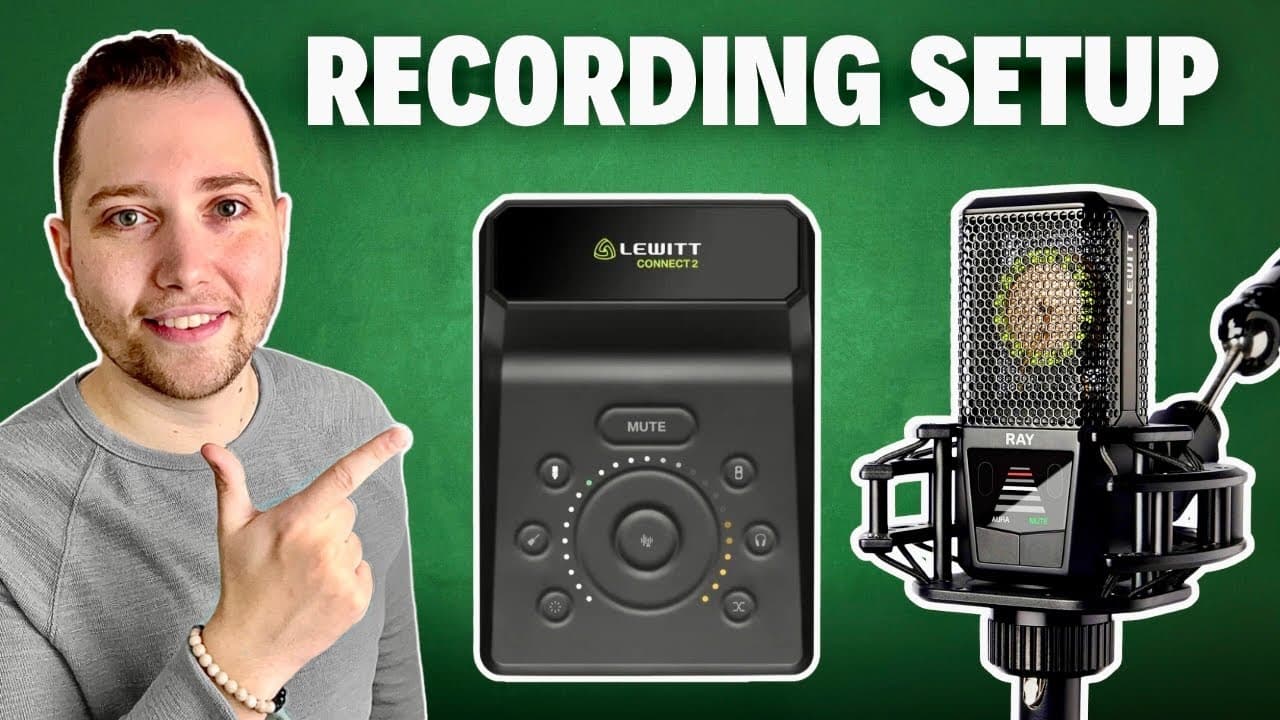
To set up a perfect home studio, you'll need a computer, recording software, headphones, and a microphone like the LD Ray, which features voice autofocus for optimal sound. Pair it with the LD Connect 2 audio interface for easy setup and automatic sound level adjustments. This combination allows even beginners to achieve high-quality recordings with minimal technical hassle.
Transcript
if you're a musician content creator podcaster or voice actor looking to build a home studio then stay tuned because this could be the only setup you'll ever need when it comes to building a home studio there are a few essentials that everyone needs like a computer some sort of recording software a pair of headphones and most importantly something ... Read More
Key Insights
- 🎙️ A well-rounded home studio setup comprises a computer, recording software, headphones, and a suitable microphone.
- 🧍 The LD Ray microphone stands out for its voice autofocus feature, maintaining audio quality despite distance variations.
- 😫 LD Connect 2's auto setup makes it a beginner-friendly choice, setting correct levels automatically.
- 🎮 The control center software included with the LD Connect 2 offers essential tools for enhancing audio quality.
- 👂 Implementing a d-noiser can drastically reduce unwanted background sounds, producing cleaner recordings.
- ❓ Understanding proximity effect is crucial for optimizing vocal performance and audio quality.
- 👻 The user-friendly setup process allows content creators to dive into recording without technical hurdles.
Install to Summarize YouTube Videos and Get Transcripts
Explore YouTube Video Summarizer or Get YouTube Transcript Extractor
Questions & Answers
Q: What are the essential components needed for a basic home studio?
A basic home studio setup includes a computer, recording software, headphones, and a microphone, specifically designed to capture and process high-quality audio. These elements form a foundation for various audio projects, whether for musicians, podcasters, or voice-over artists, ensuring a smooth workflow from recording to editing.
Q: Why is the LD Ray microphone recommended over others?
The LD Ray microphone is recommended for its unmatched voice autofocus technology, ensuring consistent audio quality regardless of the performer’s distance from the mic. This feature is particularly useful in dynamic recording situations, allowing for an intimate sound when needed while minimizing post-production work by maintaining optimal sound levels automatically.
Q: How does the LD Connect 2 interface enhance the recording experience?
The LD Connect 2 interface simplifies the recording process with its auto setup feature, allowing users to plug in their microphone or instrument, which automatically adjusts levels in less than 20 seconds. This functionality helps beginners focus on creativity without the complexity of technical adjustments, making quality recording more accessible.
Q: What software features does the LD Connect 2 offer for better audio quality?
The LD Connect 2 includes several software features, such as three EQ settings, a built-in compressor, clip guard to prevent distortion, and a d-noiser to eliminate background noise. These tools are aimed at improving recording quality, especially in less-than-ideal acoustic environments, ensuring clean and professional-sounding audio.
Q: How can a novice start recording quickly with this setup?
A novice can start recording within a few minutes by connecting the LD Ray microphone to the LD Connect 2, launching the control center software, and selecting auto setup. Following a few simple prompts to adjust EQ and enable noise reduction further streamlines the process, allowing for rapid yet high-quality recording.
Q: What are the benefits of voice autofocus technology in microphones?
Voice autofocus technology enhances the recording experience by intelligently adjusting to the singer or speaker's distance from the microphone, ensuring a consistent tone and volume. This minimizes the need for extensive post-production, allowing for a more natural and professional sound, particularly advantageous in music and live performances.
Summary & Key Takeaways
-
Building a home studio requires essential equipment, including a computer, recording software, headphones, and a microphone. The LD Ray is suggested for its voice autofocus technology that optimizes recording quality.
-
The LD Connect 2 audio interface complements the microphone by converting analog sound to digital, featuring an auto setup function that adjusts sound levels quickly, making it beginner-friendly.
-
The video guides viewers on connecting equipment, using control center software, and initial recording settings, emphasizing easy setup and the importance of quality audio processing for creators.
Read in Other Languages (beta)
Share This Summary 📚
Summarize YouTube Videos and Get Video Transcripts with 1-Click
Try YouTube Summary with ChatGPT & Claude or YouTube Transcript Generator
Explore More Summaries from Home Studio Academy 📚

Summarize YouTube Videos and Get Video Transcripts with 1-Click
Try YouTube Summary with ChatGPT & Claude or YouTube Transcript Generator