How to Deploy a Dockerized AI App on Hugging Face
TL;DR
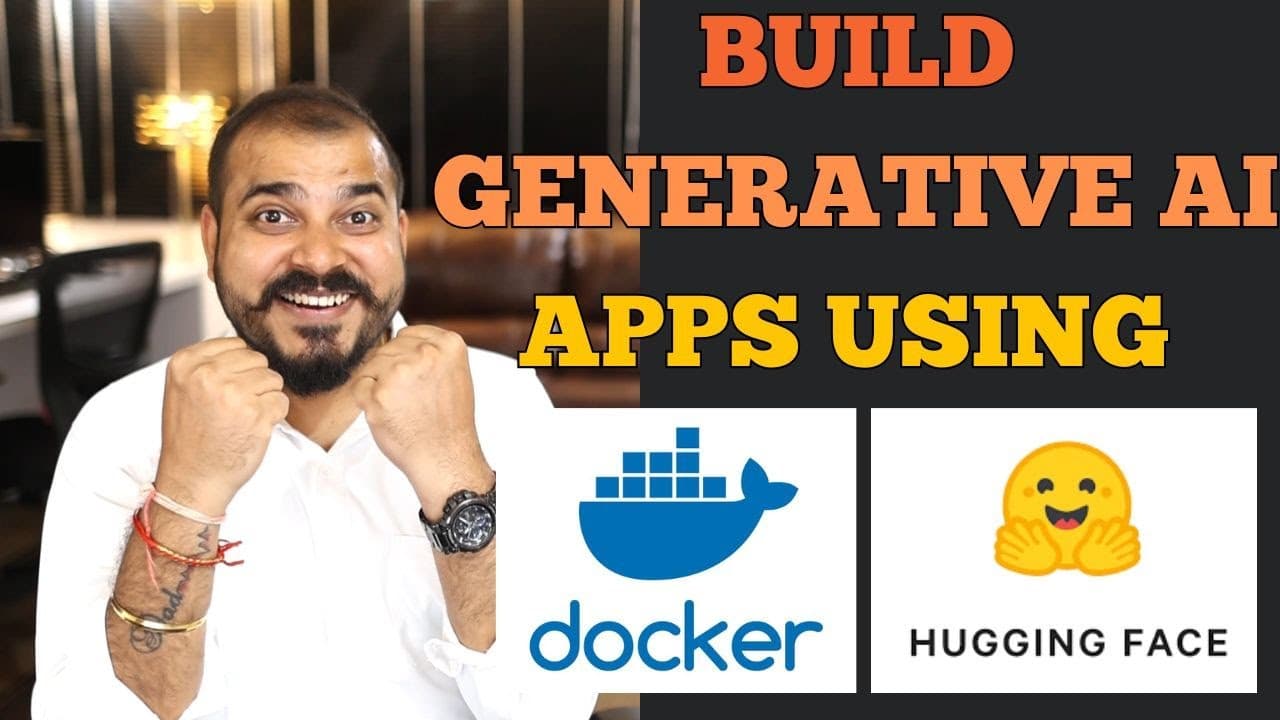
Build the text-generation service with FastAPI, a Transformers pipeline, and the google/flan-t5-small model, then package its code and dependencies with Docker for deployment to Hugging Face Spaces. The application exposes a home route and a generation route, while requirements.txt lists the libraries that the deployment environment must install.
Transcript
hello all my name is krishn and welcome to my YouTube channel so guys in this specific video we are going to build a generative AI application and then with the help of Docker we are going to dockerize it and deploy it in hugging face space now what is the generative a application that uh we are going to develop here I have actually explained so we... Read More
Key Insights
- The project is a text-to-text generation application built with FastAPI and the Transformers pipeline. Its main objective is to demonstrate how a generative AI service can be containerized with Docker and deployed within a Hugging Face Space.
- A Python 3.9 environment isolates the libraries required by the application. The demonstrated setup installs packages from requirements.txt, allowing the same dependency list to support local development and installation inside the Hugging Face Spaces deployment environment.
- The dependency list includes FastAPI, requests, Uvicorn, sentencepiece, torch, and Transformers. FastAPI defines the service routes, Uvicorn runs the framework, and Transformers supplies the pipeline used to load and call the selected text-generation model.
- The google/flan-t5-small model is selected because the Hugging Face Space provides limited free resources, including constrained CPU, disk, and RAM. Choosing a model that requires less space makes the example more suitable for that deployment environment.
- The Transformers pipeline simplifies model access by accepting a task and model configuration. In the demonstrated application, the pipeline is configured for text-to-text generation and receives the text supplied through the FastAPI generation endpoint.
- The home endpoint returns a simple message such as Hello World. This route provides a basic way to check that the FastAPI application is available and operating before testing the separate endpoint that performs model inference.
- The generation endpoint accepts text as a string, passes that input to the initialized pipeline, and returns the resulting generated_text value as JSON. The pipeline response is handled as a list containing the generated output field.
- The Dockerfile records the step-by-step execution needed to package and run the application in a container. Once containerized, the same generative AI project can be deployed to Hugging Face Spaces or other cloud platforms such as AWS and Azure.
Install to Summarize YouTube Videos and Get Transcripts
Explore YouTube Video Summarizer or Get YouTube Transcript Extractor
Questions & Answers
Q: How do you build a Dockerized generative AI application?
Create a Python 3.9 environment, define the required packages in requirements.txt, and build a FastAPI application that initializes a Transformers text-to-text pipeline. Add routes for a basic service check and model generation, then create a Dockerfile describing the application’s execution steps. The resulting container can be deployed to a Hugging Face Space or another supported cloud platform.
Q: Which libraries are required for the text-generation service?
The demonstrated requirements.txt includes FastAPI, requests, Uvicorn, sentencepiece, torch, and Transformers. FastAPI is used to create the application and its routes, while Uvicorn is required to run the framework. Torch and Transformers support the model, and the Transformers package provides the pipeline that calls the selected Hugging Face model for text-to-text generation.
Q: Why is google/flan-t5-small used for the application?
The google/flan-t5-small model is chosen because it requires less space than larger alternatives, which matters when deploying with the limited free resources provided by Hugging Face Spaces. The transcript specifically notes limits involving CPU, hard disk, and RAM. The smaller model therefore fits the tutorial’s goal of demonstrating a practical text-to-text service in that environment.
Q: How does the Transformers pipeline generate text?
The application imports pipeline from Transformers and initializes it for text-to-text generation with the google/flan-t5-small model. When the generation function receives an input string, it passes that text to the initialized pipeline. The pipeline returns a list-shaped response, and the application extracts the generated_text field before returning the result in a JSON response.
Q: How is FastAPI used in the generative AI project?
FastAPI provides the application instance and the routes through which users interact with the service. The home route returns a simple message that helps confirm the application is working. A separate generate route accepts text as a string, calls the Transformers pipeline with that input, extracts the generated output, and returns it to the requester as JSON.
Q: What is the purpose of requirements.txt in deployment?
The requirements.txt file records every package the application needs, including FastAPI, requests, Uvicorn, sentencepiece, torch, and Transformers. It is used to install those libraries inside the local Python environment. When the project is uploaded for deployment, the same file allows the Hugging Face Spaces environment to install the application’s required packages automatically as part of the setup.
Q: What does the Dockerfile do for the AI application?
The Dockerfile describes the step-by-step execution required to package the generative AI application as a container. It works with the application file and requirements.txt so the code and dependencies can be prepared for deployment. Containerizing the project is the tutorial’s main focus because the resulting application can be deployed on Hugging Face Spaces, AWS, or Azure.
Q: How can you test the FastAPI application routes?
Start by calling the home route, which returns a simple message such as Hello World and confirms that the FastAPI service is responding. Then call the generate route with text supplied as a string. FastAPI also provides Swagger documentation, which the transcript identifies as a useful feature for examining and working with the application’s defined endpoints.
Summary & Key Takeaways
-
The project begins by creating a Python 3.9 environment and installing dependencies from requirements.txt. Its required packages include FastAPI, requests, Uvicorn, sentencepiece, torch, and Transformers. These libraries support the API framework, application server, model runtime, tokenizer-related functionality, and access to the pipeline used for text-to-text generation.
-
The application creates a FastAPI instance and initializes a Transformers pipeline with google/flan-t5-small for text-to-text generation. A home route returns a simple message for checking whether the service works, while a generate route accepts a string, passes it into the pipeline, and returns the generated text in JSON.
-
The deployment workflow uses a Dockerfile to describe the execution steps needed to package the application as a container. The application code, requirements.txt, and Docker configuration are then intended for Hugging Face Spaces, whose free deployment resources influence the choice of a smaller model. The container can also be deployed elsewhere.
Read in Other Languages (beta)
Share This Summary 📚
Summarize YouTube Videos and Get Video Transcripts with 1-Click
Try YouTube Summary with ChatGPT & Claude or YouTube Transcript Generator
Explore More Summaries from Krish Naik 📚





Summarize YouTube Videos and Get Video Transcripts with 1-Click
Try YouTube Summary with ChatGPT & Claude or YouTube Transcript Generator