7 Quick Productivity Tips for Getting Work Done Faster
TL;DR
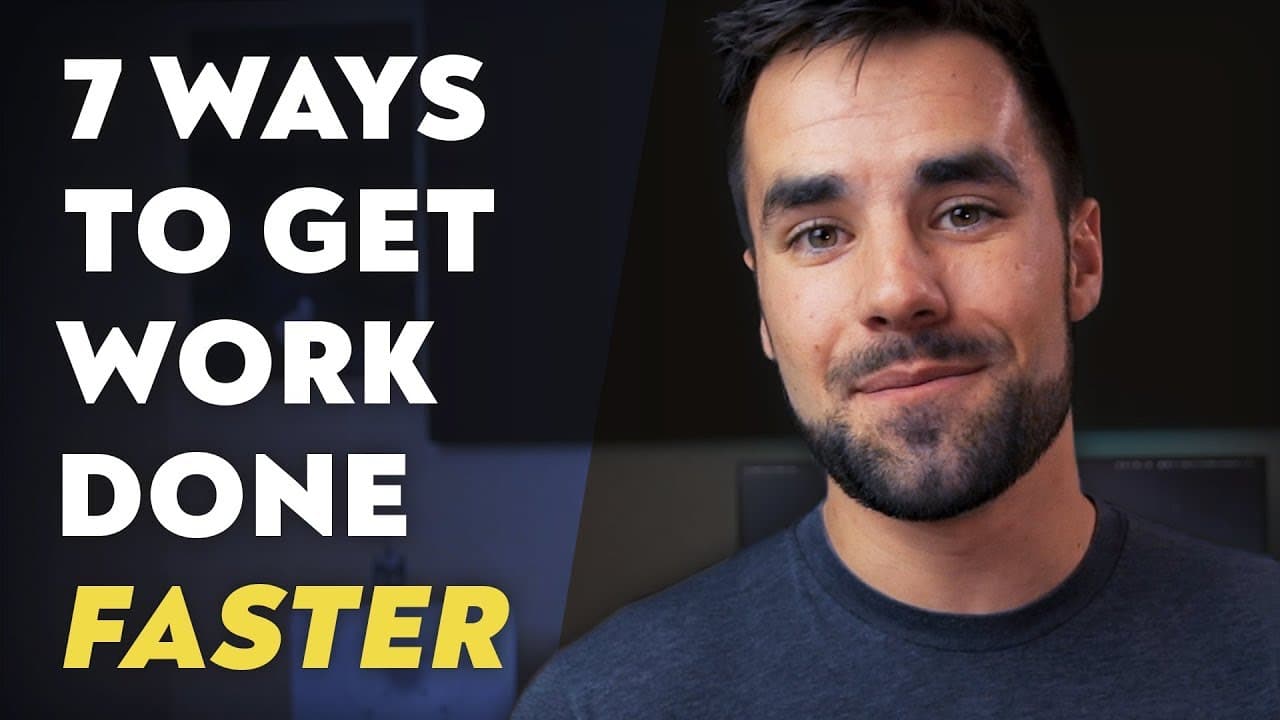
Seven workflow changes can help you finish computer-based work faster by shaving time off tasks you repeat every day. The tips cover text expansion, quick-access shortcuts, keyboard commands, nearby physical tools, launchers, clipboard managers, and virtual desktops; examples include Auto Hotkey on Windows and Alfred on Mac. Read on to see how each tactic reduces searching, typing, clutter, or unnecessary navigation.
Transcript
- Today I'm gonna share seven quick general workflow tips that I use to boost my productivity on a daily basis, and the commonality between all of these workflow tips is that they are focused on shaving time off of repeated processes. These are things that I do every single day, often multiple times a day. Now, none of these tips are specific to an... Read More
Key Insights
- 🍰 Text expansion tools can save time and effort by assigning short keywords to frequently typed text.
- 📁 Utilizing quick access areas on your computer can help you quickly access commonly used folders and files.
- 🎹 Learning keyboard shortcuts for programs can enhance productivity and efficiency in various tasks.
- ⌛ Keeping commonly used physical tools within reach of your workspace can save time and reduce distractions.
- 💨 Launcher tools like Alfred or Wox provide a quick way to launch websites, programs, and files.
- 👻 Clipboard managers allow you to store and access a history of copied items, improving efficiency when working with multiple pieces of content.
- 💻 Virtual desktops can help organize different programs and tasks, reducing visual clutter and improving focus.
Install to Summarize YouTube Videos and Get Transcripts
Explore YouTube Video Summarizer or Get YouTube Transcript Extractor
Questions & Answers
Q: What are seven quick productivity tips for getting work done faster?
Use text expansion, pin folders in quick-access areas, learn keyboard shortcuts, keep physical tools within arm’s reach, use a launcher, install a clipboard manager, and organize programs with virtual desktops. These tactics focus on shaving time off processes repeated every day.
Q: How can text expansion improve productivity?
Text expansion binds a long, frequently typed string to a short keyword. The speaker uses Auto Hotkey on a PC to replace HADR with a home address; Auto Hotkey is free, while the Mac app aText costs about five dollars.
Q: How should quick-access areas be used for frequently needed files?
Place shortcuts to frequently used folders in the sidebar of the computer’s file explorer. The speaker keeps persistent links to Google Drive, business folders, and the screenshots folder, plus temporary shortcuts to videos currently being edited.
Q: Which keyboard shortcuts can make Gmail processing faster?
In Gmail, pressing E can archive a message and pressing # can delete one. Learning commands like these reduces mouse navigation and can shorten email-processing time.
Q: How can someone learn useful shortcuts for complex programs?
Look for cheat sheets covering the most important shortcuts in popular programs. For complex software such as Logic or After Effects, the speaker also recommends maintaining a personal reference containing the shortcuts used most often.
Q: Why keep physical tools within arm’s reach of a workspace?
Keeping commonly used supplies nearby avoids leaving the workspace whenever they are needed. The speaker uses a swivel drawer under the desk for scissors, SD cards, a device-reset pin, a box cutter, pens, pencils, highlighters, and sticky notes.
Q: What launcher tools are recommended for Mac and Windows?
Alfred is recommended for Mac and can open websites, folders, programs, calculations, and user-generated workflows after pressing CMD and Space. Wox is a free, open-source Windows option that performs many similar functions, though it lacks some of Alfred’s complex workflow capabilities.
Q: How do clipboard managers and virtual desktops support productivity?
A clipboard manager addresses the default limitation that a computer remembers only the most recently copied text or image, allowing access to a history of copied items. Virtual desktops separate programs and tasks across desktop screens, reducing visual clutter and improving focus, especially without multiple physical monitors.
Summary & Key Takeaways
-
Tip 1: Use text expansion tools like Auto Hotkey or aText to bind long strings of frequently typed text to small keywords.
-
Tip 2: Utilize your computer's quick access areas to create shortcuts to frequently used folders and files.
-
Tip 3: Learn keyboard shortcuts for commonly used programs to enhance your speed and efficiency.
Read in Other Languages (beta)
Share This Summary 📚
Summarize YouTube Videos and Get Video Transcripts with 1-Click
Try YouTube Summary with ChatGPT & Claude or YouTube Transcript Generator
Explore More Summaries from Thomas Frank 📚


Summarize YouTube Videos and Get Video Transcripts with 1-Click
Try YouTube Summary with ChatGPT & Claude or YouTube Transcript Generator