How to Create Custom AI Agents with Microsoft Autogen 2
TL;DR
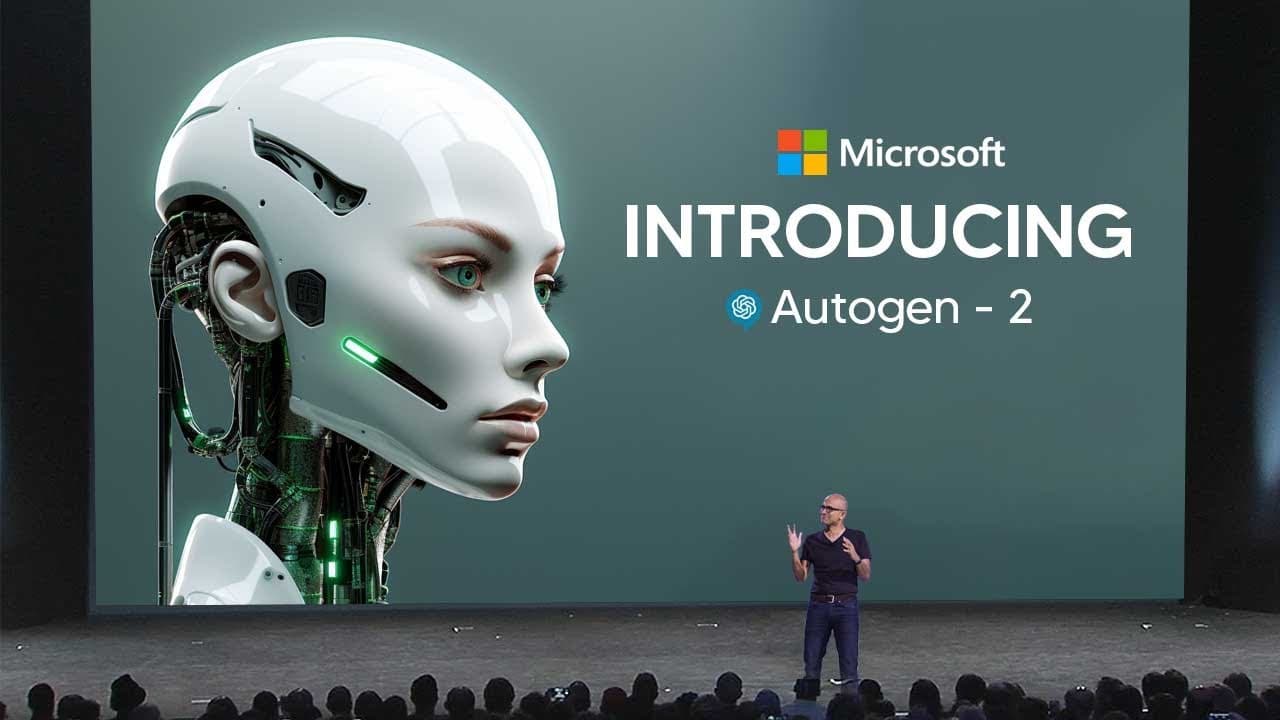
To create custom AI agents using Microsoft Autogen 2, install Autogen Studio via pip, configure a language model provider, and use the drag-and-drop interface to build multi-agent applications. Users can define agent parameters, create chat sessions, and enhance agent capabilities by adding various skills, making the tool suitable for rapid prototyping and development.
Transcript
so Microsoft recently released autogen version 2 and this is essentially the upgraded version of Microsoft autogen and auto Jun was one of the first Microsoft softwares that actually allowed you to interact and use AI agents on your device now essentially this video is going to be a deep dive on how to use autogen Studio which is the second iterati... Read More
Key Insights
- 😀 Autogen Studio is a powerful tool for building multi-agent apps, allowing users to define, modify, and interact with AI agents.
- 👤 The interface of Autogen Studio is user-friendly, making it accessible to users without advanced technical skills.
- 👻 Skills can be added to agents in Autogen Studio, expanding their capabilities and allowing them to accomplish a wide range of tasks.
- 🤗 Autogen Studio is open source and can be installed easily via pip, making it accessible to developers and users alike.
Install to Summarize YouTube Videos and Get Transcripts
Explore YouTube Video Summarizer or Get YouTube Transcript Extractor
Questions & Answers
Q: What is Autogen Studio?
Autogen Studio is an interface powered by Autogen that allows users to define and modify agents and multi-agent workflows through a point-and-click and drag-and-drop interface.
Q: How can users use Autogen Studio to build multi-agent apps?
Users can select parameters for agents, create chat sessions, view results, and add skills to agents to accomplish various tasks. Autogen Studio provides a user-friendly interface to streamline the process.
Q: Is Autogen Studio open source?
Yes, Autogen Studio is open source and can be installed via pip.
Q: How can users install Autogen Studio?
Users can install Autogen Studio by running the command "pip install autogen studio" in the command prompt. Detailed installation instructions can be found in the provided links.
Summary & Key Takeaways
-
Autogen Studio is an interface powered by Autogen, enabling the declarative definition and modification of agents and multi-agent workflows.
-
Users can select parameters for agents, create chat sessions, view results, and add skills to agents to accomplish various tasks.
-
The installation process involves configuring a language model provider and installing Autogen Studio via pip.
Read in Other Languages (beta)
Share This Summary 📚
Summarize YouTube Videos and Get Video Transcripts with 1-Click
Try YouTube Summary with ChatGPT & Claude or YouTube Transcript Generator
Explore More Summaries from TheAIGRID 📚


Summarize YouTube Videos and Get Video Transcripts with 1-Click
Try YouTube Summary with ChatGPT & Claude or YouTube Transcript Generator