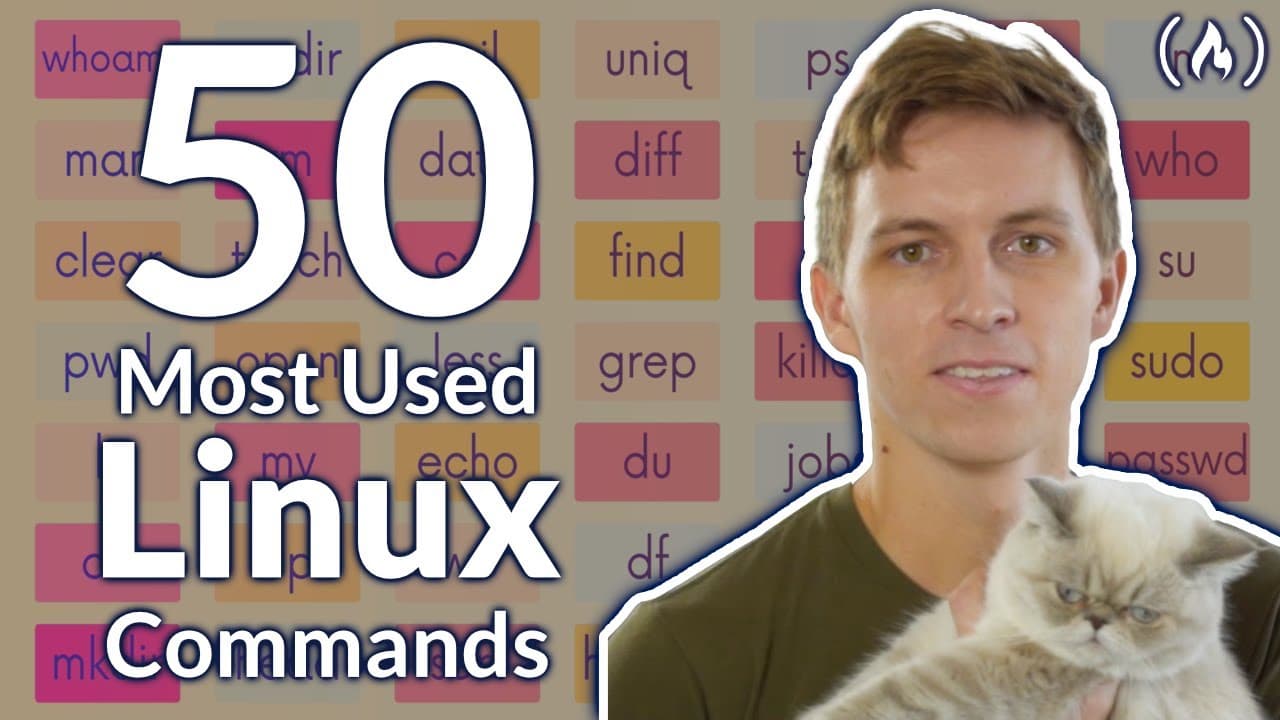
How to Use the 50 Most Popular Linux & Terminal Commands: Full Course for Beginners
TL;DR
Use the 50 most popular Linux and terminal commands by starting with navigation, command structure, arguments, options, folders, and files before progressing to redirection, expansions, and permissions. Colt Steele’s beginner-friendly course applies to Linux, macOS, and other Unix environments; Windows users can follow through Windows Subsystem for Linux. Read on for practical answers about foundational commands and why these skills matter.
Transcript
learn the 50 most popular linux commands from colt steel all these commands work on linux mac os and any other place you have a unix environment colt is an extremely popular instructor and for good reason he has a knack for teaching complex topics in a way that beginners can understand hey everyone my name is colt steele and today we are going to l... Read More
Key Insights
- Linux commands are essential for developers working in Unix environments.
- The terminal allows for faster and more efficient file and system management.
- Commands like ls, cd, and mkdir are fundamental for navigating and manipulating directories.
- The man command provides detailed documentation for most Linux commands.
- Redirection and piping are powerful tools for managing command output.
- The rm command can permanently delete files and directories, so caution is advised.
- The shell is the interface that processes commands and interacts with the operating system.
- Learning terminal commands is critical for careers in web development, data science, and other tech fields.
Install to Summarize YouTube Videos and Get Transcripts
Explore YouTube Video Summarizer or Get YouTube Transcript Extractor
Questions & Answers
Q: What does this Linux and terminal commands course teach beginners?
The course teaches 50—and possibly a little more than 50—useful commands, beginning with navigation, command structure, arguments, options, folders, and files. It later covers man pages, output redirection, several forms of expansion, and Linux permissions.
Q: Do these Linux terminal commands work on macOS and Windows?
The commands work on Linux, macOS, and other Unix environments. They do not work natively on Windows, but the course explains how to install Windows Subsystem for Linux so Windows users can follow along.
Q: Why should developers learn Linux and terminal commands?
Terminal commands provide greater control and access for tasks such as starting servers, managing processes, interacting with databases, and changing permissions. Command-line skills are also described as an expected part of many coding-related careers because some tools and cloud services have no graphical interface.
Q: How should a complete beginner use this course?
Beginners should start at the beginning and follow the introductory concepts and basic commands in order. Viewers with terminal experience can use the timestamps to jump directly to unfamiliar commands or topics.
Q: How do you list directory contents in Linux?
Use the ls command to list the contents of the current directory. The -l option provides a detailed list, -a includes hidden files, and -la combines both behaviors.
Q: What is the purpose of the man command?
The man command displays manual pages that document a command’s syntax, usage, and available options. For example, man ls opens the manual page for ls.
Q: How do you create or delete directories in Linux?
Use mkdir followed by a directory name to create a directory, and use mkdir -p when parent directories must also be created. Empty directories can be removed with rmdir, while rm -r removes a directory and its contents recursively; these deletions are permanent and bypass the recycle bin.
Q: How does output redirection work in Linux?
The > symbol sends command output to a file and overwrites that file’s existing contents. The >> symbol appends output to the end of the file instead.
Summary & Key Takeaways
-
This course teaches the 50 most popular Linux and terminal commands, essential for anyone working in a Unix environment. It covers basic commands for navigation, file creation, and deletion, as well as more advanced topics like piping and redirection.
-
Colt Steele provides a beginner-friendly approach to mastering the command line, explaining not only the how but also the why behind using these commands. The course is suitable for users on Linux, macOS, and Windows using WSL.
-
Understanding these commands is crucial for roles in software development, as many tools and processes rely on command-line operations. The course includes comprehensive explanations and practical examples to solidify learning.
Read in Other Languages (beta)
Share This Summary 📚
Summarize YouTube Videos and Get Video Transcripts with 1-Click
Try YouTube Summary with ChatGPT & Claude or YouTube Transcript Generator
Explore More Summaries from freeCodeCamp.org 📚




Summarize YouTube Videos and Get Video Transcripts with 1-Click
Try YouTube Summary with ChatGPT & Claude or YouTube Transcript Generator