How to Revolutionize Video Editing with Claude
TL;DR
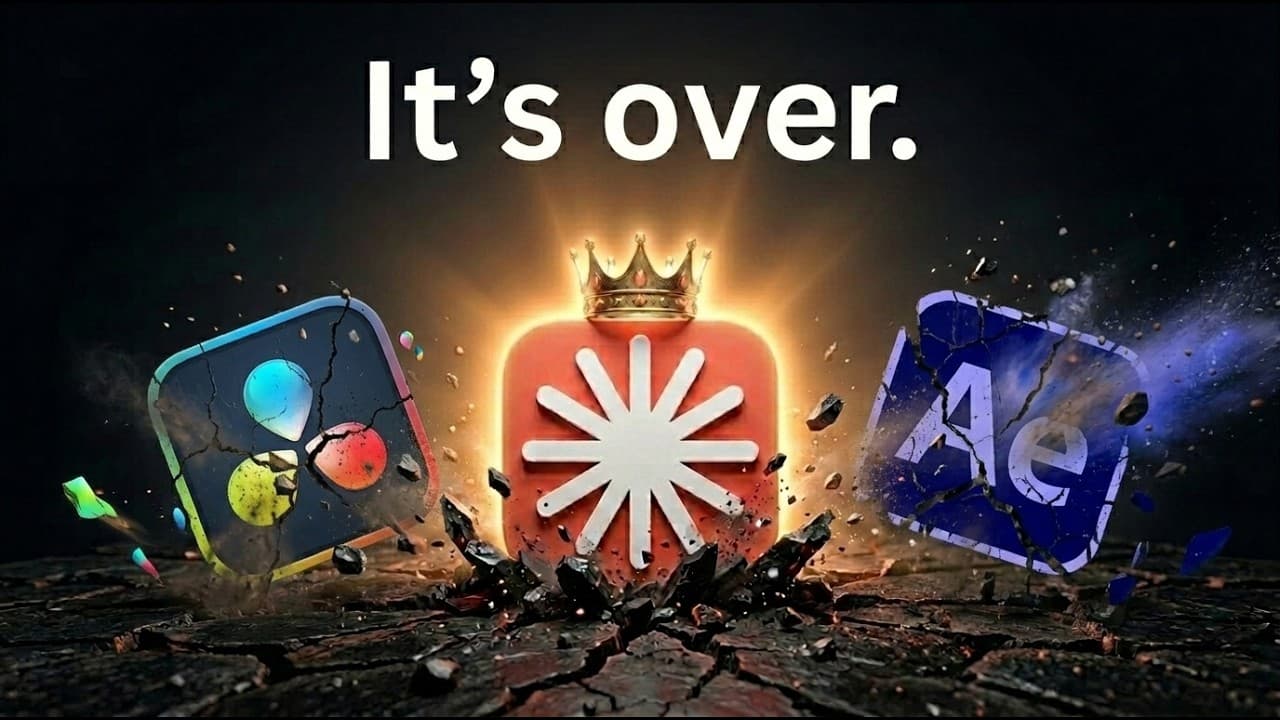
Claude transforms video editing by enabling natural language commands to create motion graphics and animations without coding. Using Claude Design and Hyperframes, users can quickly produce customized, branded videos. The process saves significant time compared to traditional methods, making it ideal for both beginners and experienced editors seeking efficiency.
Transcript
Today I'm going to show you guys how Claude can be a complete game changer for editing videos. Whether that's text on screen like up here or whether that's subtitles down at the bottom like right here or it could be motion graphics or charts and different elements. It can be pretty much anything you want it to be. I can move my face around if I wan... Read More
Key Insights
- Claude allows video editing through natural language, eliminating the need for coding skills.
- Claude Design and Hyperframes offer two methods for creating motion graphics and animations.
- Claude Design is suitable for quick, branded video creation with conversational setup.
- Hyperframes provides advanced customization for detailed video projects.
- Users can automate 60% of video editing with deterministic logic, 30% with AI assistance, and 10% with manual input.
- The process significantly reduces the time required for video editing, from hours to minutes.
- Claude's integration with tools like ffmpeg allows seamless video rendering and exporting.
- The system requires iteration and feedback to refine outputs and achieve desired results.
Install to Summarize YouTube Videos and Get Transcripts
Explore YouTube Video Summarizer or Get YouTube Transcript Extractor
Questions & Answers
Q: How does Claude simplify video editing?
Claude simplifies video editing by allowing users to create motion graphics and animations through natural language commands, eliminating the need for coding skills. This approach enables both beginners and experienced editors to efficiently produce customized videos that align with their brand's style, significantly reducing the time required compared to traditional methods.
Q: What are the two methods for using Claude in video editing?
The two methods for using Claude in video editing are Claude Design and Hyperframes. Claude Design is ideal for quickly creating branded videos through conversational setup, while Hyperframes offers advanced customization for detailed projects. Both methods leverage natural language commands to streamline the editing process and produce high-quality outputs.
Q: What is the role of natural language in Claude's video editing process?
Natural language plays a crucial role in Claude's video editing process by allowing users to input commands and instructions in plain language, rather than using complex coding. This makes the editing process more accessible and intuitive, enabling users to create motion graphics and animations quickly and efficiently without requiring technical expertise.
Q: How does Claude Design differ from Hyperframes?
Claude Design differs from Hyperframes in that it is designed for quickly creating branded videos through a conversational setup, making it suitable for users seeking fast and straightforward video production. In contrast, Hyperframes offers advanced customization options for more detailed projects, allowing users to tailor every aspect of the video to their specific needs and preferences.
Q: What is the significance of the golden ratio in AI automation mentioned in the video?
The golden ratio in AI automation, as mentioned in the video, refers to the optimal distribution of automation tasks: 60% automated through deterministic logic, 30% assisted by AI, and 10% requiring human intervention. This framework helps balance efficiency and accuracy in video editing, ensuring that the process is streamlined while maintaining high-quality outputs.
Q: What are the benefits of using Claude for video editing?
The benefits of using Claude for video editing include significantly reduced editing time, accessibility for users without coding skills, and the ability to produce customized, branded videos. Claude's natural language processing capabilities streamline the creation of motion graphics and animations, making the editing process more efficient and less labor-intensive.
Q: How does Claude integrate with other tools like ffmpeg?
Claude integrates with tools like ffmpeg to enable seamless video rendering and exporting. This integration allows users to convert their edited projects into various video formats, ensuring compatibility with different platforms and devices. By leveraging ffmpeg, Claude enhances the overall video editing workflow, providing a comprehensive solution for creating and distributing high-quality videos.
Q: What challenges might users face when using Claude for video editing?
Users might face challenges such as the need for iteration and feedback to refine outputs, as the system requires adjustments to achieve desired results. Additionally, while Claude simplifies the editing process, users must still have a basic understanding of video editing principles to effectively guide the AI in creating high-quality videos. Managing resource usage, such as CPU and RAM, during rendering is also important for optimal performance.
Summary & Key Takeaways
-
Claude revolutionizes video editing by enabling users to create motion graphics and animations using natural language commands. This approach eliminates the need for coding skills, making it accessible to a wider audience. By utilizing Claude Design for quick setups and Hyperframes for detailed customization, users can efficiently produce branded videos that match their style.
-
The video demonstrates two methods: Claude Design for conversationally creating motion graphics and Hyperframes for more complex projects requiring customization. Users can automate a significant portion of the editing process, drastically reducing the time needed to produce high-quality videos. This approach is ideal for both beginners and experienced editors seeking efficiency.
-
By combining Claude's capabilities with tools like ffmpeg, users can seamlessly render and export videos. The system requires iteration and feedback to refine outputs, ensuring that the final product meets expectations. This innovative method transforms traditional video editing, making it faster and more accessible.
Read in Other Languages (beta)
Share This Summary 📚
Summarize YouTube Videos and Get Video Transcripts with 1-Click
Try YouTube Summary with ChatGPT & Claude or YouTube Transcript Generator
Explore More Summaries from Nate Herk | AI Automation 📚






Summarize YouTube Videos and Get Video Transcripts with 1-Click
Try YouTube Summary with ChatGPT & Claude or YouTube Transcript Generator