How Does Letterly AI Improve Speech-to-Text Accuracy?
TL;DR
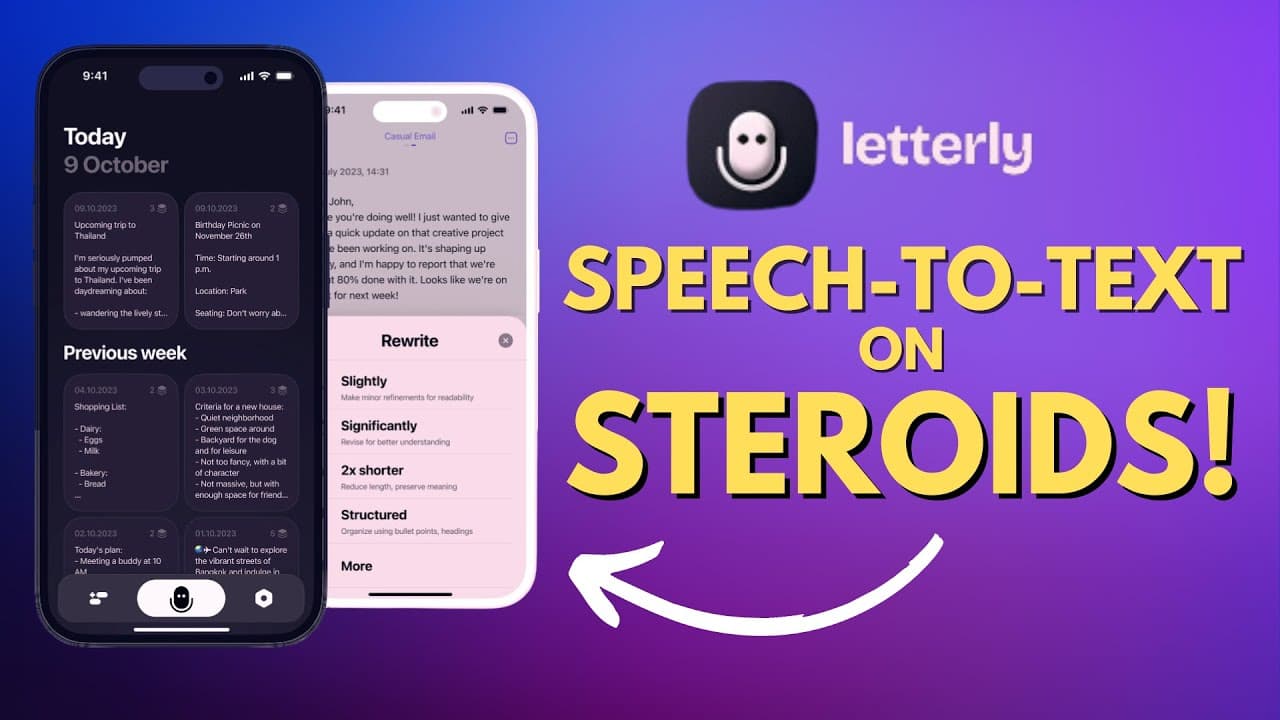
Letterly AI enhances speech-to-text accuracy by allowing users to dictate their thoughts, which it then transcribes into well-written text. It offers editing options to make the text more concise, clear, or suitable for various formats like emails and social media posts. Users can also structure the content as bullet points, making it a versatile tool for repurposing speech.
Transcript
so speech to text is a great feature on my iPhone but I find that I don't really use it too often because when I do use speech to text I tend to ramble or I I'm not quite sure what I want to say and in the end me having to go and edit the text that I transcribed tends to take more time than it would be just to sit there and type things out well I'm... Read More
Key Insights
- 😀 Letterly is an app that utilizes AI to enhance the speech-to-text conversion process, offering a range of editing options to make the text clear, concise, expanded, or suitable for different purposes.
- 😥 The app's ability to transform spoken words into bullet points or different formats like emails, social media posts, and threaded tweets provides versatility in repurposing content.
- 😯 By saving users time in editing and transcribing speech, Letterly aims to make the speech-to-text feature more accessible and beneficial for individuals who struggle with rambling or uncertainty while dictating.
- 🎁 Letterly offers a free 7-day trial for users to experience its features before committing to a subscription plan, allowing them to determine if the app aligns with their needs and workflow.
- 😀 The option to have a 30-minute call with the founders showcases Letterly's commitment to user feedback and continuous improvement of the app's functionality.
- 😀 The app is available for both iOS and Android users, making it accessible to a wide range of individuals.
- 😯 Letterly's features have the potential to benefit professionals who frequently need to convert speech into written content for various purposes, such as emails, social media posts, or presentations.
Install to Summarize YouTube Videos and Get Transcripts
Explore YouTube Video Summarizer or Get YouTube Transcript Extractor
Questions & Answers
Q: How does Letterly simplify speech transcription and editing?
Letterly simplifies speech transcription and editing by transcribing spoken words into text and offering a range of editing options like making the text more concise, clear, expanded, professional, or suitable for social media posts.
Q: Can Letterly convert text into different formats?
Yes, Letterly can convert text into various formats such as bullet points, casual emails, formal emails, LinkedIn posts, and even series of threaded tweets.
Q: Does Letterly require a subscription to use?
Yes, Letterly is a free download, but a subscription plan is required to fully utilize its services. However, users can try it out with a free 7-day trial before deciding to purchase a subscription.
Q: Are there additional features or support available in Letterly?
Yes, users have the option to book a 30-minute call with the founders of Letterly to discuss possible improvements. This feature allows users to directly engage with the app's creators.
Summary & Key Takeaways
-
Letterly is an app that uses AI to convert spoken words into well-written text, providing options for concise, clear, expanded, professional, or social media-style content.
-
Users can dictate their speech using the app and then edit or rewrite the transcribed text to make it more suitable for different purposes.
-
The app offers features like bullet points, transforming text into emails, and repurposing content for social media platforms.
Read in Other Languages (beta)
Share This Summary 📚
Summarize YouTube Videos and Get Video Transcripts with 1-Click
Try YouTube Summary with ChatGPT & Claude or YouTube Transcript Generator
Explore More Summaries from EdTech Hustle 📚




![Keynote: Remove The Background of Any Photo [Using Instant Alpha] thumbnail](/_next/image?url=https%3A%2F%2Fi.ytimg.com%2Fvi%2F0Ji-uTffzJE%2Fhqdefault.jpg&w=750&q=75)

Summarize YouTube Videos and Get Video Transcripts with 1-Click
Try YouTube Summary with ChatGPT & Claude or YouTube Transcript Generator