How Can I Debug My Code Effectively?
TL;DR
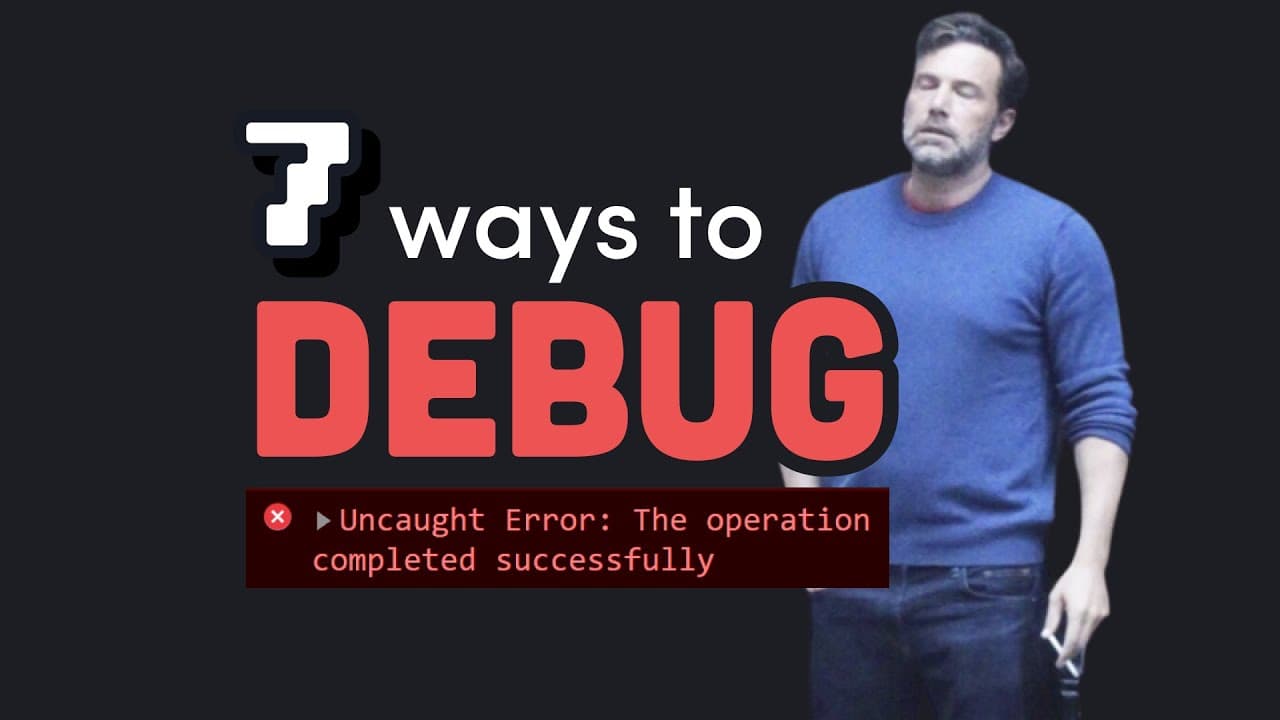
To debug your code effectively, follow these seven tips: read documentation thoroughly, understand error messages, utilize logging and debuggers, reproduce bugs in minimal environments, implement automated testing, use static analysis tools, and take breaks to refresh your mind. These practices help improve code quality and efficiency while minimizing programming errors.
Transcript
the key to becoming an efficient programmer is to never write any bugs unfortunately that's virtually impossible when your code doesn't work as expected 99 of the time it's your own code to blame you cannot blame all me however about 0.99 of the time it's the pulse of somebody else on your team and you can get pissed off at them accordingly but the... Read More
Key Insights
- 🐛 Most bugs in code are attributed to programmer errors, teamwork issues, library bugs, compiler issues, and hardware faults.
- 🫠 Utilize debugging tips like reading documentation, interpreting error messages, using logging, debugger tools, reproducing bugs, automated testing, static analysis, and taking breaks.
- 🦻 Development of automated tests aids in debugging by ensuring code functionality and preventing bug regressions.
- 🐛 Static analysis tools like TypeScript and ESLint help to catch bugs early in the development process.
- 🥺 Taking breaks from debugging can lead to better problem-solving and bug resolution.
- 👨💻 The importance of thorough debugging processes in ensuring code quality and efficiency.
- 🐛 Understanding the various causes of bugs and employing appropriate debugging strategies can enhance programming skills.
Install to Summarize YouTube Videos and Get Transcripts
Explore YouTube Video Summarizer or Get YouTube Transcript Extractor
Questions & Answers
Q: What are the common causes of bugs in code according to the content?
The content mentions that most bugs stem from errors in the programmer's code, followed by team collaboration issues, library bugs, compiler bugs, and hardware faults.
Q: How can a programmer effectively understand and interpret error messages?
It is recommended to learn to decode error messages and stack traces, as well as use search engines like Google to translate and troubleshoot error messages effectively.
Q: What is the significance of using logging in debugging practices?
Logging allows programmers to track and verify application data, identify bugs systematically, and organize data priority levels for effective debugging processes.
Q: How can reproducing bugs assist in the debugging process?
Reproducing bugs in a controlled environment helps in root cause analysis, problem-solving, and sharing examples with other developers for better bug resolution strategies.
Summary & Key Takeaways
-
Most bugs in code are due to errors in the programmer's own code, followed by issues in team collaboration, library bugs, compiler bugs, and hardware faults.
-
Seven debugging tips are provided, including reading documentation, understanding error messages, using logging and debuggers, reproducing bugs, automated testing, static analysis tools, and taking breaks.
-
The importance of thorough debugging practices, from basic reading to advanced tools and techniques, to ensure code quality and efficiency.
Read in Other Languages (beta)
Share This Summary 📚
Summarize YouTube Videos and Get Video Transcripts with 1-Click
Try YouTube Summary with ChatGPT & Claude or YouTube Transcript Generator
Explore More Summaries from Fireship 📚






Summarize YouTube Videos and Get Video Transcripts with 1-Click
Try YouTube Summary with ChatGPT & Claude or YouTube Transcript Generator