How to Efficiently Use Cornell Notes in Obsidian
TL;DR
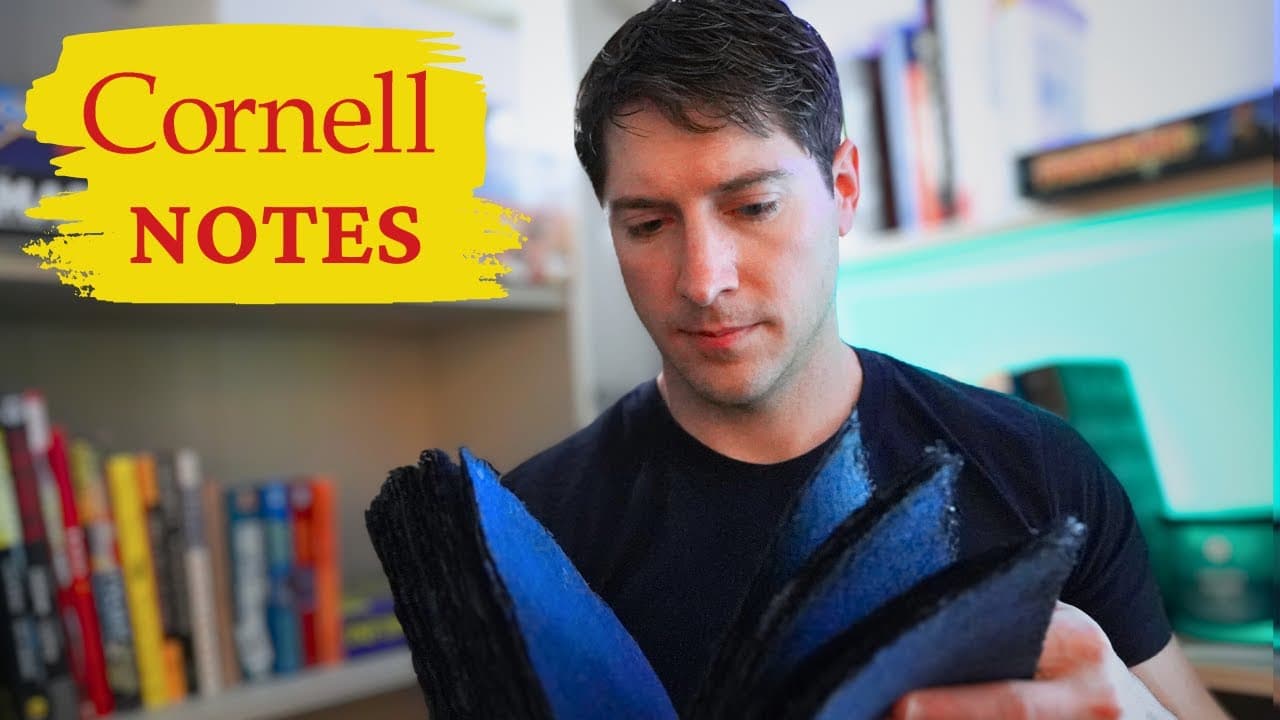
Cornell notes are a powerful method for enhancing learning and information retention, combining notes, cues, and summaries. This video demonstrates how to implement Cornell notes in Obsidian, a versatile note-taking tool, enabling active engagement with your material for better comprehension and recall.
Transcript
Cornell notes are a time-tested way to learn better and recall more but can we use them in the digital age well now the answer is yes in this video I'll show you how to take Cornell notes in obsidian the free and future-proof note-taking tool that has empowered the world to think maybe just a little bit better let's go so what are Cornell notes fir... Read More
Key Insights
- 💁 Walter Pock developed the Cornell notes format in the 1950s, and it remains effective today.
- 🎵 Cornell notes promote active engagement in learning, going beyond passive note-taking.
- 🎵 Obsidian enables the application of Cornell notes to digital content, enhancing learning and recall.
- ⛑️ Using cues, connections, and summaries in Cornell notes improves understanding and retention.
- 🎵 Digital Cornell notes offer additional benefits like easy organization and incorporation of multimedia elements.
- 📔 Over-highlighting or copying all markings from a book into Cornell notes is unnecessary and counterproductive.
- 🤩 Cornell notes focus on capturing key ideas and observations, allowing for personal reflection and opinion.
Install to Summarize YouTube Videos and Get Transcripts
Explore YouTube Video Summarizer or Get YouTube Transcript Extractor
Questions & Answers
Q: What are Cornell notes and how do they differ from traditional note-taking methods?
Cornell notes involve taking notes on the right side of the page, cues or questions on the left, and a summary at the bottom. This method encourages active engagement and synthesis of information, setting it apart from rote memorization.
Q: Why are Cornell notes effective in promoting learning and retention?
Cornell notes require learners to actively process information by creating cues, connections, and summaries. This engagement deepens understanding and enhances memory retrieval.
Q: How can Cornell notes be applied to digital content using obsidian?
Obsidian provides a platform to create digital Cornell notes. Users can input notes, cues, and summaries in separate sections of the digital note, allowing for easy organization and retrieval of information.
Q: What are the benefits of using digital Cornell notes?
Digital Cornell notes in obsidian offer advantages such as easy searchability, portability, and the ability to add multimedia elements like images and diagrams to enhance understanding.
Key Insights:
- Walter Pock developed the Cornell notes format in the 1950s, and it remains effective today.
- Cornell notes promote active engagement in learning, going beyond passive note-taking.
- Obsidian enables the application of Cornell notes to digital content, enhancing learning and recall.
- Using cues, connections, and summaries in Cornell notes improves understanding and retention.
- Digital Cornell notes offer additional benefits like easy organization and incorporation of multimedia elements.
- Over-highlighting or copying all markings from a book into Cornell notes is unnecessary and counterproductive.
- Cornell notes focus on capturing key ideas and observations, allowing for personal reflection and opinion.
- Cornell notes provide an effective method for turning reading into a tool for thought and idea generation.
Summary & Key Takeaways
-
Cornell notes are a note-taking method that has evolved since the 1950s and is still effective in the digital age.
-
Cornell notes require active engagement with the material, including creating questions, making connections, and summarizing information.
-
Using obsidian, a note-taking tool, Cornell notes can be applied to digital content, such as books, to improve learning and retention.
Read in Other Languages (beta)
Share This Summary 📚
Summarize YouTube Videos and Get Video Transcripts with 1-Click
Try YouTube Summary with ChatGPT & Claude or YouTube Transcript Generator
Explore More Summaries from Linking Your Thinking with Nick Milo 📚
Summarize YouTube Videos and Get Video Transcripts with 1-Click
Try YouTube Summary with ChatGPT & Claude or YouTube Transcript Generator