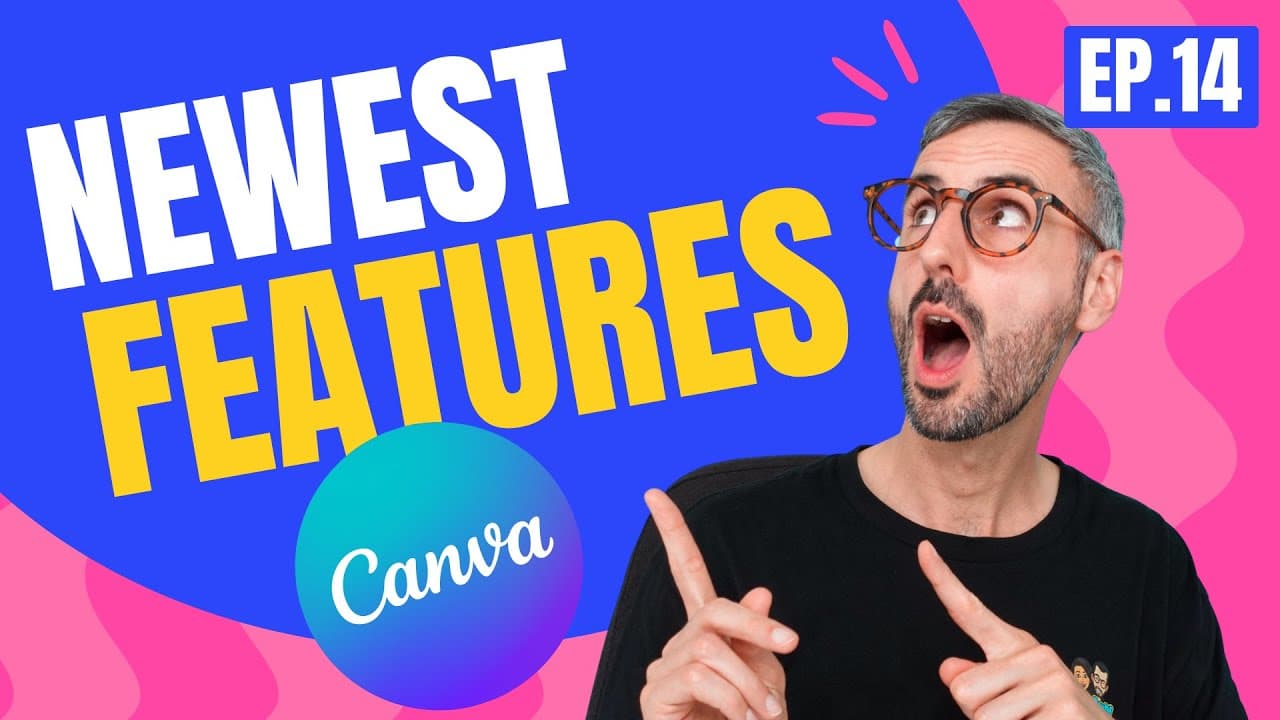
NEW: INSANE Time-Saving & Creative Features | What's HOT in Canva 🔥 [Ep. 14]
TL;DR
Canva introduces Dark Mode, Quick Create, Slash Magic, Text Background Effect, Blur App, and Video Filters in the latest updates.
Transcript
it's been a hot minute now since our last episode of what's hot with canva so there's a bunch of new things to discuss and we are starting right now what is up everyone my name is ronnie welcome back to the channel the channel is growing which makes me and diana very happy if this is your first time here please know that we have two tutorials every... Read More
Key Insights
- 👤 Dark Mode feature introduced in Canva for customizing the theme according to user preferences.
- 👤 Quick Create enables users to swiftly generate a collection of designs for social media platforms.
- 🎨 Slash Magic provides a shortcut for designing elements within the Canva editor efficiently.
- 👻 Text Background Effect allows for easy creation of backgrounds behind text boxes in Canva.
- 🥳 The Blur App offers the ability to blur parts of photos for both creative and privacy purposes.
- 🎮 Video Filters feature enhances the recording studio in Canva with various filters for video content.
- ❓ Photographer Highlight of Core Lens showcasing diverse and authentic portrait photography.
Install to Summarize YouTube Videos and Get Transcripts
Explore YouTube Video Summarizer or Get YouTube Transcript Extractor
Questions & Answers
Q: How can users access Dark Mode in Canva?
Dark Mode can be accessed by clicking on the profile picture, navigating to account settings, and choosing the option in the theme section. It is available for both free and pro users.
Q: What is the purpose of Quick Create in Canva?
Quick Create is designed for active social media users to create a collection of designs efficiently for various platforms like Instagram, Facebook, and LinkedIn, providing a quick and convenient design solution.
Q: How does Slash Magic enhance the design process in Canva?
Slash Magic offers a shortcut to create design elements by simply hitting the slash key and searching for desired elements like sparkles, rainbows, or images, providing a faster way to design within the Canva editor.
Q: What are the benefits of using the Blur App in Canva?
The Blur App allows users to blur specific parts of photos for both creative purposes and privacy concerns, offering a quick and easy way to edit images within Canva for various needs.
Summary & Key Takeaways
-
Canva introduces Dark Mode allowing users to customize the theme to their preference.
-
Quick Create feature enables faster creation of designs for social media platforms.
-
Slash Magic offers a quick way to design elements within the Canva editor.
Read in Other Languages (beta)
Share This Summary 📚
Summarize YouTube Videos and Get Video Transcripts with 1-Click
Try YouTube Summary with ChatGPT & Claude or YouTube Transcript Generator
Explore More Summaries from Design with Canva 📚



Summarize YouTube Videos and Get Video Transcripts with 1-Click
Try YouTube Summary with ChatGPT & Claude or YouTube Transcript Generator