How to Build a Blog Web App Using Django and Python
TL;DR
To build a blog web application with Django and Python, start by installing Django and creating a new project using the command django-admin startproject your_project_name. The tutorial covers creating user authentication, handling posts, and using the admin panel for backend management, making it a comprehensive guide for web app development.
Transcript
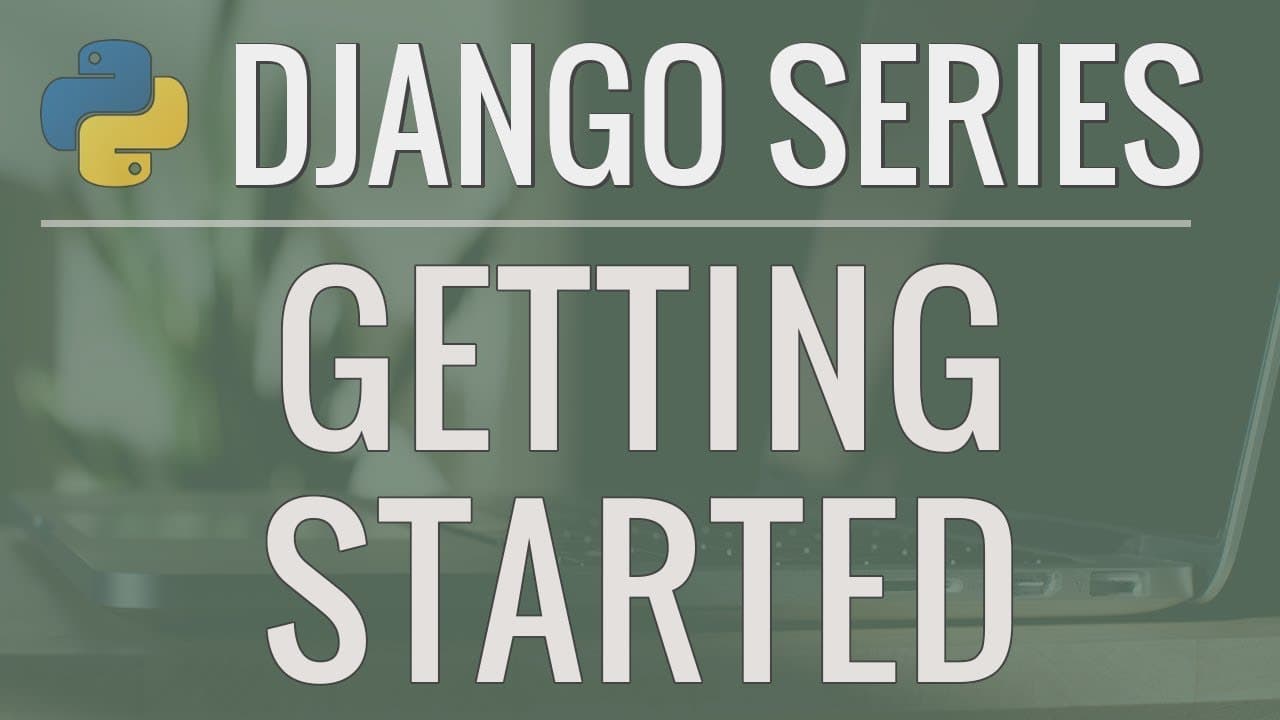
hey there how's it going everybody in this series of videos were going to be learning how to build a full-featured web application using the Django framework and Python so Django is a very popular framework that gives us a lot of functionality right out of the box and makes it really enjoyable to work with these web applications so first let me sho... Read More
Key Insights
- 🕸️ Django is a popular framework that simplifies web application development.
- 💌 The tutorial series covers various aspects, including working with databases, creating an authentication system, accepting user input, and sending password reset emails.
- 👤 The application includes features like user registration, profile updates, and post deletion.
- 👻 Access to the administration page allows for easy management of the backend.
- 👨💻 The tutorial provides options to download source code and compare Django with Flask.
- ✋ Python version 3.6 or higher is recommended for running the application.
- 📽️ The project structure created by Django's "start project" command includes essential files for configuration and routing.
Install to Summarize YouTube Videos and Get Transcripts
Explore YouTube Video Summarizer or Get YouTube Transcript Extractor
Questions & Answers
Q: How does Django make it easier to build web applications?
Django provides a lot of functionality out of the box, making it enjoyable to work with and allowing developers to build feature-rich applications quickly and easily.
Q: Can users register and create new accounts on the application?
Yes, the application includes an authentication system that allows new users to register and create accounts with usernames and passwords.
Q: Can users update their profile information and profile picture?
Yes, users can update their profile information and profile picture within the application.
Q: Is it possible to delete posts on the application?
Yes, users have the ability to delete their own posts within the application.
Key Insights:
- Django is a popular framework that simplifies web application development.
- The tutorial series covers various aspects, including working with databases, creating an authentication system, accepting user input, and sending password reset emails.
- The application includes features like user registration, profile updates, and post deletion.
- Access to the administration page allows for easy management of the backend.
- The tutorial provides options to download source code and compare Django with Flask.
- Python version 3.6 or higher is recommended for running the application.
- The project structure created by Django's "start project" command includes essential files for configuration and routing.
- Running the Django server allows for easy preview of the default website and any changes made to the code.
Summary & Key Takeaways
-
This video tutorial series teaches how to build a web application using Django and Python.
-
The application is a blog-style platform where users can write and view posts, login, update profiles, and reset passwords.
-
Key features include working with databases, creating an authentication system, accepting user input, sending password reset emails, and accessing the admin page.
Read in Other Languages (beta)
Share This Summary 📚
Summarize YouTube Videos and Get Video Transcripts with 1-Click
Try YouTube Summary with ChatGPT & Claude or YouTube Transcript Generator
Explore More Summaries from Corey Schafer 📚
Summarize YouTube Videos and Get Video Transcripts with 1-Click
Try YouTube Summary with ChatGPT & Claude or YouTube Transcript Generator