How to Record Professional Vocals with Apollo Twin
TL;DR
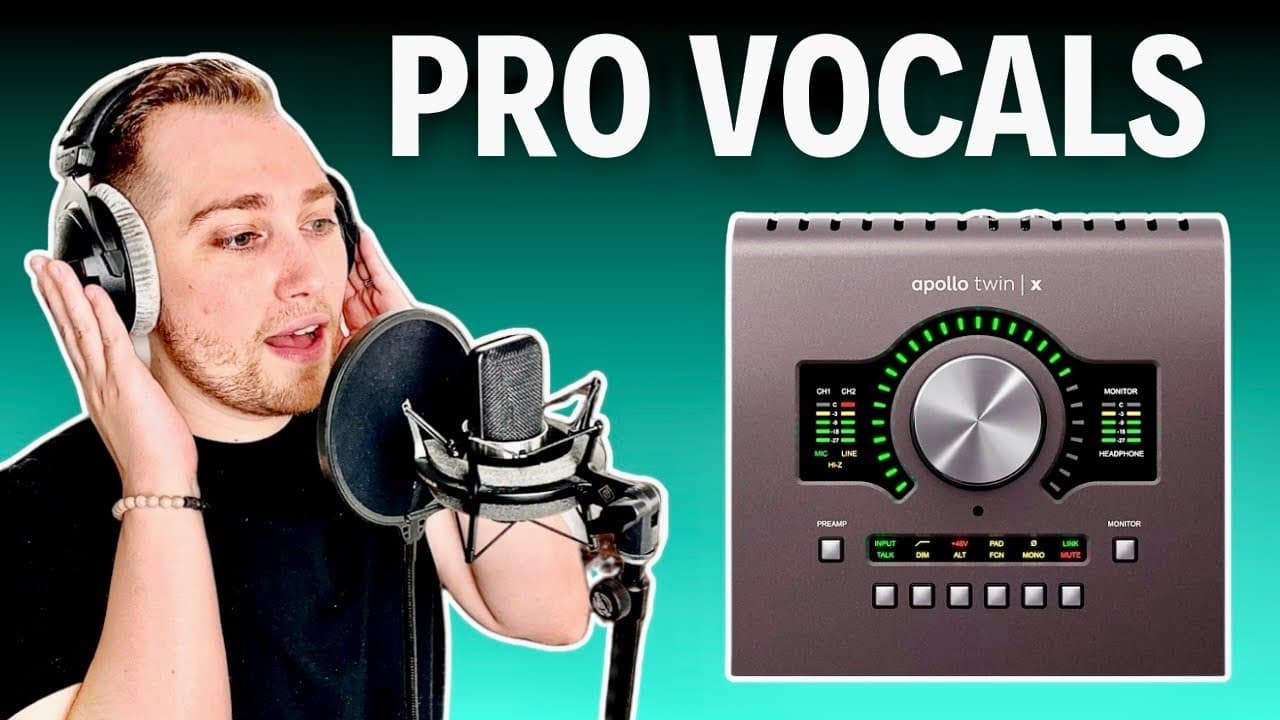
To record professional vocals with the Apollo Twin, connect it to your computer and microphone, and set up your DAW with low latency monitoring. Use plugins like the 610B preamp and 1176 compressor for optimal sound, employing techniques like serial compression for dynamic balance. Choose between UAD recording modes for real-time effects or flexibility in post-production.
Transcript
in this video I'm going to show you how to record professional sounding vocals with the Apollo twin step number one is to connect your Apollo to your computer and if you haven't done so go to Universal audio's official website and download the console app step number two is to connect your microphone to one of the inputs on the Apollo and if you're... Read More
Key Insights
- 😀 Proper connection of the Apollo Twin and the console app setup is critical for seamless recordings.
- 😒 Utilizing a condenser microphone requires activating phantom power via the 48-volt switch for effective use.
- 👂 The 610B preamp plugin can enhance vocal recordings by adding a tube saturation effect, which enriches the overall sound.
- 🙊 The 1176 and LA2A compressors serve specific purposes, with the former controlling peaks and the latter providing overall balance.
- 🆘 Serial compression helps prevent over-compression, maintaining the dynamic quality of vocal performances.
- 🥰 Adding reverb in the headphone mix allows vocalists to hear their performance better without affecting the recorded track.
- 😀 Recording modes in the console app provide options for either real-time plugin effects during recording or flexibility in post-production.
Install to Summarize YouTube Videos and Get Transcripts
Explore YouTube Video Summarizer or Get YouTube Transcript Extractor
Questions & Answers
Q: How do I connect the Apollo Twin to my computer?
Start by connecting the Apollo Twin to your computer via USB. It's essential to install the console app, which you can download from Universal Audio’s official website. This application allows you to manage your audio settings and plugins effectively, enabling a seamless recording experience.
Q: Why is it necessary to mute the audio track in the DAW?
Muting the audio track in your DAW while monitoring through the console app prevents feedback and echo effects caused by a double signal. If the audio track is unmuted, you might hear both the live input and the delayed playback, which can distract you and impair your recording session.
Q: What is the purpose of using multiple compressors in a vocal chain?
Using multiple compressors, such as the 1176 and the LA2A, allows for serial compression, which distributes the workload among the compressors. This technique minimizes dynamics without over-compressing, preserving the vocal's life and character while controlling peaks effectively.
Q: How can I best adjust levels while recording vocals?
Monitor the levels through your Apollo Twin by ensuring the meters hit between negative 18 to negative 10 dB. This range denotes a healthy recording level that avoids clipping. Adjust the input level using the level knob, ensuring clear and professional-sounding vocals are captured.
Summary & Key Takeaways
-
The video outlines the steps for connecting and setting up the Apollo Twin for professional vocal recording, emphasizing the importance of using the console app.
-
Properly configuring your digital audio workstation (DAW) and creating an effective vocal chain is crucial, including using compressors like the 1176 and LA2A for optimal sound.
-
The video highlights the recording modes available in the console app, allowing for flexibility in either printing effects or applying them during post-production.
Read in Other Languages (beta)
Share This Summary 📚
Summarize YouTube Videos and Get Video Transcripts with 1-Click
Try YouTube Summary with ChatGPT & Claude or YouTube Transcript Generator
Explore More Summaries from Home Studio Academy 📚

Summarize YouTube Videos and Get Video Transcripts with 1-Click
Try YouTube Summary with ChatGPT & Claude or YouTube Transcript Generator