How to Build an AI Workflow for Viral Short Videos
TL;DR
Create short-form videos faster by scripting in Apple Notes, presenting through Promptor Pro, recording separate camera and OBS audio files, and editing in Adobe Premiere. Keep viewers engaged by introducing conflict early, adding personal analysis, choosing the best of multiple takes, and using pattern interrupts, custom visuals, captions, sound effects, and music.
Transcript
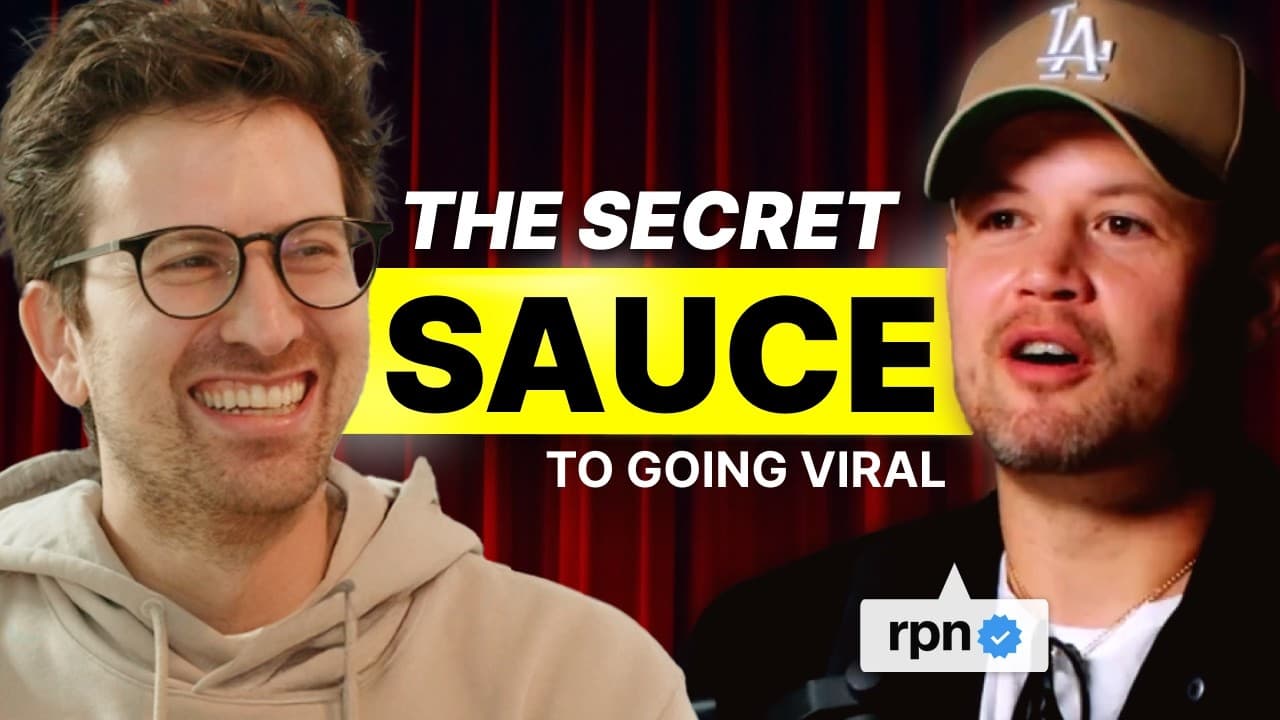
This episode gave me goosebumps. Roberto Nixon, he is probably the greatest short form creator that exists on the internet. He's gotten millions of followers, hundreds of millions of views. And in today's episode, he gives a behind the scenes of his entire process, the nitty-gritty stuff of how he comes up with the most scrolltoppping short form vi... Read More
Key Insights
- Short-form video is Roberto’s preferred top-of-funnel format for attracting attention. His production system is organized as a repeatable sequence from idea to script, recording, editing, and deployment, with speed developing through preparation and muscle memory.
- The recording setup is built inside a home garage rather than a professional studio. It includes a Canon R5C, a teleprompter, controlled lighting, a laptop, and remotely managed lights positioned behind, in front of, and above the presenter.
- Apple Notes is the central scripting workspace in Roberto’s process. Finished copy is transferred into Promptor Pro, allowing him to read through a teleprompter instead of memorizing lines or repeatedly checking a phone between takes.
- The key to informative scripting is adding interpretation instead of presenting an information dump. Roberto contributes his opinion, identifies why the subject matters, and introduces conflict early so the audience has a reason to continue watching for the resolution.
- Separate audio recording provides a backup if one file becomes corrupted. Roberto captures the image with the Canon R5C while recording audio through OBS, producing two distinct files rather than relying exclusively on audio recorded directly into the camera.
- Multiple takes improve the selection available during editing. Roberto commonly reads each line two or three times, corrects mistakes immediately, and chooses the strongest delivery later, while the teleprompter helps maintain a fast and information-dense presentation style.
- Strategic pattern interrupts are part of the editing process used to maintain viewer attention. The workflow combines audio treatment, visual effects, custom B-roll, captions, typography, sound effects, and music rather than depending on an uninterrupted talking-head recording.
- AI-generated visuals can provide custom B-roll for subjects that need additional illustration. Roberto’s listed visual workflow uses Nano Banana and Kling, while Adobe Premiere handles editing, Magic Bullet supports color grading, and Epidemic Sound and Artlist provide music and sound effects.
Install to Summarize YouTube Videos and Get Transcripts
Explore YouTube Video Summarizer or Get YouTube Transcript Extractor
Questions & Answers
Q: How do you create short-form videos quickly from idea to publication?
Use a repeatable workflow that moves from idea to script, recording, editing, optimization, and deployment. Roberto drafts in Apple Notes, transfers the script into Promptor Pro, records the image with a Canon R5C, and captures separate audio through OBS. Adobe Premiere supports editing, while prepared equipment, familiar file handling, and repeated practice turn the process into muscle memory.
Q: How should an informative short-form video script be structured?
An informative script should add a personal angle, explain why the subject matters, and establish conflict early enough to create an unresolved question. Roberto avoids treating the script as a simple information dump because he expects that approach to become heavily commoditized by AI. The opening should quickly give viewers a reason to keep watching for clarification or resolution.
Q: Why use a teleprompter when recording short-form videos?
A teleprompter makes recording faster by removing the need to memorize an entire script or read one line from a phone before every take. Roberto copies his Apple Notes script into Promptor Pro and displays it near the camera. This supports tightly paced, information-dense delivery and helps him respect the audience’s time while maintaining a direct presentation.
Q: Why should camera footage and audio be recorded separately?
Recording audio separately creates an additional file in case one recording becomes corrupted. Roberto records the visual footage with the Canon R5C and captures audio through OBS instead of depending only on audio sent directly to the camera. The arrangement provides redundancy while fitting into a workflow designed for reliable, fast production of repeated short-form content.
Q: How many takes should you record for each scripted line?
Roberto usually reads each line two or three times so he can select the strongest version during editing. If he makes a mistake, he immediately repeats the line instead of restarting the full presentation. This line-by-line approach, combined with a teleprompter, creates multiple usable options and keeps the recording session moving efficiently through the prepared script.
Q: How do pattern interrupts improve short-form video editing?
Strategic pattern interrupts help maintain viewer attention by changing what the audience sees or hears during a talking-head presentation. Roberto’s editing process incorporates visual effects, custom B-roll, captions, typography, sound effects, music, and audio treatment. These elements create variation throughout the edit and support the information being delivered instead of leaving the visual presentation unchanged.
Q: How are AI-generated visuals used as custom B-roll?
AI-generated visuals can illustrate ideas that need more than the primary talking-head footage. Roberto’s workflow uses Nano Banana and Kling to produce custom B-roll, which can then be incorporated into the broader edit. These generated assets sit alongside screen recordings, downloaded material, captions, visual effects, music, and sound effects as part of the completed presentation.
Q: What software and hardware are used in Roberto Nixon’s video workflow?
The listed software includes Apple Notes, Promptor Pro, OBS, Adobe Premiere, Magic Bullet, Downy, Screen Studio, Epidemic Sound, and Artlist. Nano Banana and Kling are used for AI-generated visuals. The demonstrated hardware includes a Canon R5C, a Mac Studio, two Apple Studio Displays, an Apollo Solo, a teleprompter, and remotely controlled lighting in a garage studio.
Summary & Key Takeaways
-
Roberto Nixon’s workflow moves from idea and script to recording, editing, optimization, and deployment. Apple Notes holds the scripts, Promptor Pro displays them on a teleprompter, a Canon R5C captures the picture, and OBS records separate audio. The streamlined arrangement makes repeated production steps faster through familiarity and preparation.
-
His informational scripts avoid becoming simple information dumps. Each video adds Roberto’s opinion, explains why the subject matters, and introduces conflict near the beginning so viewers expect a resolution. A teleprompter supports fast, information-dense delivery, while recording lines two or three times provides stronger options during the edit.
-
Post-production combines Adobe Premiere, Magic Bullet, downloaded or screen-recorded material, AI-generated visuals, captions, typography, sound effects, and music. Strategic pattern interrupts help sustain attention. Roberto uses Nano Banana and Kling to create custom B-roll, while Epidemic Sound and Artlist supply music and effects for the finished short-form video.
Read in Other Languages (beta)
Share This Summary 📚
Summarize YouTube Videos and Get Video Transcripts with 1-Click
Try YouTube Summary with ChatGPT & Claude or YouTube Transcript Generator
Explore More Summaries from Greg Isenberg 📚



Summarize YouTube Videos and Get Video Transcripts with 1-Click
Try YouTube Summary with ChatGPT & Claude or YouTube Transcript Generator