How to Convert Text to Video Using Python
TL;DR
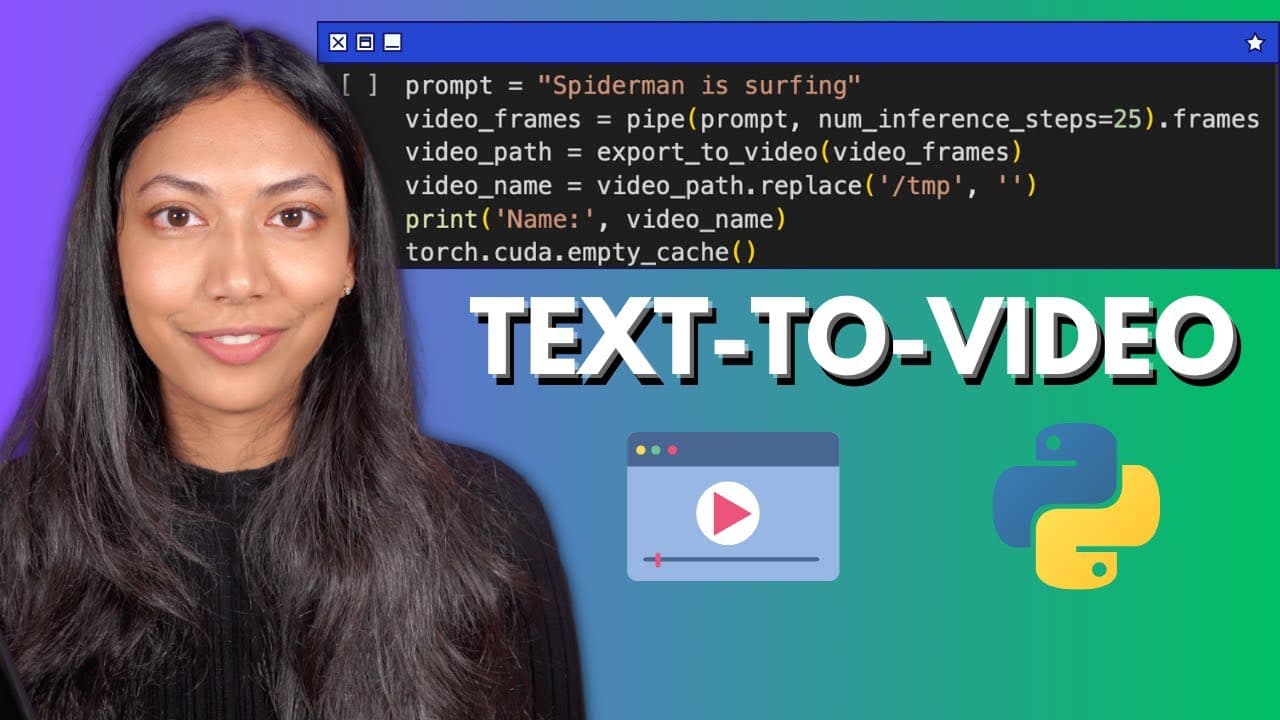
To convert text to video using Python in Google Colab, ensure you have GPU resources enabled and install essential libraries like diffusers and Transformers. The process involves three stages: extracting text features, bridging those features to a video latent space, and generating the final video output. You can provide a prompt and set parameters to customize the video creation.
Transcript
hi everyone this is Smitha from assembly Ai and in this video we're going to be looking at how we can convert text to video in just a few lines of code in Python so let's get started for this tutorial we're going to be making use of the demo B lab model which is created by model scope and this model essentially converts text to video using a diffus... Read More
Key Insights
- 🎮 Utilize GPU resources in Google Colab for efficient text-to-video conversion in Python.
- 📚 Install necessary libraries like diffusers and Transformers for model implementation.
- ❓ Understand the three stages of operation in the demo vlab text to diffusion model.
- 📼 Provide a prompt to the model for video generation and set necessary parameters.
- 🫵 Access and view the generated video in the TMP folder in Google Colab.
- 🎮 Experiment with different prompts and parameters for diverse video outputs.
- 🎮 Explore the potential of generative AI in creating videos directly from text.
Install to Summarize YouTube Videos and Get Transcripts
Explore YouTube Video Summarizer or Get YouTube Transcript Extractor
Questions & Answers
Q: How does the diffusion model help in generating videos from text?
The diffusion model helps in generating videos by taking in text input, extracting its core meaning, creating an abstract video representation, and converting it into a final video through noise generation.
Q: What are the steps involved in converting text to video using Python?
The steps include setting up GPU resources in Google Colab, installing necessary libraries like diffusers and Transformers, creating a pipeline with the pre-trained model, and providing a prompt for video generation.
Q: What are the three stages of operation in the demo vlab text to diffusion model?
The three stages are text feature extraction, text feature to video latent space diffusion, and video latent space to real video generation, each playing a crucial role in the overall video creation process.
Q: How can the generated video be accessed and viewed after running the Python code?
Once the video is generated, it can be accessed in the TMP folder in Google Colab, downloaded to a local machine, and viewed using VLC player or any suitable video player.
Summary & Key Takeaways
-
Tutorial on converting text to video in Python using a diffusion model.
-
Steps include setting up GPU in Google Colab, installing necessary libraries, and running the model.
-
Model operates in three stages: text feature extraction, text feature to video latent space diffusion, and video latent space to video generation.
Read in Other Languages (beta)
Share This Summary 📚
Summarize YouTube Videos and Get Video Transcripts with 1-Click
Try YouTube Summary with ChatGPT & Claude or YouTube Transcript Generator
Explore More Summaries from AssemblyAI 📚






Summarize YouTube Videos and Get Video Transcripts with 1-Click
Try YouTube Summary with ChatGPT & Claude or YouTube Transcript Generator