How to Edit Music Creatively in Premiere Pro
TL;DR
Creative music editing works by matching transitions, effects, cuts, and song choices to the story rather than relying on routine fades. In Premiere Pro, editors can build ring-outs, reversed risers, synchronized echoes, false buildups, environmental music, varied beat cuts, dropouts, and remixed song sections to create tension, surprise, and stronger emotional shifts.
Transcript
enough with the one song fading out and another song Fading in that's boring it's time to be bold with the way that you edit your music here are five tips to get more creative with your video soundtrack let's Jump On In First we're starting out with smooth song transitions the first example is what you just heard in the intro the ring out effect no... Read More
Key Insights
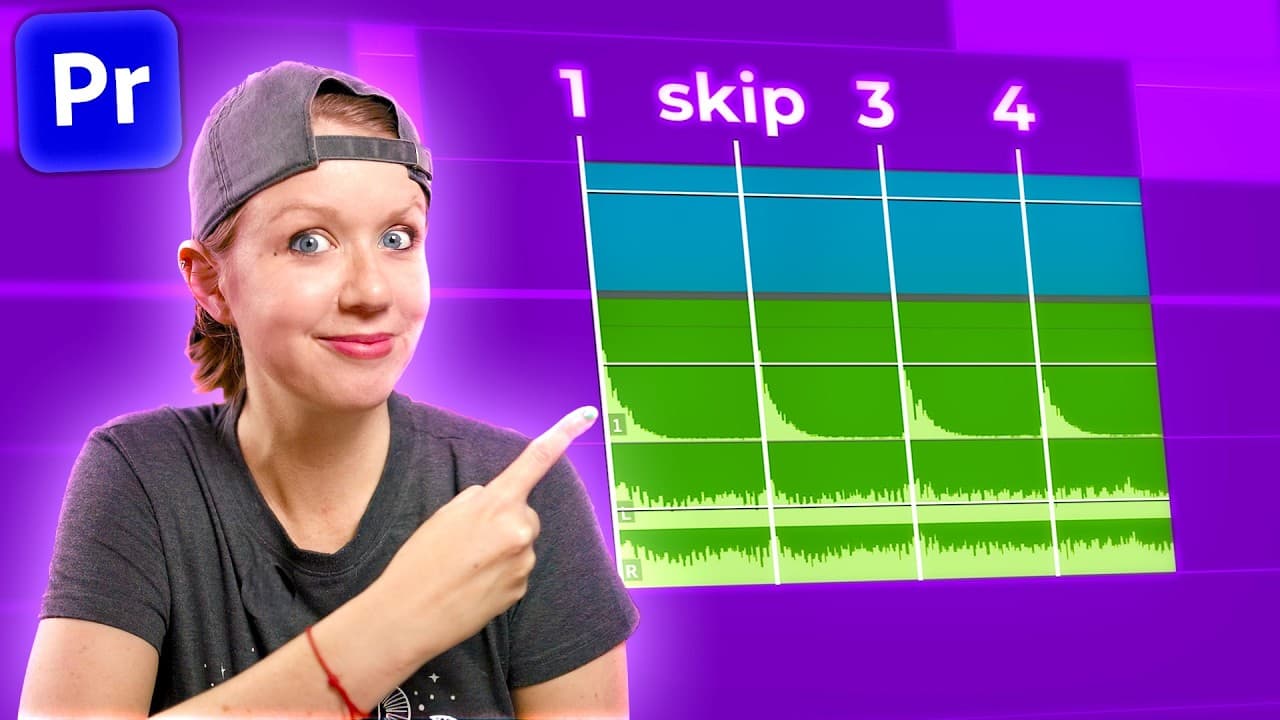
- A ring-out transition is created by isolating a short musical hit, duplicating and nesting it, and applying Studio Reverb. Setting dry to zero and wet to 100 isolates the reverberation, while increased decay and room size can extend the effect before the next track enters.
- A reversed ring-out works as a riser that creates tension before an impact. After using Render and Replace to convert the reverb nest into an audio file, reversing its speed turns the fading tail into a buildup that leads naturally into another track.
- A synchronized echo depends on matching the delay interval to the incoming song's tempo. The song's beats per minute can be converted into milliseconds, which correspond to the delay control, while higher millisecond values make the echo repeat more slowly.
- A false buildup redirects an expectation created by the first track. The editor finds a section that approaches an impact, cuts precisely where that impact should begin, and places the second song there so its entrance replaces the expected resolution.
- Song choice determines the emotional perspective of a scene. Sad and atmospheric music can emphasize emptiness, while carefree music featuring woodwinds can make the same imagery feel hopeful and aligned with nature, demonstrating that soundtrack decisions can reshape interpretation.
- Environmental music is created by processing a clean track as though it comes from a physical source. A radio equalizer preset and Convolution Reverb with a distant-source setting can make music sound like it is playing from a faraway speaker inside the scene.
- Music heard through a wall should emphasize low frequencies and reduce high frequencies. Enabling the parametric equalizer's low-pass filter, moving it left until the sound feels appropriate, and adding room reverb can simulate music coming from another room.
- Beat-based cutting becomes more engaging when timing varies. Most cuts can remain on the beat, but some can follow a snare instead of the kick, synchronize an on-screen movement to the rhythm, or use a complete musical dropout to disrupt expectations.
Install to Summarize YouTube Videos and Get Transcripts
Explore YouTube Video Summarizer or Get YouTube Transcript Extractor
Questions & Answers
Q: How do you create a ring-out music transition in Premiere Pro?
Cut out a short part of the song, preferably the first or last hit in a loop, and duplicate it onto the layer below by holding Alt, or Option on a Mac, while dragging. Extend the cutout but mute its extension, nest both clips, and apply Studio Reverb. Set dry to zero and wet to 100, then increase decay and room size if the reverberation needs to last longer.
Q: How do you turn a reverb tail into a riser?
Duplicate the nested reverb effect, right-click it, and choose Render and Replace so the ring-out becomes an audio file with visible waveforms. Open the Clip Speed window with Control or Command plus R, then reverse the speed. The reversed ring-out rises toward an impact, making it useful for building tension immediately before a new track begins.
Q: How do you synchronize an echo with a song's tempo?
Apply Analog Delay to a nested musical hit, reduce dry to zero, and raise wet to 100 so only the echo is heard. Increase feedback if the echo is too short. Convert the incoming track's beats per minute into milliseconds, then enter one of the resulting timing values as the delay. Higher millisecond values produce slower echo repetitions.
Q: What is a false buildup in music editing?
A false buildup uses one song to make listeners expect an approaching impact, then replaces that expected impact with a different song. Find a section where the first track is building, zoom into its waveform, and cut at the beginning of the anticipated hit. Position the next track so its entrance lands exactly where listeners expect the original impact.
Q: How can a crossfade between songs avoid sounding boring?
A crossfade works best when the chosen tracks have compatible sections. The example pairs an atmospheric passage from the first song with a minimal opening that gradually builds in the second. Overlap those suitable passages and drag the fade handle to crossfade them. The musical relationship between the sections makes the transition feel intentional rather than like a routine fade.
Q: How does music choice change a video's emotional meaning?
Music can shift the apparent perspective and emotional meaning of identical images. For a post-apocalyptic London scene, a sad, atmospheric, and somewhat dramatic track creates a sense of emptiness. Replacing it with carefree music featuring woodwinds introduces hope and suggests nature's perspective. The footage remains unchanged, but the soundtrack guides viewers toward a different interpretation.
Q: How do you make music sound like it comes from another room?
Add the Parametric Equalizer and enable its low-pass filter with the LP control. Move the filter left until enough high frequencies are removed, leaving the lower frequencies more prominent. Then add Studio Reverb, select the Room Ambience preset, lower the dry signal, and raise the wet signal. Together, these effects simulate music filtered through a wall and room space.
Q: How can editors cut to music without making every shot repetitive?
Keep most cuts connected to the rhythm, but do not place every edit on the same kick drum hit. Move selected cuts to another sound, such as the snare, to vary shot lengths. A cut can also occur away from the main beat while an on-screen movement, such as a character turning her head, synchronizes with it instead.
Summary & Key Takeaways
-
Smooth transitions can be created by isolating a song hit, duplicating and nesting it, then applying Studio Reverb with the dry level at zero and the wet level at 100. Rendering and reversing that ring-out produces a riser, which creates tension immediately before the next track or musical impact begins.
-
Music selection changes the meaning of an edited scene. A sad, atmospheric track can make post-apocalyptic London feel empty, while carefree music with woodwinds can suggest hope from nature's perspective. Music can also become part of the scene through equalization and reverb that simulate radios, distant speakers, or adjoining rooms.
-
Rhythmic editing becomes less repetitive when cuts alternate among different musical sounds instead of always following the main beat. Editors can synchronize movement to a beat, remove music for a strategic dropout, switch tracks at an expected impact, or rearrange song sections manually when the original structure does not fit the video's duration.
Read in Other Languages (beta)
Share This Summary 📚
Summarize YouTube Videos and Get Video Transcripts with 1-Click
Try YouTube Summary with ChatGPT & Claude or YouTube Transcript Generator
Explore More Summaries from Premiere Gal 📚






Summarize YouTube Videos and Get Video Transcripts with 1-Click
Try YouTube Summary with ChatGPT & Claude or YouTube Transcript Generator