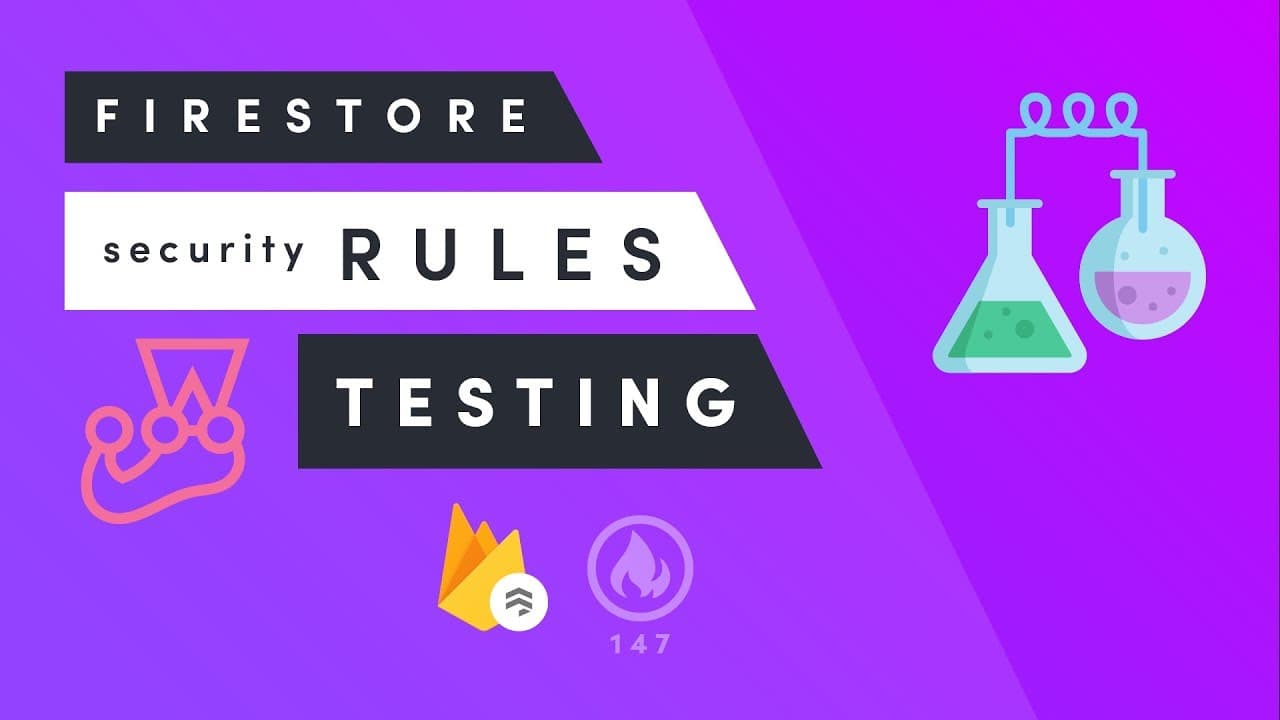
Firestore Rules Testing with the Emulator - New Feature
TL;DR
Firestore security rules can be tested locally by running the Firebase emulator and executing a Jest test suite against it. The setup uses Firebase Tools, firebase init firestore, a package.json, Firebase testing utilities, Jest, and Java; helper functions can initialize isolated databases with fake users and mock data before loading the rules. Read on for the specific setup commands, test workflow, and isolation practices.
Transcript
fire base summit wrapped up a few days ago and although I wasn't able to make it in person they did announce a bunch of cool new features the feature that is most exciting to me is the local emulator for Fighter Store and the real-time database the emulators allow you to run an instance of your database locally meaning you can build up a test suite... Read More
Key Insights
- ⌛ Firebase announced a local emulator for Firestore and real-time database at Firebase Fire Base Summit.
- 🔒 Using Jest for testing security rules enhances development efficiency and ensures robust back-end security.
- 🏃 Installing the Firebase emulator requires Java installation on the system for running database instances locally.
- 📏 Custom matchers in Jest can be created to simplify testing operations and ensure security rule compliance.
- 👤 Testing user authentication logic is crucial in securing databases, ensuring access control based on user credentials.
- ♿ Role-based access control and access control lists can be implemented in Firebase security rules for secure data access.
- 😫 Setting up mock data facilitates testing database interactions and security rule enforcement.
Install to Summarize YouTube Videos and Get Transcripts
Explore YouTube Video Summarizer or Get YouTube Transcript Extractor
Questions & Answers
Q: How do you test Firestore security rules with the Firebase emulator?
Create a new directory, install the latest Firebase Tools, and run firebase init firestore to pull in the selected project's existing security rules. Initialize a package.json, install Firebase testing utilities and Jest, start the emulator with firebase serve only firestore, and run the Jest specs in another terminal.
Q: Why should Firestore security rules be tested with a local emulator?
The emulator runs Firestore locally, so database interactions can be simulated without using the cloud. This speeds up development and helps verify that complex security rules behave as intended, increasing confidence in back-end security.
Q: Why does the tutorial use Jest for Firestore rules testing?
Jest is used because it is developer-friendly and well suited to testing asynchronous code. That matters because the Firestore test helpers and specifications use many async functions.
Q: What software and packages are required to set up the Firestore emulator tests?
The setup requires the latest Firebase Tools, a package.json created with npm init, Firebase testing utilities, and Jest. Java must also be installed because the emulator depends on it whether it is installed through the command line or as a JAR file.
Q: How should the Firestore emulator and Jest tests be run?
Use two terminal windows. Run firebase serve only firestore in one terminal to keep the local emulator running in the background, then run the Jest command in the other terminal to execute the specifications.
Q: What does the setup helper do in the Firestore test suite?
The setup helper creates an instance of the emulated Firestore database. It can accept an auth object to create a fake user and a mock-data object whose keys are document paths and whose values are written to those paths during initialization.
Q: Why should each emulated Firestore test database use a unique project ID?
Every initialized test database should receive a unique project ID. The transcript suggests generating one with a random number or a date-and-time stamp so each test database instance is isolated.
Q: When are mock data and Firestore security rules applied during test setup?
The test app initially has no security rules, allowing mock data to be seeded before access restrictions apply. After writing the data to its document paths, the setup calls loadFirestoreRules and uses the file system to point to the raw Firestore rules file.
Summary & Key Takeaways
-
Firebase Fire Base Summit announced new features, including local emulator for Firestore and real-time database.
-
The emulator allows running a database instance locally, facilitating secure rule testing and enhancing back-end security.
-
Setting up the emulator with Jest for testing rules ensures development efficiency and robust security protocols.
Read in Other Languages (beta)
Share This Summary 📚
Summarize YouTube Videos and Get Video Transcripts with 1-Click
Try YouTube Summary with ChatGPT & Claude or YouTube Transcript Generator
Explore More Summaries from Fireship 📚





Summarize YouTube Videos and Get Video Transcripts with 1-Click
Try YouTube Summary with ChatGPT & Claude or YouTube Transcript Generator