What to Do After Uploading a YouTube Video?
TL;DR
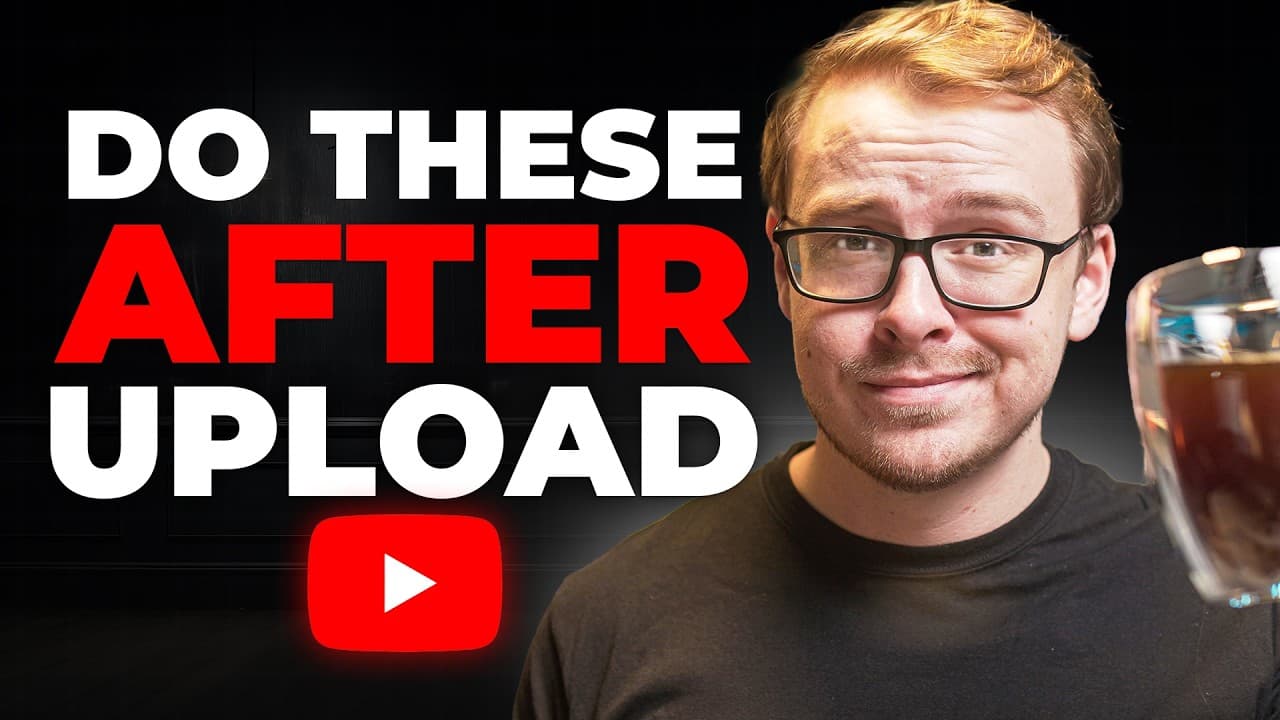
After uploading a YouTube video, prioritize setting correct audience and content settings to avoid limiting your reach. Utilize playlists strategically and ensure your video is optimized for both mobile and TV viewing. Engaging with your audience through comments and community posts can significantly boost video performance.
Transcript
So, about six months back, I uploaded this video right here. 10 things every smart YouTuber does immediately after uploading. And people absolutely love this video. It blew up. It's got nearly 750,000 views, and it just keeps going. And one of the reasons that people love this video so much is because I was telling the actual truth about what works... Read More
Key Insights
- Playlists help the YouTube algorithm recommend your video to the right audience.
- Audience settings should not be marked for kids unless content is exclusively for children.
- AI-altered content must be disclosed to avoid misleading viewers.
- High-quality video rendering in 4K can increase visibility on TV, now a major viewing platform.
- Pinned comments and community posts can drive engagement and views.
- Responding to comments quickly after publishing can boost engagement.
- Deep-linking videos in playlists encourages binge-watching and retains viewers.
- Avoid enabling 'Player for Education' unless content is classroom-exclusive to prevent revenue loss.
Install to Summarize YouTube Videos and Get Transcripts
Explore YouTube Video Summarizer or Get YouTube Transcript Extractor
Questions & Answers
Q: How to optimize a YouTube video after uploading?
To optimize a YouTube video post-upload, ensure it is shared across relevant playlists to assist the algorithm in categorizing it correctly. Set the audience appropriately, avoiding the 'for kids' tag unless necessary. Render in 4K for better TV visibility and engage viewers with pinned comments and community posts.
Q: Why should you avoid marking a video as 'for kids'?
Marking a video as 'for kids' significantly limits its reach and engagement because it restricts the video from being recommended widely. This setting should only be used if the content is explicitly designed for children, like channels similar to Coco Melon or Blues Clues, to avoid penalizing your video's performance.
Q: What is the importance of playlists in YouTube strategy?
Playlists are crucial in YouTube strategy as they help the algorithm understand the context of your video and recommend it to the right audience. They encourage binge-watching, improve viewer retention, and can track performance metrics like view duration, which aids in optimizing future content.
Q: How does rendering in 4K benefit YouTube videos?
Rendering videos in 4K enhances their visibility on TV platforms, which are now more commonly used than mobile for YouTube viewing. Even if the original content is in 1080p, uploading in 4K can improve image quality and increase the likelihood of being featured more prominently on TV screens.
Q: What are the consequences of not disclosing AI content?
Failing to disclose AI-altered content can mislead viewers and potentially violate YouTube's guidelines, leading to reduced trust and visibility. It is important to verbally and visually disclose AI usage to maintain transparency and avoid penalties or channel deletions for deceptive practices.
Q: Why is responding to comments important for video performance?
Responding to comments quickly after a video is published boosts engagement, signaling to the YouTube algorithm that the video is active and engaging. This increased interaction can enhance the video's visibility and reach, encouraging more viewers to watch and engage with the content.
Q: What is 'Player for Education' and its impact?
'Player for Education' is a setting for content intended exclusively for classroom use. Enabling it reduces ad revenue and visibility as it restricts the video to educational contexts only. It should not be used unless the content is specifically designed for educational purposes to avoid lowering CPM and reach.
Q: How can community posts enhance YouTube channel growth?
Community posts engage subscribers by sharing updates, promoting new videos, and fostering interaction. They are particularly effective for smaller channels to drive initial views and engagement. Collaborations or promotions through community posts can further expand reach and audience engagement.
Summary & Key Takeaways
-
Ensure your video is shared across relevant playlists to help the algorithm understand its context and audience. Avoid marking your video as 'for kids' unless it is exclusively children's content, as this can severely limit its reach. Use 4K rendering for better visibility on TV, which is now a primary viewing method on YouTube.
-
Engage with your audience by responding to comments promptly and using the community tab to promote new content. This interaction can significantly increase engagement and video performance. Additionally, ensure your content settings, like audience and AI alterations, are correctly set to avoid penalties.
-
Deep-link your videos in playlists to encourage viewers to watch more of your content. This strategy helps in maintaining viewer retention and increasing watch time. Be cautious with settings like 'Player for Education' as they can impact your revenue and visibility negatively if misused.
Read in Other Languages (beta)
Share This Summary 📚
Summarize YouTube Videos and Get Video Transcripts with 1-Click
Try YouTube Summary with ChatGPT & Claude or YouTube Transcript Generator
Explore More Summaries from Shane Hummus 📚

Summarize YouTube Videos and Get Video Transcripts with 1-Click
Try YouTube Summary with ChatGPT & Claude or YouTube Transcript Generator