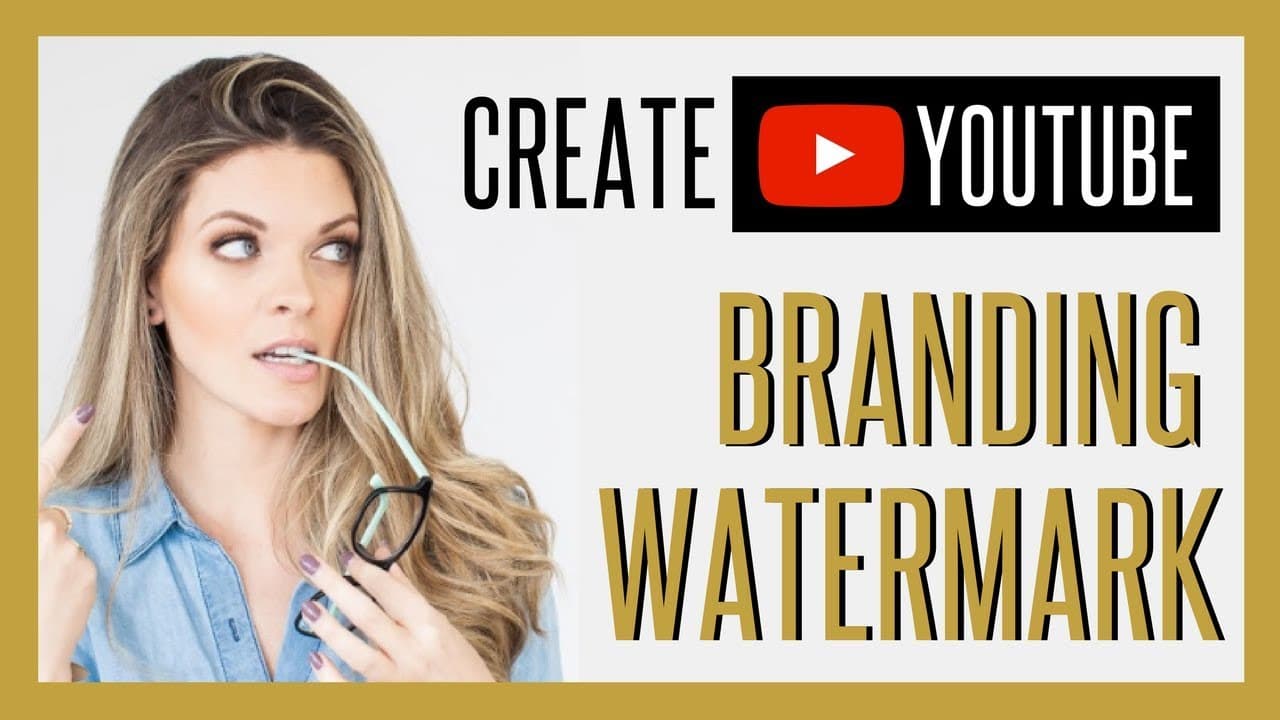
How to Create YouTube Branding Watermark for Your Channel
TL;DR
Create a YouTube branding watermark by opening your channel, going to Creator Studio, selecting Channel and Branding, and uploading either a simple subscribe button or a custom Canva design. For the custom option, use a 400-by-400-pixel canvas with your brand colors and font, then set the watermark to appear for the entire video. Read on to compare both options and follow each step.
Transcript
Sunny Lenarduzzi: In this video, I'm gonna teach you really quickly how to create a branding watermark for your channel, which adds that little subscribe button to every single video on your channel for increased subscribers to grow your YouTube channel at warp speed. Let's dive into this tutorial. So I am currently on my channel, youtube.com/sunny... Read More
Key Insights
- ⏩ Using a branding watermark with a subscribe button can help grow your YouTube channel at a faster rate.
- 🎮 The process involves simple steps on Creator Studio to add the watermark to all videos.
- 🛃 Choosing between a YouTube watermark and a custom branded watermark depends on personal branding preferences.
- 🫵 A branding watermark serves as a clear call to action for viewers, increasing subscriber engagement.
- 🔨 Canva is a useful tool for creating custom branded watermarks with unique colors and fonts.
- 🎮 Ensuring the watermark is displayed throughout the entire video encourages more subscriptions.
- 🫵 Personalizing the watermark with brand colors and fonts can make the channel more recognizable to viewers.
Install to Summarize YouTube Videos and Get Transcripts
Explore YouTube Video Summarizer or Get YouTube Transcript Extractor
Questions & Answers
Q: How do you create a YouTube branding watermark for your channel?
Go to your YouTube channel, open Creator Studio, and select Channel followed by Branding. Choose Add a Watermark, upload your image, save it, and set its display time to Entire Video.
Q: What types of YouTube branding watermarks can you create?
You can use a simple YouTube-style subscribe button or create a custom branded watermark. The custom version can match your business through its colors, font, and text.
Q: How do you make a custom YouTube watermark in Canva?
Open Canva, choose Custom Dimensions, and create a 400-by-400-pixel design. Add your brand background color, font, and subscription text, then download the image and upload it under Creator Studio’s Branding section.
Q: What text can you put on a custom subscribe watermark?
The demonstrated Canva design uses two lines of text: “Click here to” and “Subscribe.” The first line is set to size 55 and the second to size 95, using the brand font.
Q: Does a YouTube watermark need a transparent background?
The upload instructions recommend keeping the file background transparent. However, the custom watermark demonstrated has a nontransparent gold background, so the choice depends on the look you prefer.
Q: Where does the branding watermark appear on a YouTube video?
The uploaded watermark appears on the bottom-right side of the video. Clicking the watermark takes the viewer back to the channel.
Q: How long should a YouTube branding watermark be displayed?
Select Entire Video so the watermark remains visible throughout each video. This lets viewers use the subscribe button at any point while watching.
Q: Will the watermark appear on existing and future YouTube videos?
Yes, the watermark is automatically added to every video already on the channel and every video published moving forward. After the initial setup, the creator does not need to add it separately to each video.
Summary & Key Takeaways
-
Sunny Lenarduzzi demonstrates how to create a branding watermark for your YouTube channel.
-
Two options are provided: a simple YouTube subscribe button or a custom branded watermark using Canva.
-
Adding a branding watermark increases subscribers and provides a clear call to action for viewers.
Read in Other Languages (beta)
Share This Summary 📚
Summarize YouTube Videos and Get Video Transcripts with 1-Click
Try YouTube Summary with ChatGPT & Claude or YouTube Transcript Generator
Explore More Summaries from Sunny Lenarduzzi 📚
Summarize YouTube Videos and Get Video Transcripts with 1-Click
Try YouTube Summary with ChatGPT & Claude or YouTube Transcript Generator