How to Set Up Your Own Cloud with Raspberry Pi and DietPi
TL;DR
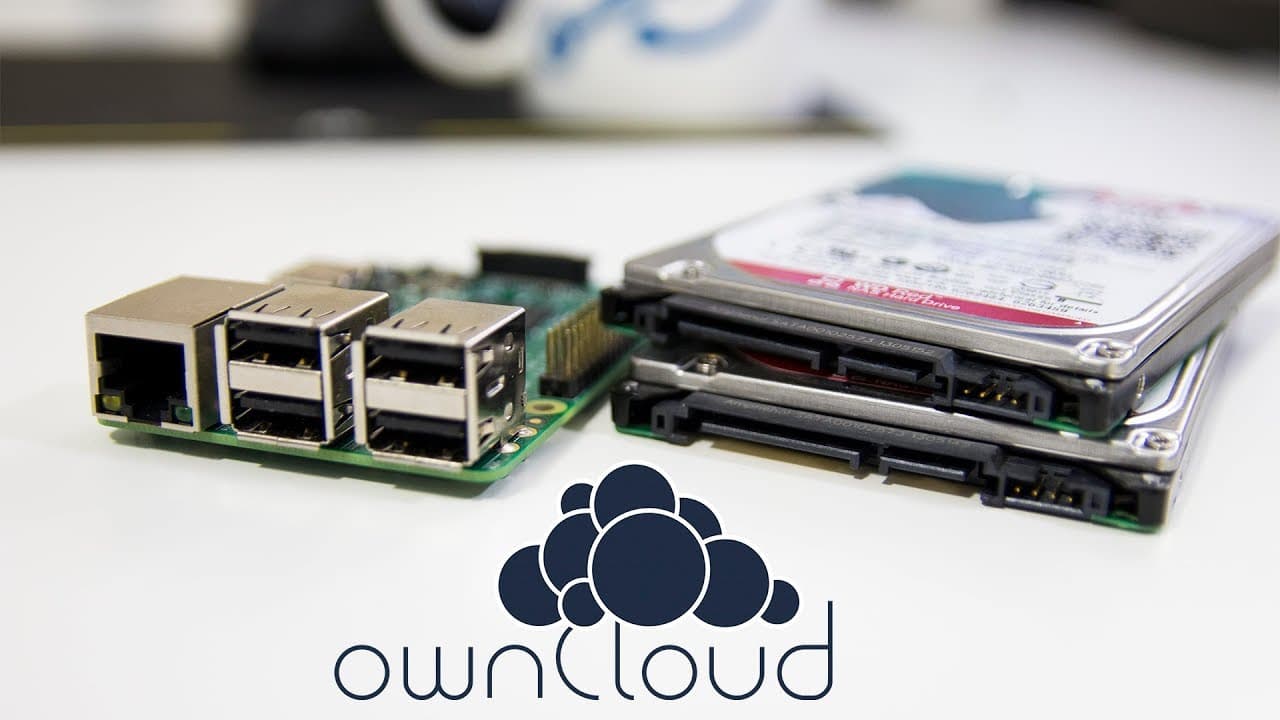
To set up your personal cloud server, download the DietPi image for Raspberry Pi, flash it to an SD card, and connect your Raspberry Pi to Wi-Fi. Then, install OwnCloud via the DietPi software, format your hard drive for storage, and configure necessary user permissions to ensure proper access, creating a cloud environment similar to Dropbox.
Transcript
did you guys know that the cloud is just someone else's computer hey guys what's going on it's dawn here from Nova spirit Tech and today I am gonna be showing you guys how to build your own cloud so let's get started I want to thank Western Digital for sending me these two hard drives for this project this is the Western that your red which is the ... Read More
Key Insights
- 😶🌫️ The process involves downloading and installing DietPi image software on the Raspberry Pi for simplified cloud setup.
- 😶🌫️ Users can utilize a variety of SBCs, expanding accessibility and customization options for building a personal cloud.
- 💁 Formatting the hard drive correctly is crucial for storage efficiency and system stability within the OwnCloud environment.
- 😶🌫️ OwnCloud functions effectively similar to popular cloud services, enabling file storage, sharing, and management for users.
- 👤 The tutorial highlights the importance of user permissions to ensure that OwnCloud can access the necessary directories on external drives.
- 😶🌫️ Step-by-step commands provided in the video assist viewers in easily replicating the process of building their cloud server.
- ♿ The final setup allows access to files through a browser interface, alongside potential mobile app integration for remote access.
Install to Summarize YouTube Videos and Get Transcripts
Explore YouTube Video Summarizer or Get YouTube Transcript Extractor
Questions & Answers
Q: What equipment do I need to create my own cloud?
To build your own cloud, you will need a Raspberry Pi, an SD card (at least 8 GB), a hard drive (preferably Western Digital for this tutorial), and a Wi-Fi connection. The process also involves downloading the DietPi image and using software like 7z to extract the files.
Q: Why is DietPi recommended for this setup?
DietPi is recommended because it is lightweight and optimized for performance, making it ideal for single-board computers like the Raspberry Pi. Its user-friendly interface allows for easy installation of applications like OwnCloud, simplifying the setup process for users.
Q: How does OwnCloud function once set up?
Once set up, OwnCloud allows users to store, manage, and share files just like cloud services such as Dropbox. Users can upload photos and documents and access them remotely via web or mobile applications, providing functionality similar to commercial cloud services while maintaining ownership of their data.
Q: What are the steps to format and mount the hard drive in DietPi?
To format and mount the hard drive, you must access the terminal and use commands to create a partition with fdisk, format it to ext4, and edit the fstab file to ensure the partition mounts automatically on startup. Correct permissions must then be set to allow OwnCloud access.
Q: Can I use devices other than Raspberry Pi for this cloud setup?
Yes, the tutorial mentions that you can use other single-board computers, such as the Tinker Board or Pine64, as long as they support the DietPi image. This flexibility means users can tailor the project based on available hardware.
Q: What is the benefit of setting up a personal cloud?
Setting up a personal cloud provides greater control over your data, enhanced privacy compared to commercial services, and the ability to access and manage your files from anywhere. It is also an excellent way to backup personal data without incurring ongoing subscription fees.
Summary & Key Takeaways
-
The content provides step-by-step instructions for creating a personal cloud server using a Raspberry Pi and DietPi software, highlighting the user-friendly nature of DietPi.
-
The author demonstrates the process of downloading, flashing the DietPi image onto an SD card, and connecting the Raspberry Pi to Wi-Fi, showcasing the initial setup steps.
-
The setup includes configuring a hard drive for storage and installing OwnCloud, ensuring users can access their files remotely, akin to services like Dropbox.
Read in Other Languages (beta)
Share This Summary 📚
Summarize YouTube Videos and Get Video Transcripts with 1-Click
Try YouTube Summary with ChatGPT & Claude or YouTube Transcript Generator
Explore More Summaries from Novaspirit Tech 📚






Summarize YouTube Videos and Get Video Transcripts with 1-Click
Try YouTube Summary with ChatGPT & Claude or YouTube Transcript Generator