How to replace many AI tools with one GenSpark workspace
TL;DR
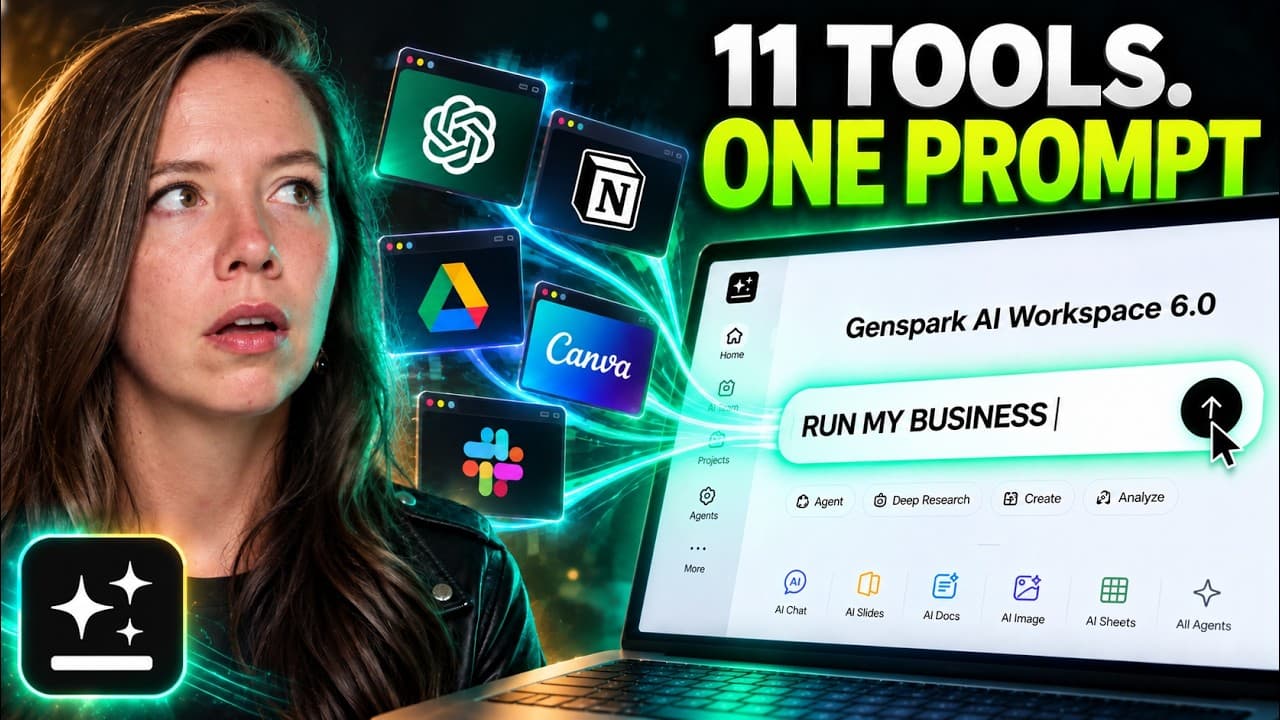
GenSpark lets you run three distinct tasks from a single workspace, saving time by automating inbox management, campaign design, and follow ups. It uses a shared memory system called SecondBrain and a single login to orchestrate multiple models, turning a stack of tools into a unified workflow. Substituting several tools for one system reduces bottlenecks and accelerates execution.
Transcript
I counted my AI subscriptions last week, 11. 11 logins, 11 bills, and every single one does exactly one job. So, I handed three of those jobs to one workspace, GenSpark. [music] GenSpark is an all-in-one AI workspace. You type one prompt and it goes and does the work. One plan, every top model, one login, and they sponsored today's video. Hi, I'm J... Read More
Key Insights
- GenSpark combines inbox, design, and follow up into one integrated workspace so you only manage one system rather than many tools.
- GenMail reads and processes emails, sorts newsletters, identifies deadlines, and drafts polite declines, all with human verification before sending.
- The interactive prototype and design skills can generate a full landing page, social graphic, and animated promo from briefs and brand materials.
- SecondBrain connects Gmail, Drive, and project history to surface overdue follow ups and relevant context for drafting messages.
- The platform saves initial design iteration time by keeping layers editable and allowing quick headline and content tweaks.
- The workflow focus shifts from model wars to plumbing, meaning the value lies in how tools are connected, not just their raw power.
- A founder can start with one workspace and expand by adding more connected contexts as needed, shrinking the need for multiple subscriptions.
- The suggested first mover moment is to audit AI subscriptions and choose one or two jobs to run end to end in a single workspace.
Install to Summarize YouTube Videos and Get Transcripts
Explore YouTube Video Summarizer or Get YouTube Transcript Extractor
Questions & Answers
Q: What is GenSpark and why does it matter for a busy founder
GenSpark is an all in one AI workspace that runs multiple models behind a single login and ties together overlapping tasks such as inbox management, campaign design, and follow ups. It matters for busy founders because it reduces the cognitive and operational load of juggling many separate tools, letting teams focus on strategic work instead of tool management.
Q: How does GenMail handle sponsor emails and replies
GenMail analyzes a streamed inbox, filters for newsletters and time sensitive items, and drafts responses that fit the prior conversation. It can prepare two drafts under a 50 word limit and ensures nothing is sent without confirmation. The system learns the context from the thread and past replies to keep tone and references consistent.
Q: What is the process to create a full launch campaign in GenSpark
The process uses a brief, brand kit, and references to generate a full page description, target audience, inclusions, and a CTA. It then applies design skills to craft a social graphic and an animation that matches the brand and can be edited, with edits easily accessible in the tool.
Q: How are design assets produced in GenSpark described by the user
Design assets are produced by selecting specific design skills within GenSpark, pasting briefs and references, and applying brand guidelines. The system returns editable layers ready for minor adjustments, ensuring the final output aligns with the brand while preserving flexibility for updates.
Q: What role does SecondBrain play in follow up management
SecondBrain connects email and project history to surface overdue follow ups and extract key facts. It presents a clear table of leads requiring action, highlights uncertainties, and suggests draft text for follow ups, helping the user prioritize and craft messages efficiently.
Q: How does the memory and learning aspect affect long term use
Memory in GenSpark is described as not perfect yet valuable because the longer you use it, the smarter the system becomes as it aligns with ongoing context, past interactions, and historical data to improve recommendations and drafts over time.
Q: What is the recommended first mover moment for potential users
The recommended first mover moment is to audit AI subscriptions, count the number of tools, and identify one newsletter task, one launch task, and one follow up task to run end to end within a single workspace. This demonstrates immediate value from workflow integration.
Q: What is the ultimate takeaway about tool strategy from the video
The takeaway is that the real competitive edge comes from how tools are connected and orchestrated rather than the individual capabilities of each tool. By replacing multiple standalone tools with a unified workspace, teams can automate complex multi step processes and scale more effectively.
Summary & Key Takeaways
-
GenSpark consolidates email handling, design and follow ups into one workflow with a single login and shared context, reducing the overhead of switching between tools.
-
The platform demonstrates how a unified system can draft sponsor replies, build a live campaign page, and generate follow up drafts while preserving human oversight.
-
The speaker emphasizes that the real benefit comes from workflow integration and the long term intelligence that grows with use, not just individual tool capabilities.
Read in Other Languages (beta)
Share This Summary 📚
Summarize YouTube Videos and Get Video Transcripts with 1-Click
Try YouTube Summary with ChatGPT & Claude or YouTube Transcript Generator
Explore More Summaries from Julia McCoy 📚





Summarize YouTube Videos and Get Video Transcripts with 1-Click
Try YouTube Summary with ChatGPT & Claude or YouTube Transcript Generator