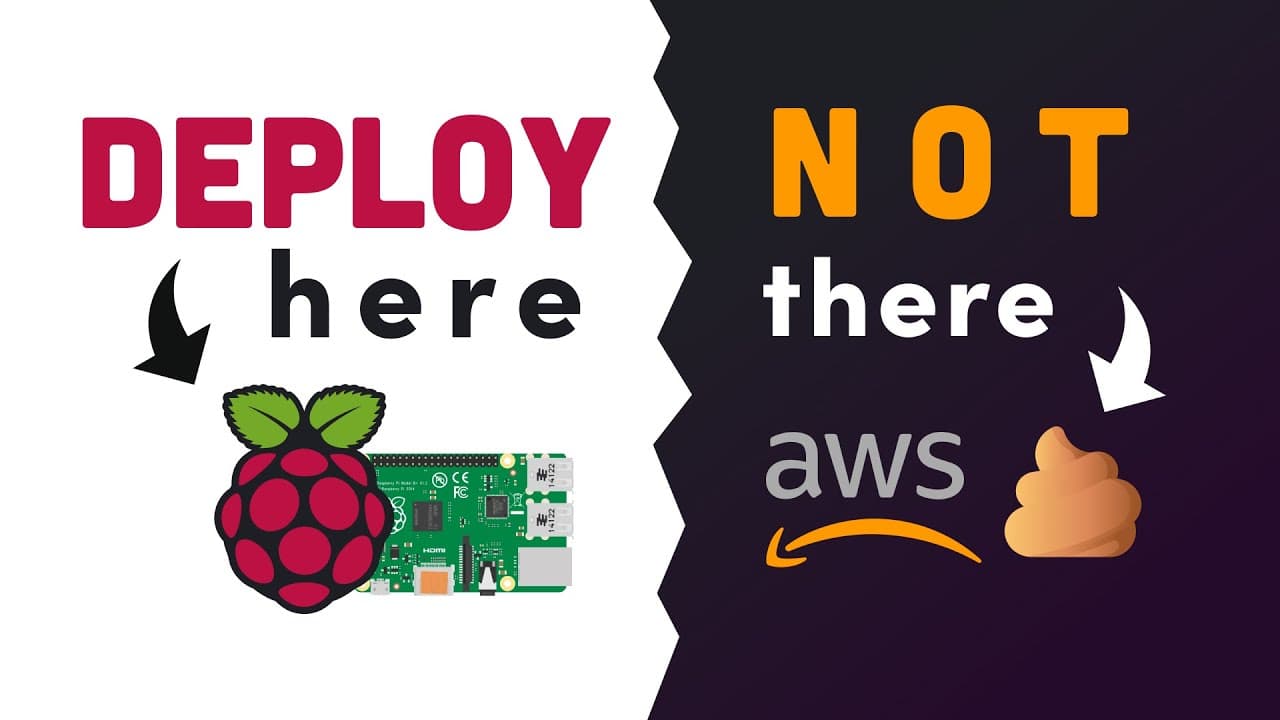
Raspberry Pi versus AWS // How to host your website on the RPi4
TL;DR
Learn how to build a web server using a Raspberry Pi, bypassing cloud services for hosting.
Transcript
this week in tech amazon took the fastest growing social media app of all time and migrated it to its new serverless platform putting it in the highly undesirable position of requiring a reverse cloud migration most companies migrate from on-prem to the cloud but this unfortunate app needs to do the exact opposite because nobody in town wants to to... Read More
Key Insights
- 😶🌫️ Migration challenges from cloud to on-prem exist due to scalability and security concerns.
- ✊ Raspberry Pi hosting requires manual configurations like power supply, IP addresses, and distributing load.
- 🚥 Nginx usage assists in load balancing and proxying traffic to Node.js, overcoming Raspberry Pi limitations.
- 😀 Security risks increase when hosting controversial apps on-prem, attracting hacker attention.
- 🕸️ Building a Node.js web app on a Raspberry Pi involves creating HTTP endpoints and web server setup.
- 👻 External IP address setup enables hosting a Raspberry Pi web server globally.
- 👻 Port forwarding is necessary for external access to Raspberry Pi-hosted web applications.
Install to Summarize YouTube Videos and Get Transcripts
Explore YouTube Video Summarizer or Get YouTube Transcript Extractor
Questions & Answers
Q: What challenges arise when migrating an app from a cloud to an on-prem server like a Raspberry Pi?
Migrating from cloud to on-prem, as seen with Amazon and social media app, brings scalability, security risks, and manual configuration hurdles due to limited computing power.
Q: How can a Raspberry Pi be used to host a web application?
By building a Node.js web app on a Raspberry Pi, users can serve content globally. Challenges include scalability issues and manual configuration complexities.
Q: Why is security a concern when hosting a controversial app on a Raspberry Pi?
Controversial apps on Raspberry Pi face heightened security risks as hackers target the on-prem server setup for vulnerabilities without the safety of cloud defenses.
Q: How does Nginx help in serving a web application from a Raspberry Pi?
Nginx aids in load balancing across multiple Raspberry Pis, enhancing scalability. Its integration with Node.js enables smoother application deployment, bypassing cloud limitations.
Summary & Key Takeaways
-
Amazon migrates a social media app to a serverless platform, requiring reverse cloud migration.
-
Build a Node.js web app on a Raspberry Pi with challenges in scalability, security, and manual configuration.
-
Deploy the app with Nginx to serve it globally, overcoming limitations of hosting on-prem.
Read in Other Languages (beta)
Share This Summary 📚
Summarize YouTube Videos and Get Video Transcripts with 1-Click
Try YouTube Summary with ChatGPT & Claude or YouTube Transcript Generator
Explore More Summaries from Fireship 📚






Summarize YouTube Videos and Get Video Transcripts with 1-Click
Try YouTube Summary with ChatGPT & Claude or YouTube Transcript Generator