What Are the Best Smart Home Features on iOS and Android?
TL;DR
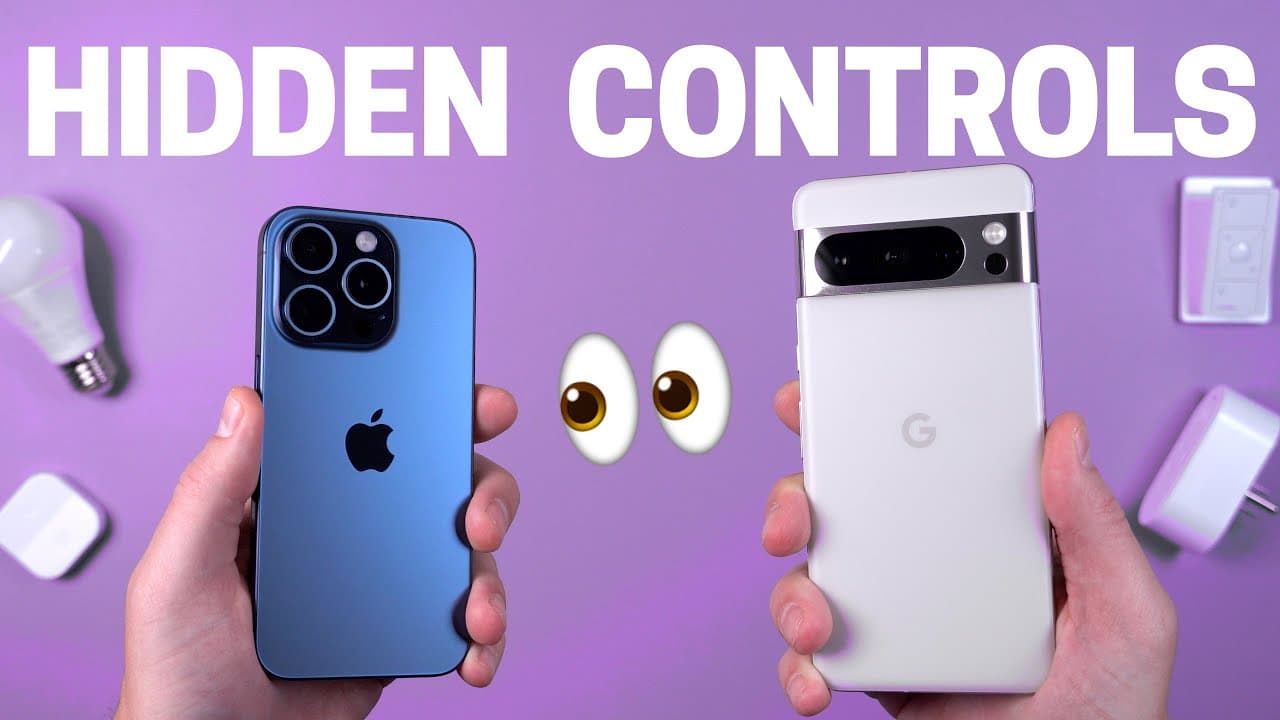
The best smart home features on iOS and Android include the ability to use different voice assistants, customize widgets, and integrate third-party apps like Home Assistant. Users can quickly access smart home controls by utilizing lock screen shortcuts and various automation options. Additionally, Android phones offer hidden sensors for advanced automation, while iOS supports sound detection linked to Apple shortcuts.
Transcript
there are so many hidden smart home features on your phone right now that you probably don't even know about I was surprised at some of the things I uncovered and I can't wait to show you like did you know you can use different voice assistants on Android and iOS yeah it's extremely useful you know what if you use another smart home system like Ama... Read More
Key Insights
- 👪 Different voice assistants can be used on Android and iOS for smart home control.
- 👪 Utilizing widgets and lock screen customization can provide quick access to smart home device controls.
- 📱 Integrating third-party apps like Home Assistant can enhance smart home automation capabilities on smartphones.
- 👻 Sound detection features are available on iOS devices, allowing for alerts and Apple shortcut automation.
- 👪 Android phones offer a vast array of hidden sensors for advanced home automation setups.
- 👪 iOS users can leverage Apple shortcuts for powerful smart home automation capabilities.
- 📱 The use of a MAG safe case for the Pixel phone and extras wallets offer practical solutions for smartphone accessories.
Install to Summarize YouTube Videos and Get Transcripts
Explore YouTube Video Summarizer or Get YouTube Transcript Extractor
Questions & Answers
Q: How can you change voice assistants on Android and iOS?
You can easily swap out the default voice assistant on Android by selecting a different digital assistant in the settings. On iOS, you can use a shortcut to trigger third-party voice assistants, like Google Assistant.
Q: What are some tricks for quick access to smart home controls on your phone?
You can customize your lock screen on both Android and iOS to have smart home device buttons readily available. Additionally, you can use widgets on iOS to group smart home buttons for easy access.
Q: How can sound detection be used with smart home devices?
On iOS devices, sound detection can be utilized to detect various sounds and trigger Apple shortcuts. While Android doesn't have built-in sound detection, it can be integrated with third-party apps like Home Assistant for similar functionality.
Q: What are some hidden sensors available on Android phones for home automation?
Android phones offer a wide range of hidden sensors that can be used for home automation, such as Bluetooth connection status, phone charging status, and more. Enabling these sensors can enhance smart home capabilities.
Summary & Key Takeaways
-
Uncover hidden smart home features like changing voice assistants on Android and iOS.
-
Utilize widgets for quick access to smart home controls on both Android and iOS.
-
Integrate third-party apps like Home Assistant to enhance smart home functionality.
Read in Other Languages (beta)
Share This Summary 📚
Summarize YouTube Videos and Get Video Transcripts with 1-Click
Try YouTube Summary with ChatGPT & Claude or YouTube Transcript Generator
Explore More Summaries from Smart Home Solver 📚




Summarize YouTube Videos and Get Video Transcripts with 1-Click
Try YouTube Summary with ChatGPT & Claude or YouTube Transcript Generator