How to Build a Marketing Campaign with Claude Desktop
TL;DR
Claude Desktop lets you turn a competitor screenshot into customer insights and an HTML email campaign in minutes. Start by downloading the Claude desktop app, use caps lock for dictation, extract context from screenshots, then generate and export campaign assets ready to ship through your tools like HubSpot. This workflow speeds up ideation, copy, and delivery.
Transcript
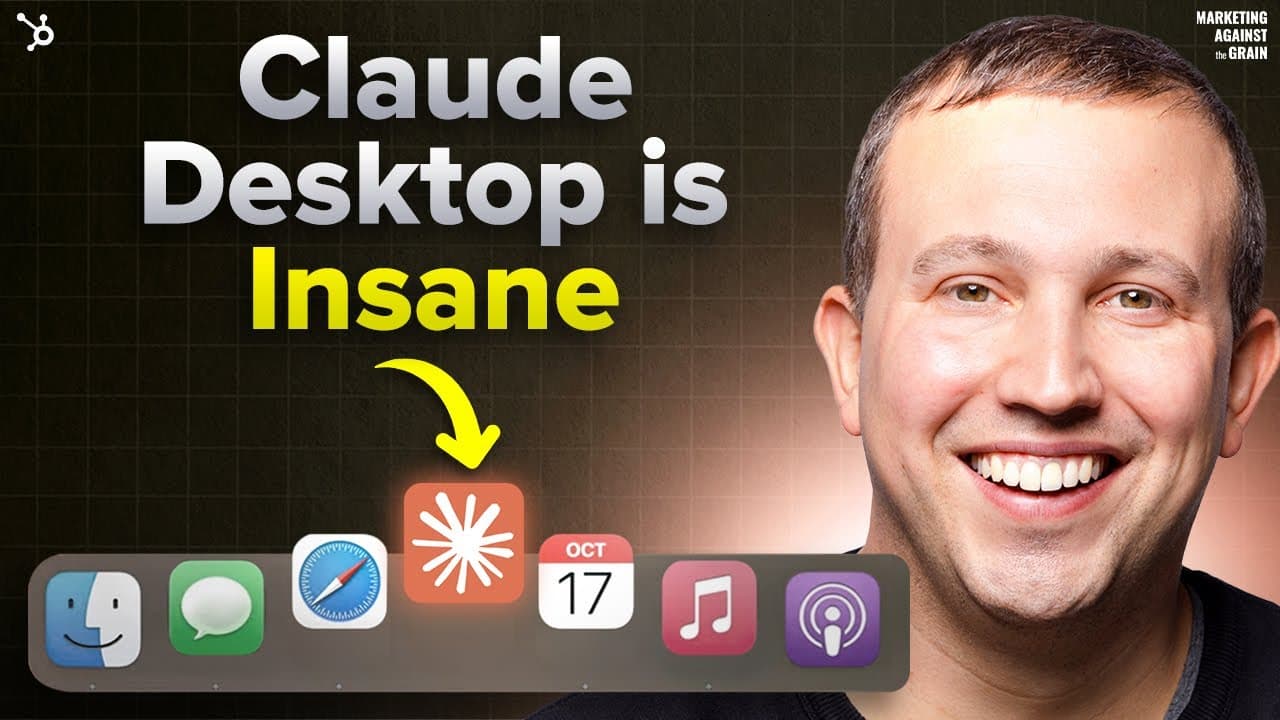
Hey everyone. Most people today are using their Claude account like they drive a Prius to the grocery store. I'm going to show you how to turn your Claude into a Ferrari using the most underrated app out there. I'm going to use the brand new Claude desktop app to show you how you go from a screenshot of a competitor's website to real feedback from ... Read More
Key Insights
- Claude Desktop accelerates marketing work by converting screenshots into actionable outputs.
- Caps lock dictation in Claude enables quick, hands-free prompt creation for competitive analysis.
- Contextual prompts from a customer persona project lead to tailored copy and campaign ideas.
- Screenshots act as precise, shareable inputs that anchor AI-generated assets.
- HTML email artifacts can be produced and branded for direct HubSpot import.
- MCP connections allow Claude artifacts to flow into marketing tools without manual coding.
- Brand style guidance can improve generated assets when brand details are provided.
- The workflow demonstrates end-to-end campaign creation from insight to delivery, using AI as the central engine.
Install to Summarize YouTube Videos and Get Transcripts
Explore YouTube Video Summarizer or Get YouTube Transcript Extractor
Questions & Answers
Q: What is the first step to start using Claude Desktop for a campaign?
The first step is to download and install the Claude desktop app from claude.com/download and sign in. After installation, you should grant necessary permissions for screenshots and file sharing. This setup enables you to use features like screenshot capture, dictation, and rapid prompt creation, forming the foundation for an AI driven workflow.
Q: How does caps lock dictation improve the process?
Caps lock dictation allows you to quickly dictate prompts and questions to Claude without typing. This makes it faster to generate prompts such as competitive intelligence requests, capture your thoughts on a page, and iterate on ideas. The hands free input helps maintain momentum during brainstorming and campaign setup.
Q: What role do screenshots play in this workflow?
Screenshots serve as precise inputs showing competitor positioning and product features. They act as a visual reference for Claude to analyze and generate relevant copy and assets. By attaching screenshots, you ensure the AI bases its outputs on concrete, verifiable examples rather than generic assumptions.
Q: How are customer personas used in Claude for marketing?
Customer personas, like Growth Gabby described in the video, provide context about user needs, concerns, and behavior. Claude can reference these personas to tailor messaging and campaign ideas, increasing relevance and resonance. This persona grounded approach helps produce more targeted emails and assets.
Q: What type of outputs can Claude generate for campaigns?
Claude can generate plain text emails and HTML email artifacts designed to be imported into marketing platforms. It can also build campaign assets and code, and, with MCP support, push artifacts directly into tools like HubSpot. This end to end capability speeds from concept to shipped campaigns.
Q: How does the video suggest handling brand style in outputs?
The video recommends providing a brand style guide with colors, fonts, and image guidelines, so Claude can align outputs with the brand. Even a basic style guide helps ensure generated emails and assets have consistent visuals, improving brand coherence across campaigns.
Q: What is MCP and why is it useful in this workflow?
MCP refers to a mechanism that lets Claude artifacts be transferred into marketing tools and platforms. It is useful because it enables seamless integration, allowing generated HTML emails and assets to be imported directly into systems like HubSpot. This reduces manual rework and speeds campaign deployment.
Q: What is the main takeaway regarding Claude as a marketing tool?
The main takeaway is that Claude, when used with its desktop app, can turn screenshots and prompts into a complete, shippable marketing campaign in a short time. It uses context from customer personas and competitor analysis to generate targeted emails and assets that fit within existing marketing stacks.
Summary & Key Takeaways
-
Claude Desktop enables rapid campaign creation from screenshots, transcripts, and prompts, speeding up ideation and execution. The process includes gathering competitor context, shaping customer personas, and generating HTML emails ready for HubSpot imports. The result is a fast, end-to-end workflow for marketing campaigns.
-
The video demonstrates practical steps for converting visual insights into actionable assets, including prompts, audience framing, and brand-aligned HTML assets. It emphasizes ease of use, context carryover, and integration with existing marketing stacks.
-
The creator highlights a loop marketing framework and the value of using AI to test messaging against competitor positioning, then shipping campaigns via MCP workflows to common tools, making Claude a central hub for campaign production.
Read in Other Languages (beta)
Share This Summary 📚
Summarize YouTube Videos and Get Video Transcripts with 1-Click
Try YouTube Summary with ChatGPT & Claude or YouTube Transcript Generator
Explore More Summaries from Marketing Against the Grain 📚




Summarize YouTube Videos and Get Video Transcripts with 1-Click
Try YouTube Summary with ChatGPT & Claude or YouTube Transcript Generator