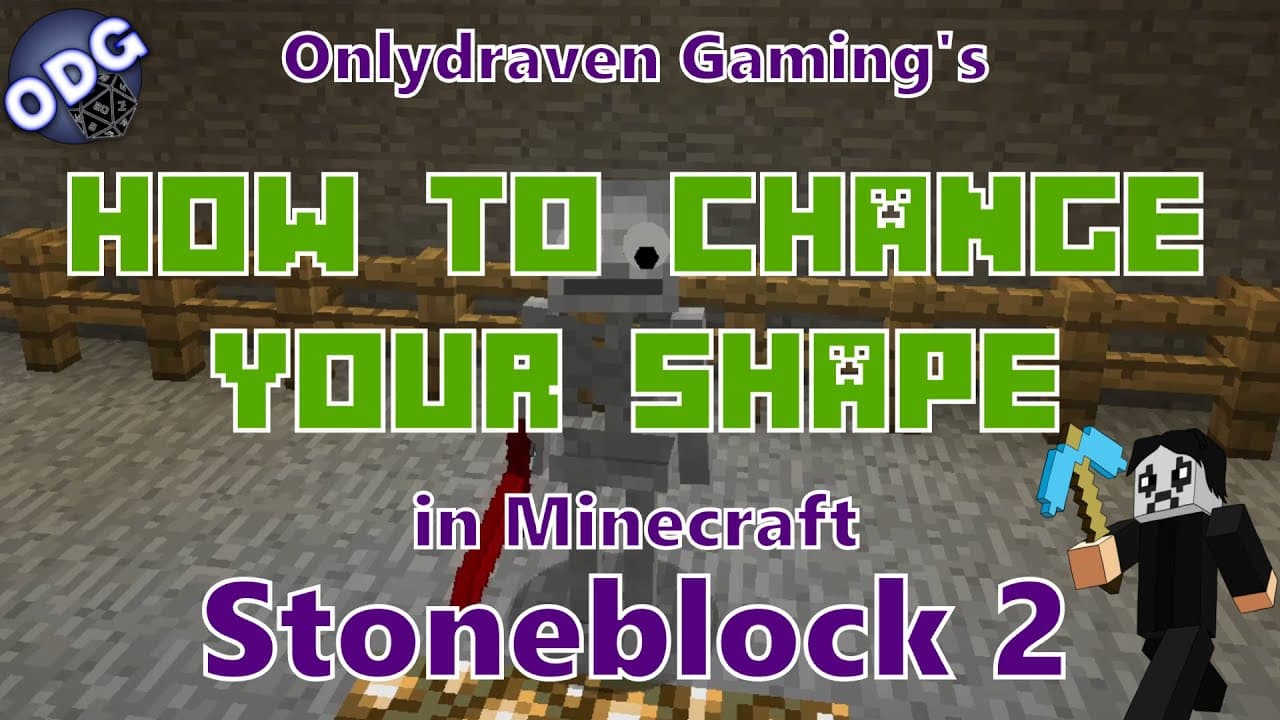
How to Change Your Character's Shape in Minecraft Stoneblock 2
TL;DR
To change your character's shape in Minecraft Stoneblock 2, use the morph mod by defeating mobs like zombies or pigs. After killing a mob, press the right bracket key to access the morph menu and select the desired form. Transformations are mostly visual, but some mobs may offer special abilities, enhancing gameplay dynamics.
Transcript
hello everyone only draven here again and today we're doing another tutorial in minecraft stone block 2. today i'm going to be showing you how to use the morph mod which is included in this mod pack the morph mod allows you to change your appearance and shape into different animals or mobs that you have killed at one point in the game so we're goin... Read More
Key Insights
- 📳 The morph mod is a popular feature in Minecraft that enhances player customization through transformations.
- 🚗 Players can absorb the appearance of most mobs after defeating them, enriching the gameplay experience.
- 👻 There are no power limitations to switching forms in the morph mod, allowing for frequent changes during gameplay.
- 🤩 The morph menu is intuitive, accessed via the right bracket key, enabling easy navigation through absorbed forms.
- 🚗 While most transformations are for aesthetics, some mobs provide unique abilities worth exploring.
- ❓ The tutorial encourages player interaction and community feedback for ongoing content and suggestions in future tutorials.
- 😮 Transforming into other players is also possible, introducing an element of surprise in multiplayer scenarios.
Install to Summarize YouTube Videos and Get Transcripts
Explore YouTube Video Summarizer or Get YouTube Transcript Extractor
Questions & Answers
Q: What is the primary function of the morph mod in Minecraft?
The morph mod allows players to transform into different animals or mobs they have defeated in the game. When you kill a mob for the first time, their appearance is absorbed, enabling you to take on their form. This can add a layer of strategy and fun, especially in multiplayer environments, as you can disguise yourself as different creatures.
Q: How do players absorb the appearance of a mob in the game?
To absorb the appearance of a mob, players must first kill that mob in the game. Upon killing a mob for the first time, visual particles will appear, indicating the absorption process. This visual cue lets you know that the transformation into that mob is now possible and will be listed in your morph menu for future use.
Q: Can players retain their abilities while transformed into a mob?
Yes, when players transform into a mob using the morph mod, they can retain the ability to wield weapons and utilize most of their original actions. The main change is their appearance, while gameplay mechanics largely remain intact, allowing you to switch between forms seamlessly during play.
Q: Are there any specific mobs that grant additional abilities when transformed?
While most transformations are primarily for visual appearance, certain mobs do grant abilities. For example, transforming into a bat may allow a player to gain limited flight abilities. This adds an extra layer of strategy, as players can seek out specific mobs not just for their looks but for unique gameplay advantages.
Summary & Key Takeaways
-
The morph mod in Minecraft allows players to transform into any animal or mob they have defeated, enhancing gameplay dynamics and customization options.
-
By defeating creatures like zombies or pigs, players can absorb their appearance and switch forms easily using keyboard commands, enabling both fun and strategic advantages.
-
The tutorial emphasizes the visual transformation aspect of the mod, while also hinting at limited abilities certain mobs may provide, such as the bat’s flight in-game.
Read in Other Languages (beta)
Share This Summary 📚
Summarize YouTube Videos and Get Video Transcripts with 1-Click
Try YouTube Summary with ChatGPT & Claude or YouTube Transcript Generator
Explore More Summaries from Onlydraven Gaming 📚



Summarize YouTube Videos and Get Video Transcripts with 1-Click
Try YouTube Summary with ChatGPT & Claude or YouTube Transcript Generator