Norton Neo AI Browser Review: Useful AI Tools
TL;DR
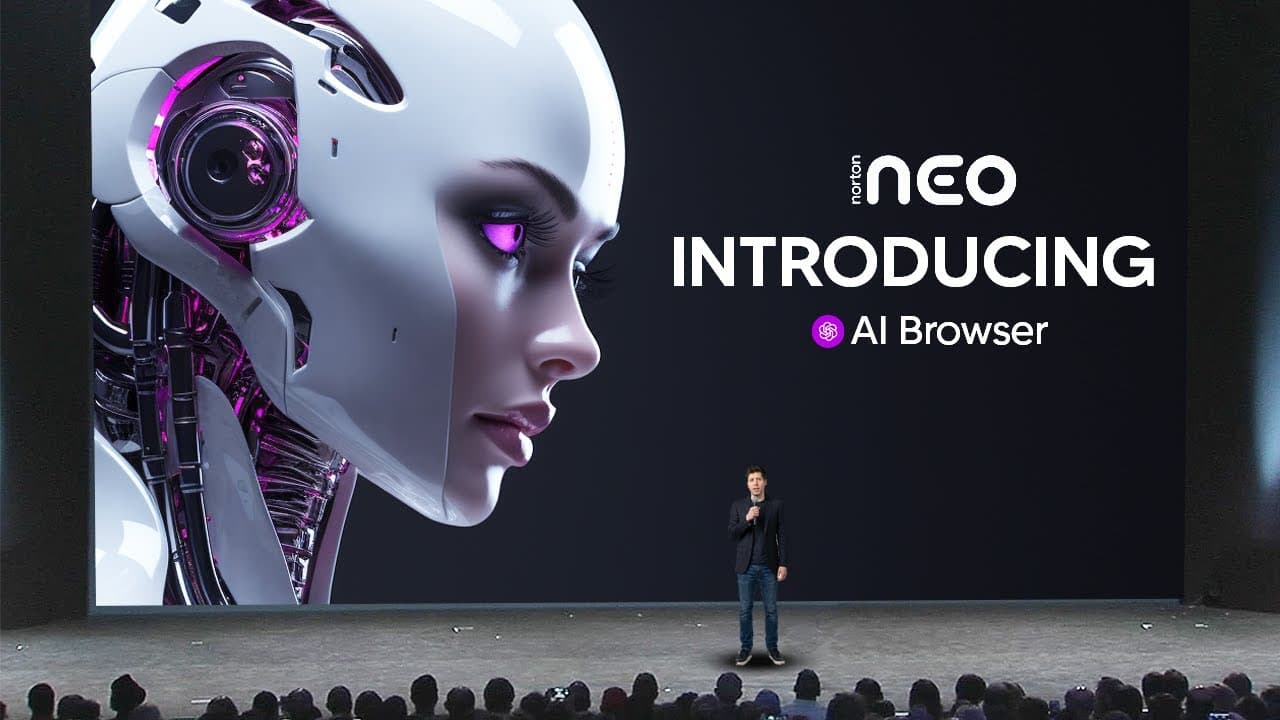
Norton Neo is a useful free AI-native browser that combines Google search, AI chat, page-aware questions, writing assistance, and automatic tab organization in one interface. Available for Windows and Mac, it can preview and summarize linked articles while keeping data local and providing built-in Norton security. The review was sponsored by Norton; read on to see how each feature reduces copying, scrolling, and tab switching.
Transcript
In today's video, I'll be showing you guys an AI browser that you'll actually want to use. Let's talk about it. So, what I'm talking about is the NeoAI browser developed by Norton. It's an AI native web browser focusing on security, privacy, productivity, and integrating AI for many useful tasks while keeping your data local and offering built-in N... Read More
Key Insights
- Norton Neo is an AI-native browser focused on security, privacy, productivity, and integrated AI tasks. The review says user data is kept local and security is built in by Norton, a company described as having decades of cybersecurity experience.
- The Magic Box is Neo's unified command center for conventional web searches and AI conversations. Users can choose Google or a chat model within the same interface, reducing the need to visit separate AI platforms and transfer information manually.
- Neo's Peek feature is a lightweight way to inspect linked articles before opening them. Hovering over a result reveals an option to preview its contents, which can reduce unnecessary tabs and help users decide whether a source deserves closer attention.
- Link summaries are available directly from search results through Neo's hover controls. A user can request a condensed account of a potentially useful article before opening it, making long pages easier to evaluate during research involving numerous possible sources.
- Page-aware chat uses the current webpage as immediate context for questions. A user can ask about a specific topic within a large article, and Neo analyzes the page without requiring its text to be copied and pasted into a separate chatbot.
- Quick chat actions provide ready-made transformations for information, including simplified explanations, pros and cons, background, and summaries. These controls reduce repetitive prompting when users regularly need complex material presented from different perspectives or at different levels of difficulty.
- NeoComposer is a typing assistant that can generate text from a user's description inside a webpage. Users can retry the result, request changes such as a less formal tone, and accept the preferred draft so it is inserted directly into the writing field.
- Smart tab grouping automatically sorts open tabs into topic-based collections. The demonstration shows groups for Neo, shopping, and technology, allowing users with many open pages to identify related work more quickly and navigate a crowded browser session more efficiently.
Install to Summarize YouTube Videos and Get Transcripts
Explore YouTube Video Summarizer or Get YouTube Transcript Extractor
Questions & Answers
Q: What is the Norton Neo AI browser?
Norton Neo is a free AI-native browser for Windows and Mac focused on security, privacy, productivity, and integrated AI tasks. It keeps data local and includes built-in Norton security while incorporating search, page analysis, writing assistance, and tab organization into the browser.
Q: How does Norton Neo's Magic Box work?
The Magic Box replaces the traditional search bar and serves as a command center for both web search and AI chat. Users can switch between Google results and a chat model in one interface, reducing the need to copy information between separate tabs and services.
Q: How can Norton Neo help with online research?
Neo can preview linked articles, summarize long pages, and answer questions using the current webpage as context. These tools help users evaluate sources and find specific information without opening numerous tabs or manually reading every section.
Q: What does the Peek feature do in Norton Neo?
Peek lets users preview an article by hovering over a search result and selecting the Neo icon. They can inspect the linked content without opening another full tab, then close the preview or request a summary.
Q: How does page-aware chat work in Norton Neo?
Opening a new chat from a webpage automatically gives Neo that page as context. Users can ask a focused question about its contents without copying and pasting the article into a separate AI service.
Q: What quick actions are available in Norton Neo chat?
Neo provides preset actions for simplifying explanations, listing pros and cons, supplying background, and summarizing content. These shortcuts reduce the need to type the same kinds of prompts repeatedly while reviewing complex articles or research papers.
Q: How does the NeoComposer typing assistant work?
NeoComposer drafts text inside a webpage from a description of what the user wants to write. Users can retry the result, request revisions such as a less formal tone, and accept the preferred version to insert it into the writing field.
Q: How does smart tab grouping organize browser tabs?
Smart tab grouping analyzes open tabs and sorts related pages into labeled topic collections. The demonstration creates groups for Neo, shopping, and technology, making crowded browsing sessions easier to navigate.
Summary & Key Takeaways
-
Norton Neo is presented as a free AI-native browser for Windows and Mac, built around security, privacy, productivity, and local data handling. Its central Magic Box lets users move between Google results and AI chat without visiting separate services or repeatedly copying information between browser tabs and chatbot interfaces.
-
Neo adds AI tools directly to browsing and research. Users can preview linked articles without opening them, request quick summaries, and ask questions about the page currently being viewed. The browser automatically supplies that page as context, helping users locate specific information without manually scrolling through an entire article.
-
The browser also supports preset chat actions, an AI typing assistant, and smart tab grouping. Presets can simplify explanations or generate summaries, while NeoComposer drafts and revises text before inserting it into a page. Smart tab grouping automatically organizes many open tabs into categories such as shopping, technology, and Neo-related work.
Read in Other Languages (beta)
Share This Summary 📚
Summarize YouTube Videos and Get Video Transcripts with 1-Click
Try YouTube Summary with ChatGPT & Claude or YouTube Transcript Generator
Explore More Summaries from TheAIGRID 📚



Summarize YouTube Videos and Get Video Transcripts with 1-Click
Try YouTube Summary with ChatGPT & Claude or YouTube Transcript Generator