What Are the Latest Canva Features and Templates?
TL;DR
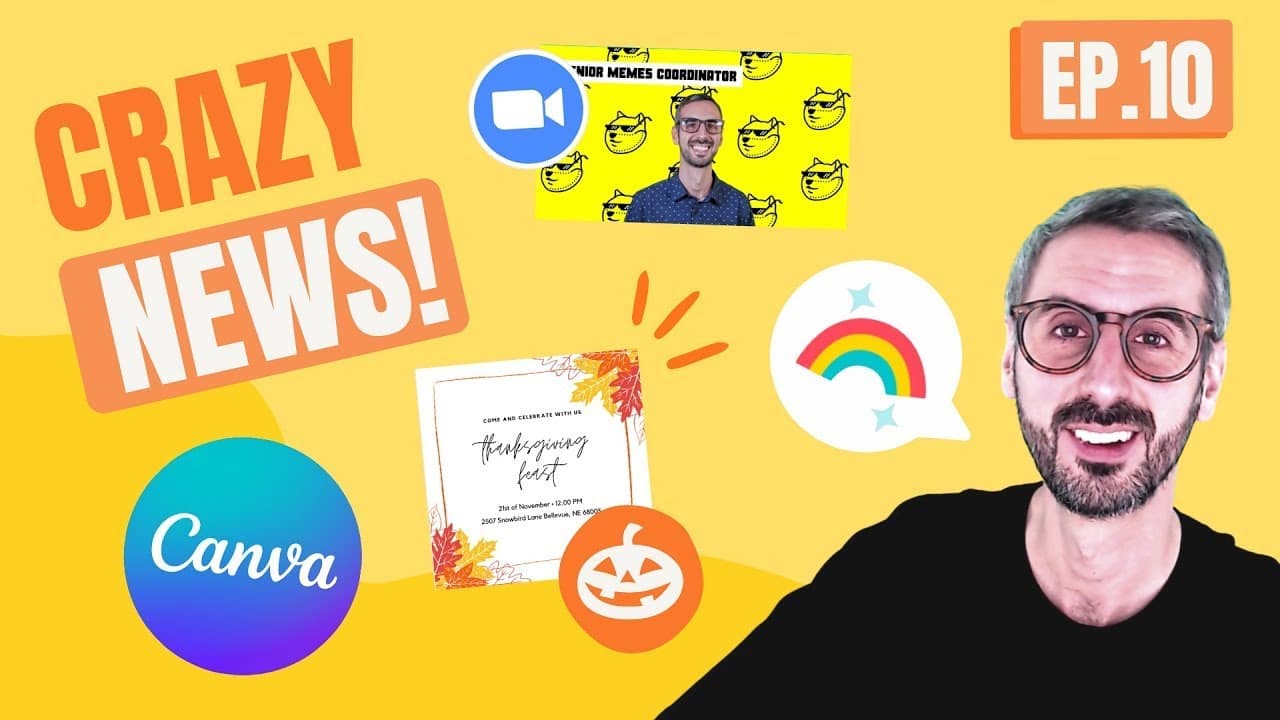
Canva's latest updates include the ability to import videos from Google Drive up to 100 MB, an updated logo for better balance and practicality, and new stickers for comments to enhance team collaboration. Additionally, users can explore fresh template categories such as game presentations, Zoom backgrounds, Thanksgiving, and Halloween templates.
Transcript
if you're here because you want to know what's hot in canva my friends you are in the right place today i have three new features for you four template categories and one photographer highlight let's go is up everyone my name is ronnie welcome back to our channel this is the best place on the universe to learn about canva and how to become a better... Read More
Key Insights
- 👻 Canva now allows importing video files up to 100 MB directly from Google Drive, enhancing design capabilities.
- ⚖️ The logo update refines Canva's logo for practicality and modernization, focusing on the letter "C" for better balance.
- 😤 Stickers in Canva comments offer a lively way to interact with team members during collaboration on design projects.
- 👾 New template categories in Canva include game presentations, Zoom backgrounds, Thanksgiving, and Halloween templates for diverse design needs.
Install to Summarize YouTube Videos and Get Transcripts
Explore YouTube Video Summarizer or Get YouTube Transcript Extractor
Questions & Answers
Q: How can you import video files directly from Google Drive into Canva?
To import video files from Google Drive, connect your Canva account to your Google Drive account and access the feature by clicking on the Google Drive icon in Canva.
Q: What are the changes in Canva's logo update?
Canva's logo update focuses on refining the logo for modernization, with notable changes in the letter "C" for a more balanced and practical design suitable for various applications.
Q: How can stickers be used in Canva comments for collaboration?
Stickers in Canva comments offer a fun and engaging way to communicate with your team by adding reactions like emojis or custom stickers to enhance collaboration and communication within design projects.
Q: What are the new template categories introduced in Canva?
Canva introduces exciting new template categories such as game presentations, Zoom backgrounds, Thanksgiving templates, and Halloween templates to cater to various design needs and holiday seasons.
Summary & Key Takeaways
-
Discover three new features in Canva: importing video files from Google Drive, updated logo refinement, and adding stickers in Canva comments for collaboration.
-
Explore exciting new template categories in Canva: game presentations, Zoom backgrounds, Thanksgiving templates, and Halloween templates.
-
Learn about photographer Adam Vandenberk from Berlin, known for his stunning aerial photography.
Read in Other Languages (beta)
Share This Summary 📚
Summarize YouTube Videos and Get Video Transcripts with 1-Click
Try YouTube Summary with ChatGPT & Claude or YouTube Transcript Generator
Explore More Summaries from Design with Canva 📚


Summarize YouTube Videos and Get Video Transcripts with 1-Click
Try YouTube Summary with ChatGPT & Claude or YouTube Transcript Generator