How to Create Hand-Drawn Videos in Canva for Free
TL;DR
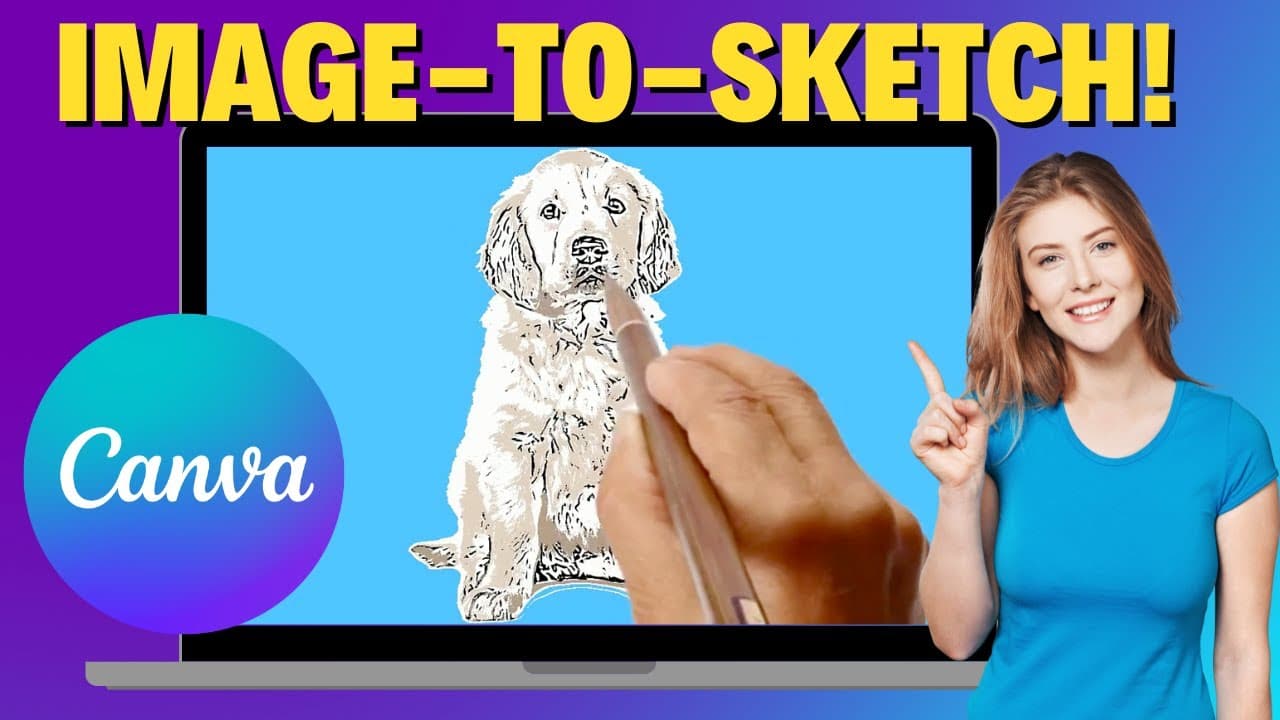
You can create hand-drawn videos for free using Canva's Speed Paint feature by selecting your image and customizing settings like smoothness and duration. The resulting videos can be downloaded as MP4 files or used directly in your Canva projects. This feature allows for creative control, including adding colors and choosing different sketching effects.
Transcript
hey everyone and welcome to ech hustle my name is Rich and have you ever wanted to create a handdrawn video like this one that you're watching right now I'm going to show you how to do this for free in canva let's go ahead and take a look so here we are inside canva I'm going to show you how to create this handdrawn video it's very easy we're just ... Read More
Key Insights
- 😒 Canva offers a free and easy-to-use Speed Paint feature for creating handdrawn videos.
- 👤 Users can customize various settings such as smoothness, frames per second, and duration to achieve the desired effect.
- 🎮 Handdrawn videos created in Canva can be used in projects or downloaded as separate MP4 files.
- ❤️🩹 The Speed Paint feature in Canva provides the option to add color at the end of the animation.
- 👻 Canva's Speed Paint feature allows users to choose from different backgrounds and sketching effects for their handdrawn videos.
- 🎮 Canva's handdrawn videos can be used in presentations or other creative projects.
- 🛝 Canva's Speed Paint feature supports the upload of multiple files for different slides or scenes.
Install to Summarize YouTube Videos and Get Transcripts
Explore YouTube Video Summarizer or Get YouTube Transcript Extractor
Questions & Answers
Q: How can I create handdrawn videos for free in Canva?
You can create handdrawn videos in Canva by using the Speed Paint feature. This video tutorial shows you how to navigate to the feature and choose the file you want to animate.
Q: What customization options are available for handdrawn videos in Canva?
Canva allows you to adjust the overall smoothness, frames per second, duration, and background color of your handdrawn videos. You can also choose to have the hand sketching effect and add color at the end.
Q: Can I download the handdrawn videos created in Canva?
Yes, Canva allows you to download the handdrawn videos as MP4 files. You also have the option to download separate files for each slide if you have multiple clips in your project.
Q: Is Speed Paint in Canva free to use?
Yes, the Speed Paint feature in Canva is free to use. You can create handdrawn videos without any additional cost.
Summary & Key Takeaways
-
The video tutorial demonstrates how to create handdrawn videos using Canva's Speed Paint feature.
-
Canva allows users to choose the file they want to animate and customize settings such as smoothness, frames per second, and duration.
-
The resulting handdrawn videos can be downloaded or used directly in Canva projects.
Read in Other Languages (beta)
Share This Summary 📚
Summarize YouTube Videos and Get Video Transcripts with 1-Click
Try YouTube Summary with ChatGPT & Claude or YouTube Transcript Generator
Explore More Summaries from EdTech Hustle 📚
![Keynote: Remove The Background of Any Photo [Using Instant Alpha] thumbnail](/_next/image?url=https%3A%2F%2Fi.ytimg.com%2Fvi%2F0Ji-uTffzJE%2Fhqdefault.jpg&w=750&q=75)





Summarize YouTube Videos and Get Video Transcripts with 1-Click
Try YouTube Summary with ChatGPT & Claude or YouTube Transcript Generator