How to Effectively Use ChatGPT for Creative Tasks
TL;DR
To effectively use ChatGPT, start by creating detailed prompts that provide context for the task at hand. Utilizing advanced features like Canvas for text editing, Reasoning models for analysis, and projects for organization can greatly enhance your experience. Always verify outputs for accuracy, and consider using customization options for a more tailored interaction.
Transcript
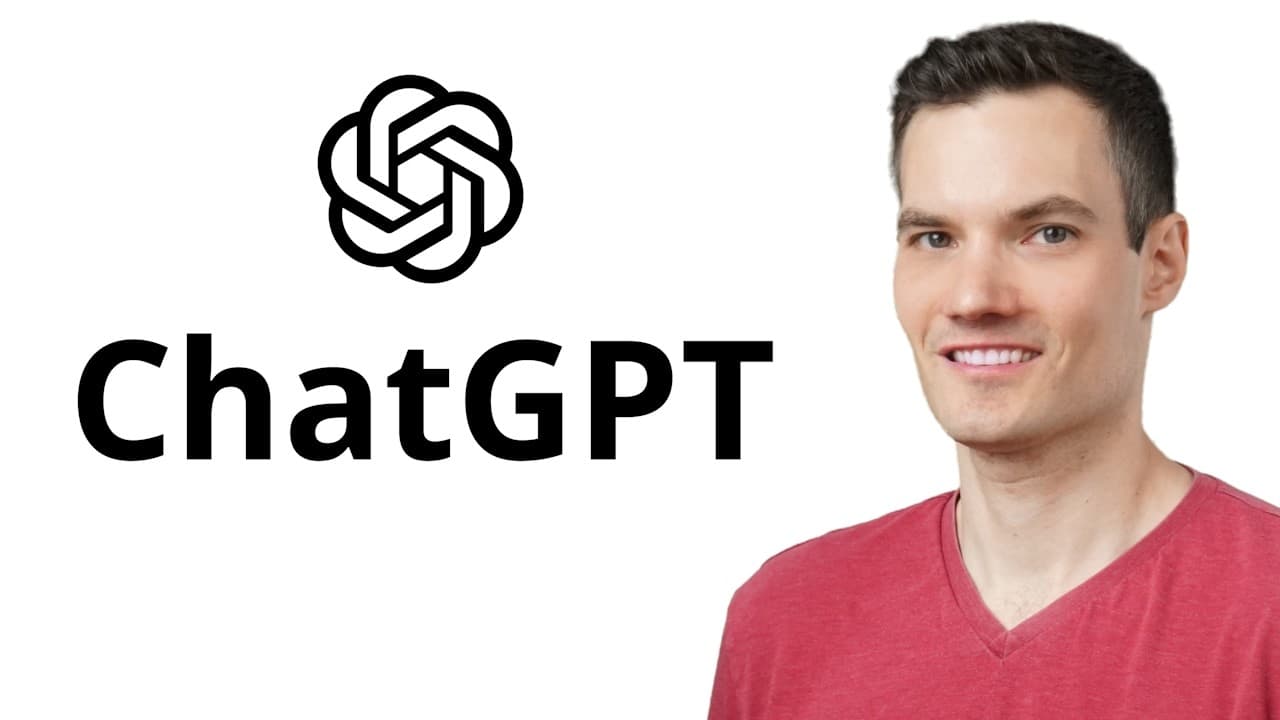
Hi everyone, Kevin here. Today we're going to learn how to use ChatGPT. ChatGPT is an advanced AI that can answer questions, help with writing like a YouTube script, or even create stories and jokes. In fact, its jokes might even be better than mine. It works by analyzing massive amounts of text to predict the best response based o... Read More
Key Insights
- ChatGPT is a versatile AI tool capable of answering questions, assisting with writing, creating stories, and generating jokes by analyzing large amounts of text data.
- To access ChatGPT, users must sign up for a free account, allowing access to better models and additional features such as file uploads and image creation.
- Writing effective prompts is crucial for obtaining accurate responses from ChatGPT. Providing detailed context enhances the quality of the output.
- ChatGPT offers advanced features like Canvas for editing text, Reasoning models for logical analysis, and Projects for organizing chats.
- The platform supports multimodal interactions, allowing users to upload various file types and interact with their content through prompts.
- Search functionality allows ChatGPT to pull real-time information from the web, overcoming its training data cutoff limitations.
- Customization options are available to personalize ChatGPT interactions, including setting preferences and using custom GPTs for specific tasks.
- Privacy settings allow users to control data sharing with ChatGPT, and a premium subscription offers access to enhanced models and features like Sora for video generation.
Install to Summarize YouTube Videos and Get Transcripts
Explore YouTube Video Summarizer or Get YouTube Transcript Extractor
Questions & Answers
Q: How can I access ChatGPT and what are the benefits of signing up?
To access ChatGPT, visit chatgpt.com and sign up for a free account. Signing up provides access to better models and additional features, such as the ability to upload files and create images. This enhances the overall functionality and allows users to make the most of ChatGPT's capabilities.
Q: What is the importance of writing effective prompts in ChatGPT?
Writing effective prompts is crucial for obtaining accurate and relevant responses from ChatGPT. Detailed and context-rich prompts guide the AI to produce tailored outputs, while vague prompts may result in generic responses. Providing specific information helps ChatGPT generate high-quality and context-aware content.
Q: What advanced features does ChatGPT offer to enhance user experience?
ChatGPT offers advanced features like Canvas for text editing, Reasoning models for logical analysis, and Projects for organizing chats. These tools enhance user experience by allowing detailed text manipulation, complex problem-solving, and efficient chat management, making ChatGPT a versatile tool for various tasks.
Q: How does ChatGPT handle multimodal interactions and what are its benefits?
ChatGPT supports multimodal interactions by allowing users to upload various file types, such as documents, spreadsheets, and images. This feature enables users to interact with the content through prompts, making it possible to analyze, summarize, and extract information from uploaded files, thereby expanding ChatGPT's utility.
Q: What role does the search functionality play in ChatGPT?
The search functionality in ChatGPT allows it to pull real-time information from the web, addressing its training data cutoff limitations. This feature is useful for obtaining up-to-date information on trends, competitor offerings, and current prices, ensuring users have access to the latest data for informed decision-making.
Q: How can users customize their ChatGPT experience?
Users can customize their ChatGPT experience by setting preferences such as their name, occupation, and desired traits for the AI. This personalization ensures that ChatGPT has context for interactions, improving response quality. Additionally, users can explore custom GPTs for specialized tasks, further enhancing their workflow.
Q: What privacy settings are available in ChatGPT?
ChatGPT offers privacy settings that allow users to control data sharing. By default, data is used to improve models, but users can choose to disable this feature to keep their data private. This ensures users have control over their information and can decide how much they trust ChatGPT with their data.
Q: What additional features does the premium subscription offer?
A premium subscription to ChatGPT offers access to the latest models and features, such as Sora for generating video clips from prompts. Subscribers can also use enhanced reasoning models and organize chats by projects. These features provide advanced capabilities and improve overall user experience.
Summary & Key Takeaways
-
ChatGPT is a powerful AI tool that assists with a wide range of tasks, from answering questions to generating creative content. Its effectiveness depends heavily on the quality and detail of prompts provided by the user.
-
Advanced features such as Canvas, Reasoning models, and Projects enhance user experience by allowing for detailed text editing, logical analysis, and organized chat management. Multimodal interactions expand its utility by enabling file uploads and content interaction.
-
Customization options and privacy controls ensure a tailored user experience, while premium subscriptions unlock additional capabilities. Despite its power, users should verify ChatGPT's responses and keep a human in the loop to ensure accuracy.
Read in Other Languages (beta)
Share This Summary 📚
Summarize YouTube Videos and Get Video Transcripts with 1-Click
Try YouTube Summary with ChatGPT & Claude or YouTube Transcript Generator
Explore More Summaries from Kevin Stratvert 📚


Summarize YouTube Videos and Get Video Transcripts with 1-Click
Try YouTube Summary with ChatGPT & Claude or YouTube Transcript Generator