How to Add Text to Buttons in Python's PyGame
TL;DR
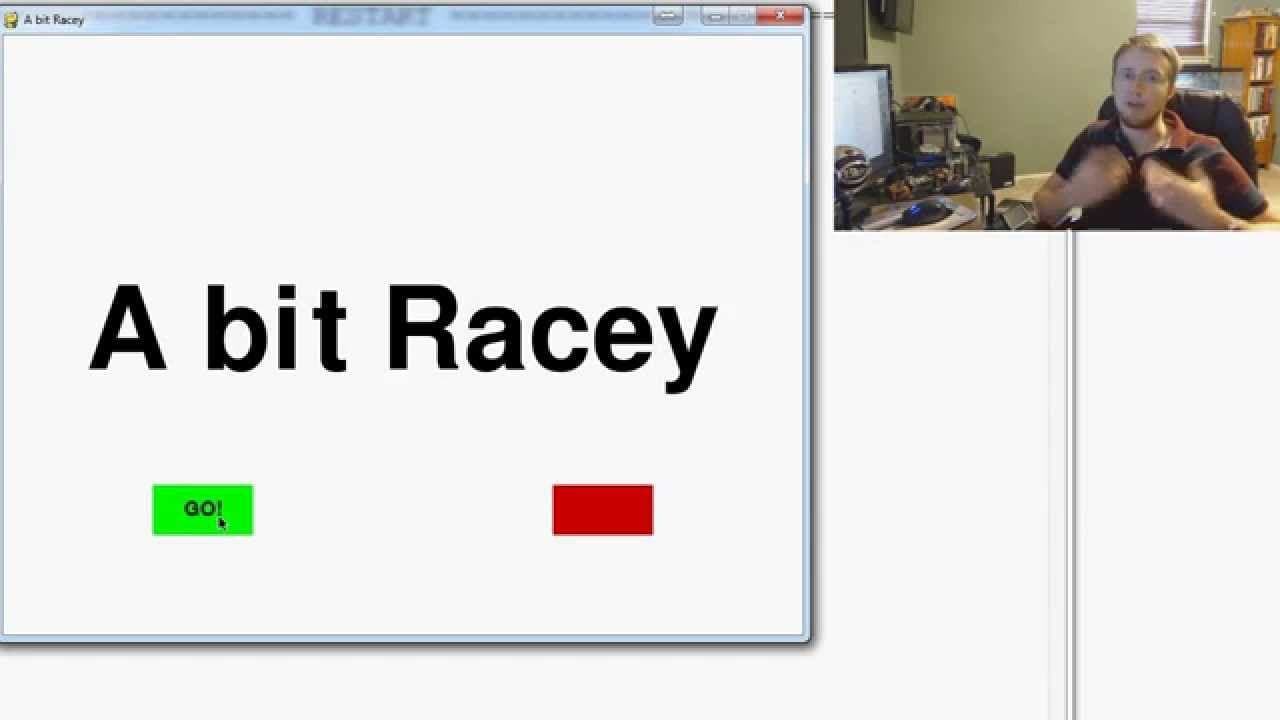
To add text to buttons in PyGame, determine the button's coordinates and dimensions, then create a text object using the desired font and size. Center the text by calculating its X and Y positions based on the button's dimensions. This process enhances button functionality by making the text visually aligned.
Transcript
everybody what is going on welcome to yet another PI game tutorial video and another part of our little mini series of drawing buttons with PI game where we left off we've got the button it's interactive in the sense that when we hover over it the button lights up as if it could be clicked or something can be done with it and now we want to do is t... Read More
Key Insights
- 🔄 Adding text to buttons in a PI Game involves knowing the button's coordinates and dimensions and creating a text object using a specified font and size.
- 👻 Defining constants for different text sizes allows for easier implementation and consistency in the game.
- 🔄 Centering the text on the button requires calculating the X and Y coordinates based on the button's position and dimensions.
- 👨💻 The tutorial recommends organizing constants and functions to improve the code's readability and maintainability.
- 🔄 The next video in the series will cover creating a button function to make the button interactive.
- 👨💻 Attention to parentheses and code structure is crucial for proper syntax and functionality.
- 🧑🏫 The tutorial emphasizes the importance of practicing and solidifying concepts in order to effectively teach programming.
Install to Summarize YouTube Videos and Get Transcripts
Explore YouTube Video Summarizer or Get YouTube Transcript Extractor
Questions & Answers
Q: How can we add text to buttons in a PI Game?
To add text to buttons, we need to know the coordinates and dimensions of the button. We can then create a text object using a specific font and size and center it on the button using the Center() function.
Q: Why is it recommended to define constants for different text sizes?
Defining constants for different text sizes allows for easier implementation and consistency throughout the game. It avoids having to redefine the text size every time we need to use it.
Q: How do we center the text on the button?
To center the text, we use the Center() function on the text rectangle. We calculate the X-coordinate by adding the button's X-coordinate and half of its width. The Y-coordinate is calculated by adding the button's initial Y-coordinate and half of its height.
Q: Can we make the button text interactive?
In this tutorial, the focus is on adding text to buttons. However, in the next video, the instructor plans to cover creating a button function that allows the button to perform an action when clicked.
Summary & Key Takeaways
-
The video tutorial focuses on adding text to buttons in a PI Game and demonstrates the logic behind it.
-
It suggests defining constants for different types of text (small, medium, large) for easier implementation in the future.
-
The tutorial explains the process of centering the text on the button and demonstrates the code required for it.
Read in Other Languages (beta)
Share This Summary 📚
Summarize YouTube Videos and Get Video Transcripts with 1-Click
Try YouTube Summary with ChatGPT & Claude or YouTube Transcript Generator
Explore More Summaries from sentdex 📚






Summarize YouTube Videos and Get Video Transcripts with 1-Click
Try YouTube Summary with ChatGPT & Claude or YouTube Transcript Generator