How to Create a YouTube Channel for Beginners
TL;DR
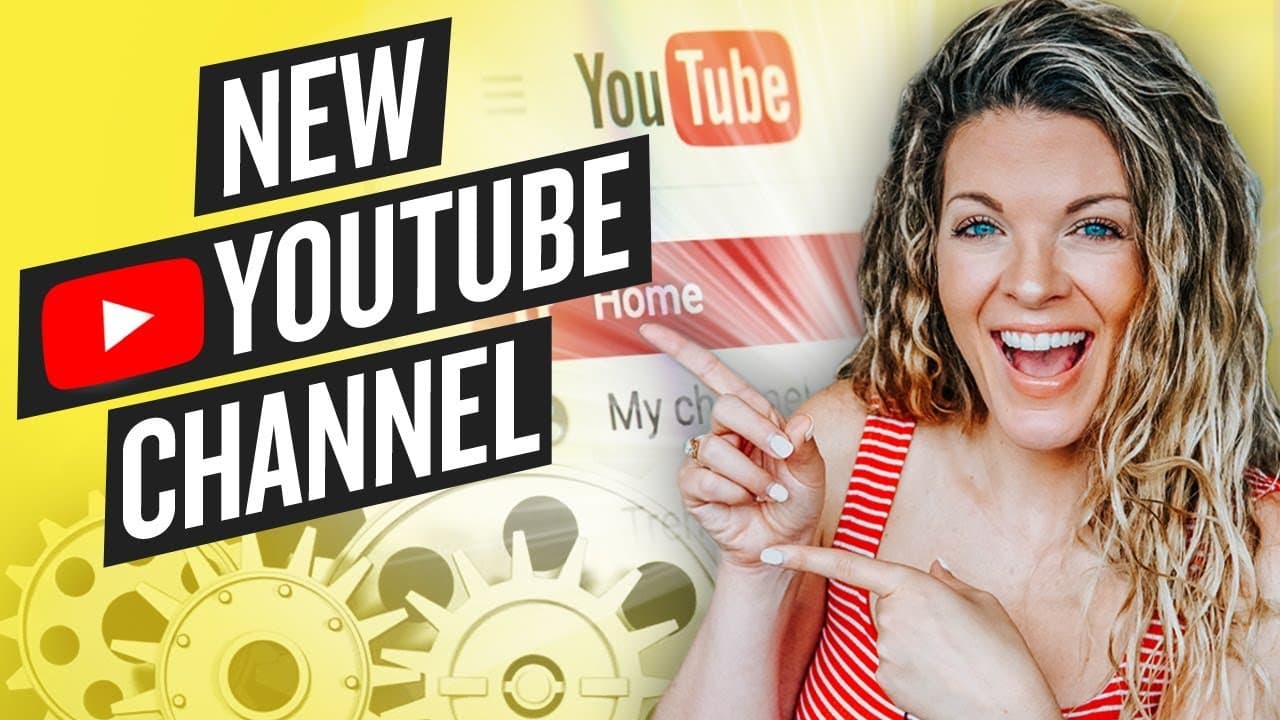
To create a successful YouTube channel, sign in to YouTube, set up your channel, and optimize it with relevant keywords and engaging channel art. Utilizing tools like Canva can help design appealing visuals, and adding a channel trailer can attract subscribers. Consistent interaction with your audience and analyzing analytics are key to growing your channel effectively.
Transcript
Whether you are starting a channel from scratch or you have a channel but you want to set it up for more views, subscribers and engagement, that's what we're going to go through today step by step. We're going to dive into my computer in just a second so I can show you the screencast. But before we do, I have created an entire checklist called the ... Read More
Key Insights
- 😫 Setting up user settings and adding relevant keywords helps your channel get found in the right category.
- 🥰 Channel customization, including channel art and a channel trailer, is key to attracting subscribers.
- 🥰 Utilizing tools like Canva for channel art creation can enhance your channel's visual appeal.
- 💬 Engaging with viewers through comments and community tabs helps build a loyal audience.
- ❓ Analyzing analytics is essential for understanding your channel's performance and audience preferences.
- 🫵 Adding a channel trailer and a watermark encourages viewers to subscribe.
- ❓ Exploring advanced features like playlists and sections can further enhance your channel's organization.
Install to Summarize YouTube Videos and Get Transcripts
Explore YouTube Video Summarizer or Get YouTube Transcript Extractor
Questions & Answers
Q: How can I create a successful YouTube channel from scratch?
To create a successful YouTube channel, start by setting up user settings, adding relevant keywords, and customizing your channel art and description to attract subscribers.
Q: Why is it important to have channel art and a channel trailer?
Channel art and a channel trailer are crucial for making a good first impression on viewers, letting them know what your channel is about and why they should subscribe.
Q: How can I use Canva to create channel art?
Canva is a great tool for creating channel art as it offers templates and customization options, allowing you to design eye-catching visuals that reflect your brand.
Q: Why is engaging with viewers and analyzing analytics important on YouTube?
Engaging with viewers helps build a community around your channel, while analyzing analytics helps you understand what content resonates with your audience and how to improve your channel's performance.
Summary & Key Takeaways
-
Detailed tutorial on setting up a new YouTube channel for success.
-
Includes steps on creating channel art, adding keywords, and setting up user settings.
-
Emphasizes the importance of channel customization and engaging with viewers.
Read in Other Languages (beta)
Share This Summary 📚
Summarize YouTube Videos and Get Video Transcripts with 1-Click
Try YouTube Summary with ChatGPT & Claude or YouTube Transcript Generator
Explore More Summaries from Sunny Lenarduzzi 📚
Summarize YouTube Videos and Get Video Transcripts with 1-Click
Try YouTube Summary with ChatGPT & Claude or YouTube Transcript Generator