Python Charting Stocks part 31 - Graphing live intra-day stock prices
TL;DR
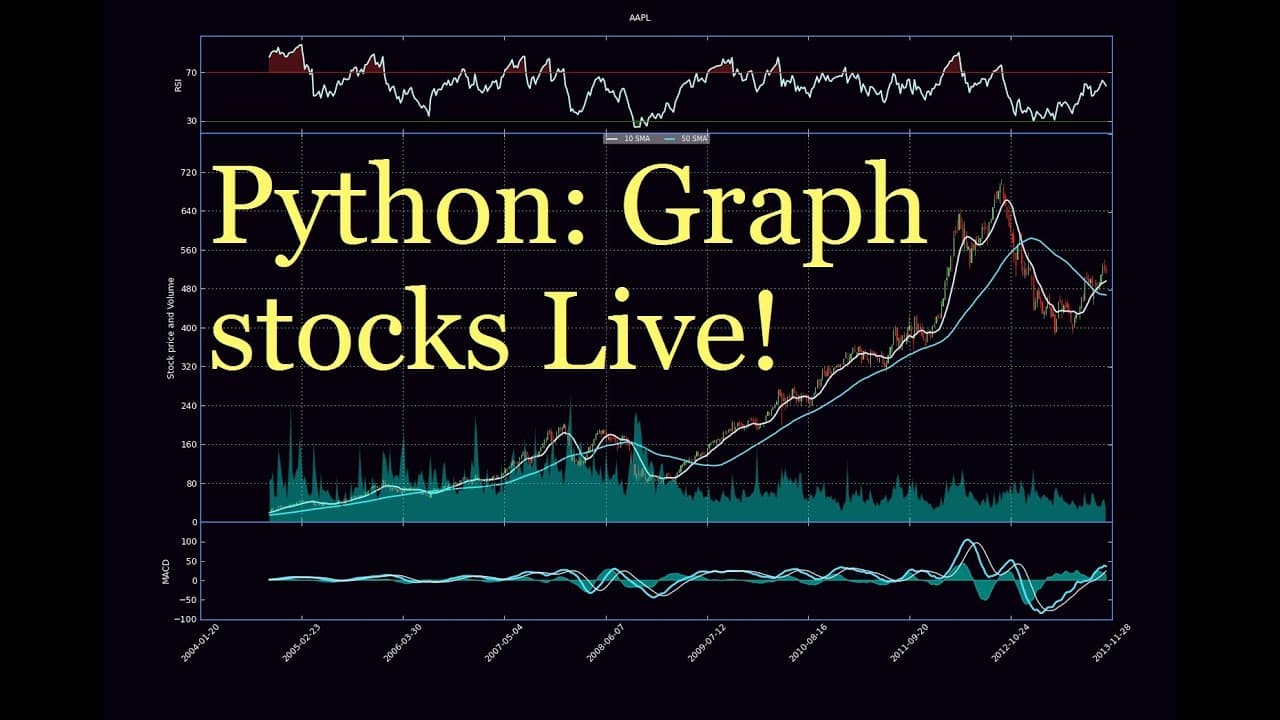
This tutorial demonstrates how to convert a static chart into a live updating chart in Python using Matplotlib.
Transcript
what is going on guys welcome to another Python charting live tutorial in the last video I was showing you guys how to convert the old one day open high low close chart or at least the one that would require two date stamp to now it allows for a UNIX stamp and that's where we left off now we want to actually make it a live chart so let's go ahead a... Read More
Key Insights
- 🫒 Matplotlib's Animation function is essential for creating a live updating chart in Python.
- 🫒 The figure definition and plot show function need to be modified in order to make the chart live.
- 💹 Clearing the axes is necessary to prevent memory overload when updating the chart.
- 🫒 The live updating chart can be integrated into a Django website using JavaScript and JSON.
- 📣 Gaps in the chart, such as overnight or weekend gaps, can be removed or filled programmatically.
- 🫒 Integrating additional indicators like RSI and MACD can enhance the functionality of the live updating chart.
- 👻 Customizing the spines and tick labels of the chart allows for visually highlighting important data.
Install to Summarize YouTube Videos and Get Transcripts
Explore YouTube Video Summarizer or Get YouTube Transcript Extractor
Questions & Answers
Q: How can we convert a static chart into a live updating chart in Python?
To convert a static chart into a live updating chart, the Animation function in Matplotlib can be used by passing the graph data function to it. This allows for real-time updates of the chart.
Q: What are the differences between a static chart and a live updating chart?
The main differences between a static chart and a live updating chart are the use of the Animation function, which requires passing a function that generates the graph data. Additionally, the figure is defined outside the function and the axes are cleared to prevent memory overload.
Q: Can the live updating chart be integrated into a Django website?
Yes, it is possible to integrate the live updating chart into a Django website using JavaScript. By saving the figure and updating the image information using JSON, the chart can be visually updated on the website, although it will not be interactive.
Q: How can the gaps in the chart be removed?
To remove gaps in the chart, such as overnight or weekend gaps, additional steps need to be taken. The tutorial suggests using the one-day open high/low close chart instead of a three-day chart to minimize the impact of gaps. However, it is possible to programmatically remove or fill the gaps in the chart as well.
Summary & Key Takeaways
-
The previous tutorial showed how to convert a chart with a two-date stamp into one that uses a UNIX stamp for live updates.
-
To make the chart live, the Animation function is used by passing the graph data function to it.
-
Some changes need to be made, such as moving the figure definition outside the function and clearing the axes to prevent memory overload.
Read in Other Languages (beta)
Share This Summary 📚
Summarize YouTube Videos and Get Video Transcripts with 1-Click
Try YouTube Summary with ChatGPT & Claude or YouTube Transcript Generator
Explore More Summaries from sentdex 📚






Summarize YouTube Videos and Get Video Transcripts with 1-Click
Try YouTube Summary with ChatGPT & Claude or YouTube Transcript Generator