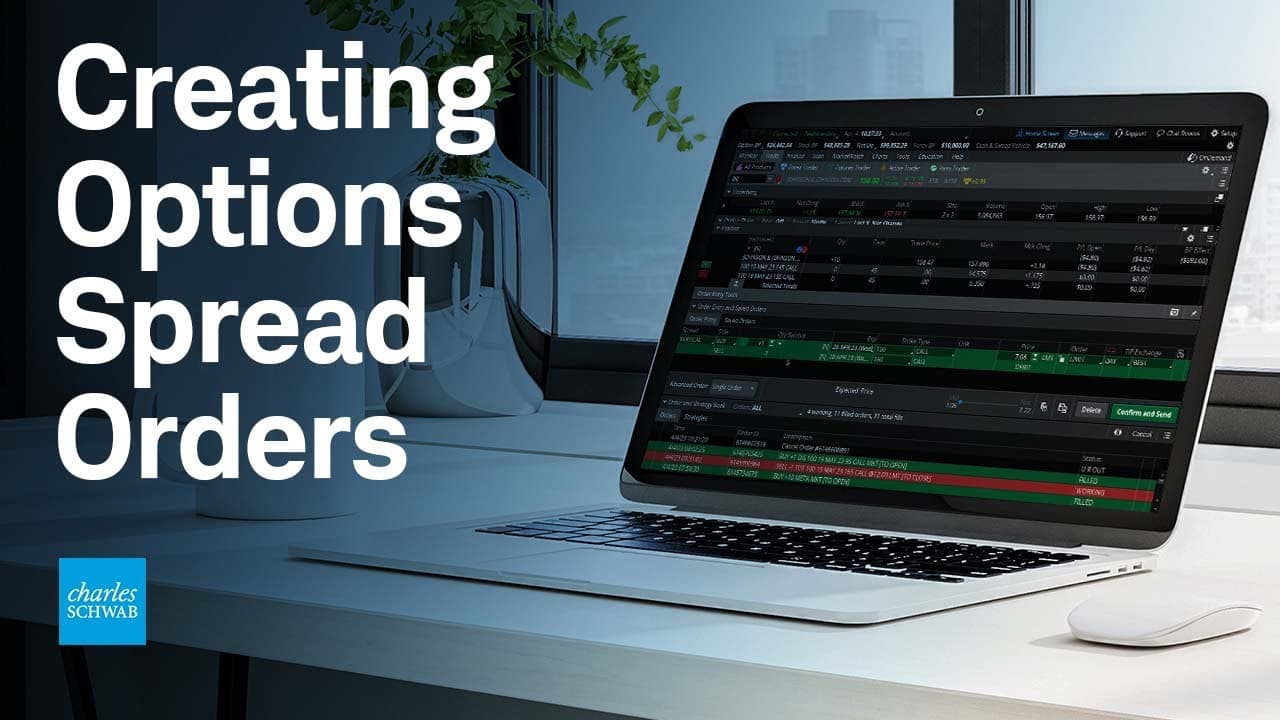
How to Create Options Spread Orders on thinkorswim
TL;DR
To create options spread orders on thinkorswim, navigate to the Trade tab, select your stock and desired expiration date, then choose your strike prices. You can customize the spread by adjusting widths and prices using the control-click function to add legs to your trade before placing your order.
Transcript
Hey traders. I'm Jeremy Kuhlman, and I'm going to show you how to build option spreads using thinkorswim®. Keep in mind, I'm showing thinkorswim desktop, so things will look different on thinkorswim mobile or web. Now let's jump in. For today's example, we're going to look at a long call vertical spread. The first thing you're going to want to do i... Read More
Key Insights
- 🏛️ The tutorial focuses on building a long call vertical spread using thinkorswim desktop.
- 👤 Users need to navigate to the Trade tab and select the All Products subtab to access the option chains.
- 😷 The option chain provides bid and ask prices for the stock, as well as strike prices for call and put options.
- 🧑🤝🧑 When selecting a spread, traders can choose the expiration date and strike prices that best fit their strategy.
- ❓ Spreads can be customized by widening or narrowing the strike prices.
- 🥇 The tutorial demonstrates how to adjust the price of the spread and place the order on thinkorswim.
- 👻 The control-click function allows users to easily add legs to the option trade, creating vertical spreads.
Install to Summarize YouTube Videos and Get Transcripts
Explore YouTube Video Summarizer or Get YouTube Transcript Extractor
Questions & Answers
Q: What is the first step in building an option spread using thinkorswim?
The first step is to go to the Trade tab in thinkorswim and select the All Products subtab. Then, enter the stock symbol you want to see the options for, such as Johnson & Johnson (JNJ).
Q: How do you select the expiration date for the option spread?
In the option chain, locate the expiration date you want to use and click on the little arrow next to it to expand the options. Scroll down to view the entire option chain.
Q: How can you customize the spread width of the option spread?
To widen the spread, click on a different strike price in the option chain and select additional strikes to create a wider spread. This changes the width of the spread and affects the debit cost.
Q: How do you adjust the price of the option spread?
You can double click on the price or use the minus and plus buttons to adjust the price in small increments. Alternatively, you can change the order to a market order for immediate execution.
Summary & Key Takeaways
-
Jeremy Kuhlman provides a step-by-step tutorial on building option spreads using thinkorswim desktop.
-
He demonstrates how to select expiration dates, navigate option chains, and choose the desired strike prices for a long call vertical spread.
-
Kuhlman also shows how to customize spread widths and adjust prices, and provides instructions for placing orders on thinkorswim.
Read in Other Languages (beta)
Share This Summary 📚
Summarize YouTube Videos and Get Video Transcripts with 1-Click
Try YouTube Summary with ChatGPT & Claude or YouTube Transcript Generator
Explore More Summaries from Charles Schwab 📚





Summarize YouTube Videos and Get Video Transcripts with 1-Click
Try YouTube Summary with ChatGPT & Claude or YouTube Transcript Generator