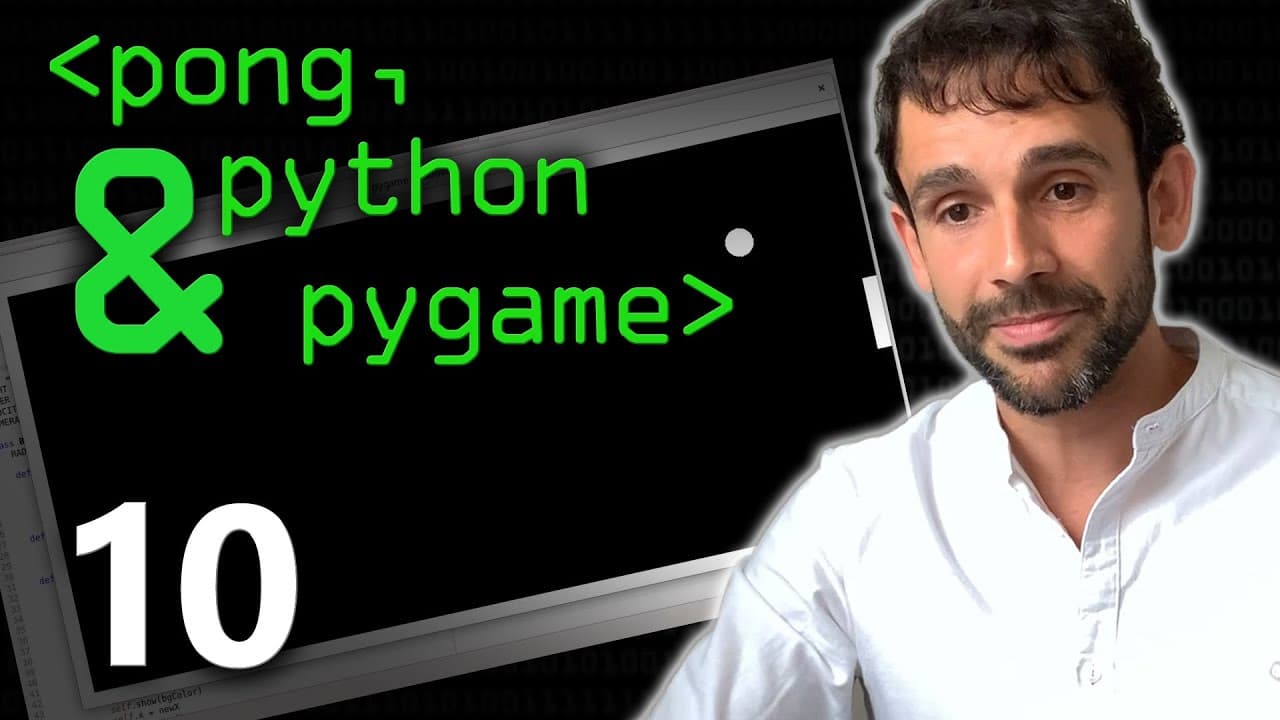
How to Create and Move a Ball in Pygame
TL;DR
Creating a ball in Pygame involves defining a class and its attributes, then implementing movement by updating the ball's position on the screen. Collision management is essential to keep the ball within the game boundaries, and using Pygame's clock helps regulate the frame rate for smooth gameplay.
Transcript
hey welcome back Isaac you know we've got um we've got the beginnings of a fantastic smash hit triple-a rated computer game here yes we've done some good bit some tossing out what we're doing and we've got a screen now what what do we do next yeah so so far we just caught as you said the screen we got the wall strong and we know how to do that with... Read More
Key Insights
- 💬 The process of creating a ball object and implementing movement in a Python game involves defining classes, initializing attributes, and updating the position of the ball.
- 💻 Pygame provides several drawing functions, including "draw.circle" for drawing circles on the screen.
- ☑️ Managing collisions between the ball and the walls requires checking the position of the ball and changing the velocity to prevent the ball from going out of bounds.
- 🎮 The game's frame rate can be controlled using the Pygame "clock" function to ensure smooth and consistent movement of the ball.
Install to Summarize YouTube Videos and Get Transcripts
Explore YouTube Video Summarizer or Get YouTube Transcript Extractor
Questions & Answers
Q: How do you define the behavior of an object in Python?
In Python, you can define the behavior of an object by creating a class and using a constructor function to specify its attributes and initial values.
Q: How do you show the ball on the screen in a Python game?
To show the ball on the screen in a Python game, you need to use the Pygame library's drawing functions, specifically the "draw.circle" function, which requires the surface, color, coordinates, and radius of the ball.
Q: How do you implement movement for the ball in a Python game?
Movement for the ball in a Python game can be implemented by updating the position of the ball's coordinates using the velocity variables. The position can be updated using the constructor function and then redrawn on the screen using the "draw.circle" function.
Q: How do you manage collisions between the ball and the walls in a Python game?
To manage collisions between the ball and the walls in a Python game, you need to check the position of the ball and compare it to the boundaries of the walls. If the ball's position reaches or exceeds the wall's boundaries, the velocity of the ball needs to be changed to prevent it from going out of bounds.
Summary & Key Takeaways
-
The content begins by explaining the process of creating a ball object and defining its behavior using classes and constructor functions.
-
The tutorial demonstrates how to show the ball on the screen using the Pygame library's drawing functions.
-
The video then focuses on implementing movement for the ball by updating its position and managing collision with the walls.
Read in Other Languages (beta)
Share This Summary 📚
Summarize YouTube Videos and Get Video Transcripts with 1-Click
Try YouTube Summary with ChatGPT & Claude or YouTube Transcript Generator
Explore More Summaries from Computerphile 📚




Summarize YouTube Videos and Get Video Transcripts with 1-Click
Try YouTube Summary with ChatGPT & Claude or YouTube Transcript Generator