What Do Successful YouTubers Do Post-Upload?
TL;DR
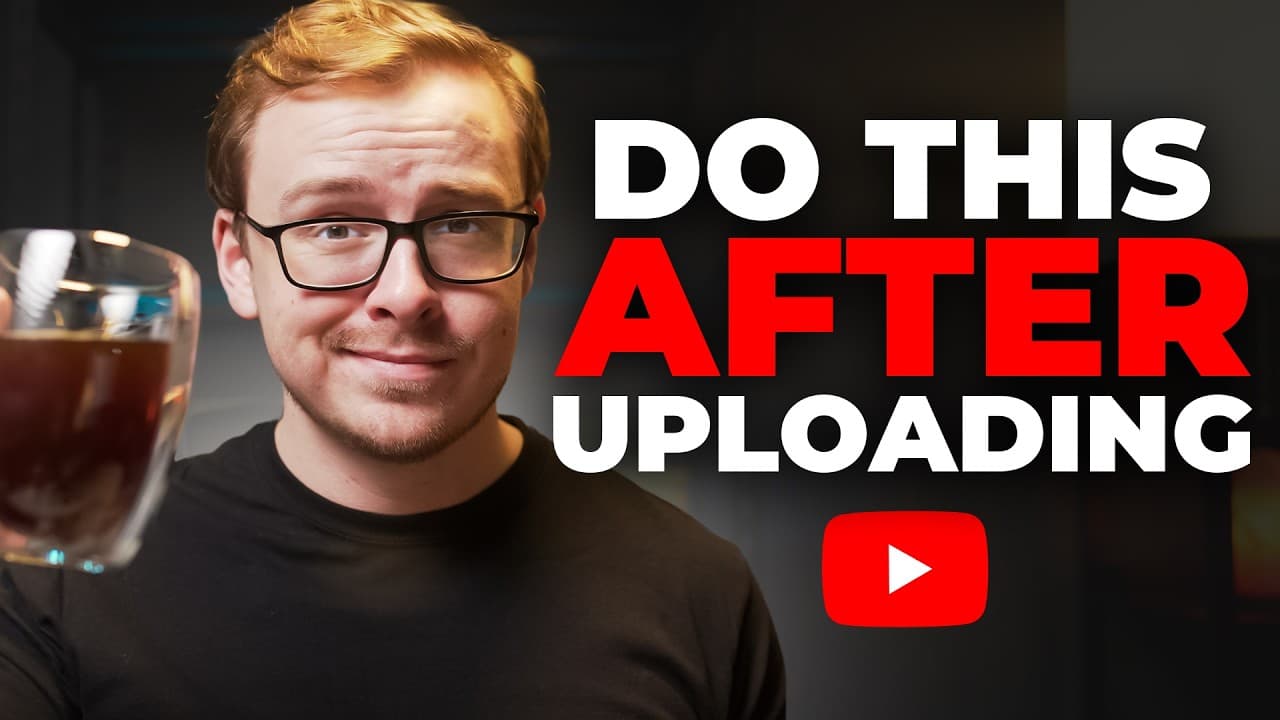
Successful YouTubers implement several post-upload strategies to enhance video performance. These include waiting 24-48 hours before publishing for algorithm trust, using the community tab and social media for promotion, and engaging with comments immediately. They also optimize video descriptions for SEO, use strategic pinned comments, and link videos within playlists to boost viewer retention.
Transcript
So, there are certain things that smart YouTubers like myself do that almost every beginner YouTuber messes up on. And this just gives us an unfair advantage. And this is coming from someone who owns a YouTube channel with over a million subscribers. And last year, I made $477,000 just from AdSense alone. And what you do after you upload in many ca... Read More
Key Insights
- Waiting 24-48 hours post-upload helps YouTube's AI trust the video more, especially for new channels.
- Using the community tab and social media for promotion increases initial video traffic.
- Engaging with comments immediately after upload can boost viewer interaction and retention.
- Optimizing video descriptions with SEO-friendly content enhances discoverability.
- Pinned comments with important links or questions increase engagement and click-through rates.
- Naming video files with the video title improves SEO and video ranking.
- Watching videos on multiple devices ensures quality and improves user experience.
- Linking to playlists instead of single videos increases the likelihood of viewers watching multiple videos.
Install to Summarize YouTube Videos and Get Transcripts
Explore YouTube Video Summarizer or Get YouTube Transcript Extractor
Questions & Answers
Q: How to optimize YouTube video descriptions for SEO?
Optimizing YouTube video descriptions for SEO involves crafting a concise, engaging summary that includes relevant keywords. Use tools like ChatGPT to generate an SEO-friendly description by analyzing the video transcript. Place the description below important links to maintain click-through rates, ensuring it attracts the right audience without overshadowing key links.
Q: Why wait 24-48 hours before publishing a YouTube video?
Waiting 24-48 hours before publishing allows YouTube's AI to thoroughly analyze and trust the video content, especially for new channels. This period helps the AI ensure no inappropriate content exists, increasing the likelihood of the video being shown to a broader audience once it's live, ultimately enhancing its reach and performance.
Q: How does engaging with comments boost YouTube video performance?
Engaging with comments immediately after a video goes live boosts performance by fostering interaction and viewer retention. Responding to comments not only increases engagement metrics but also encourages viewers to return to the video. This activity signals to YouTube that the content is engaging, potentially improving its recommendation and visibility.
Q: What is the benefit of using the community tab for video promotion?
Using the community tab for video promotion drives immediate traffic to new uploads. It allows creators to share videos across their channel or collaborate with others for broader reach. This initial traffic surge helps the algorithm recognize the video's popularity, potentially increasing its visibility and engagement across the platform.
Q: How can pinned comments improve video engagement?
Pinned comments improve video engagement by highlighting important links or prompting viewer interaction. They are prominently displayed at the top of the comment section, increasing the likelihood of viewer interaction. This strategy boosts click-through rates and engagement, signaling to YouTube that the video is valuable and engaging.
Q: Why is file naming important for YouTube SEO?
File naming is crucial for YouTube SEO as it provides the algorithm with initial context about the video content. Naming the file with the video title, especially when it includes relevant keywords, enhances the video's discoverability. This practice, combined with an SEO-friendly title, can significantly improve video ranking and visibility.
Q: How does linking videos within playlists enhance viewer retention?
Linking videos within playlists enhances viewer retention by encouraging viewers to watch multiple videos in sequence. Playlists create a continuous viewing experience, increasing watch time and sending positive signals to the algorithm about the channel's content quality. This strategy can lead to more frequent recommendations and greater channel growth.
Q: What role does multi-device viewing play in video quality control?
Multi-device viewing plays a vital role in ensuring video quality control by allowing creators to assess the viewing experience across different screens. Watching on both phones and TVs helps identify issues like text readability or visual clarity, ensuring the content is optimized for the most common viewing devices, thereby enhancing overall viewer satisfaction.
Summary & Key Takeaways
-
Successful YouTubers enhance video performance by waiting 24-48 hours post-upload, allowing YouTube's AI to trust the content more. They leverage the community tab and social media for promotion, boosting initial video traffic. Engaging with comments immediately creates viewer interaction and retention, turning uploads into social events.
-
SEO optimization is crucial; crafting SEO-friendly video descriptions and using strategic pinned comments increase discoverability and engagement. Naming video files with the video title further boosts SEO, while watching videos on multiple devices ensures quality control and a better user experience.
-
Linking videos within playlists rather than as standalone increases viewer retention and informs the algorithm of high-quality content. This strategy encourages binge-watching, sending positive signals to YouTube, which can enhance video recommendations and channel growth.
Read in Other Languages (beta)
Share This Summary 📚
Summarize YouTube Videos and Get Video Transcripts with 1-Click
Try YouTube Summary with ChatGPT & Claude or YouTube Transcript Generator
Explore More Summaries from Shane Hummus 📚

Summarize YouTube Videos and Get Video Transcripts with 1-Click
Try YouTube Summary with ChatGPT & Claude or YouTube Transcript Generator