How to Train a Self-Driving Car with Reinforcement Learning
TL;DR
To train a self-driving car using reinforcement learning, combine TensorFlow and Carla to create the car agent, set GPU options for efficient resource management, and iterate through multiple episodes to update the model's memory and predictions. Track key metrics like accuracy and rewards to evaluate training progress and utilize the provided script to visualize the model's performance.
Transcript
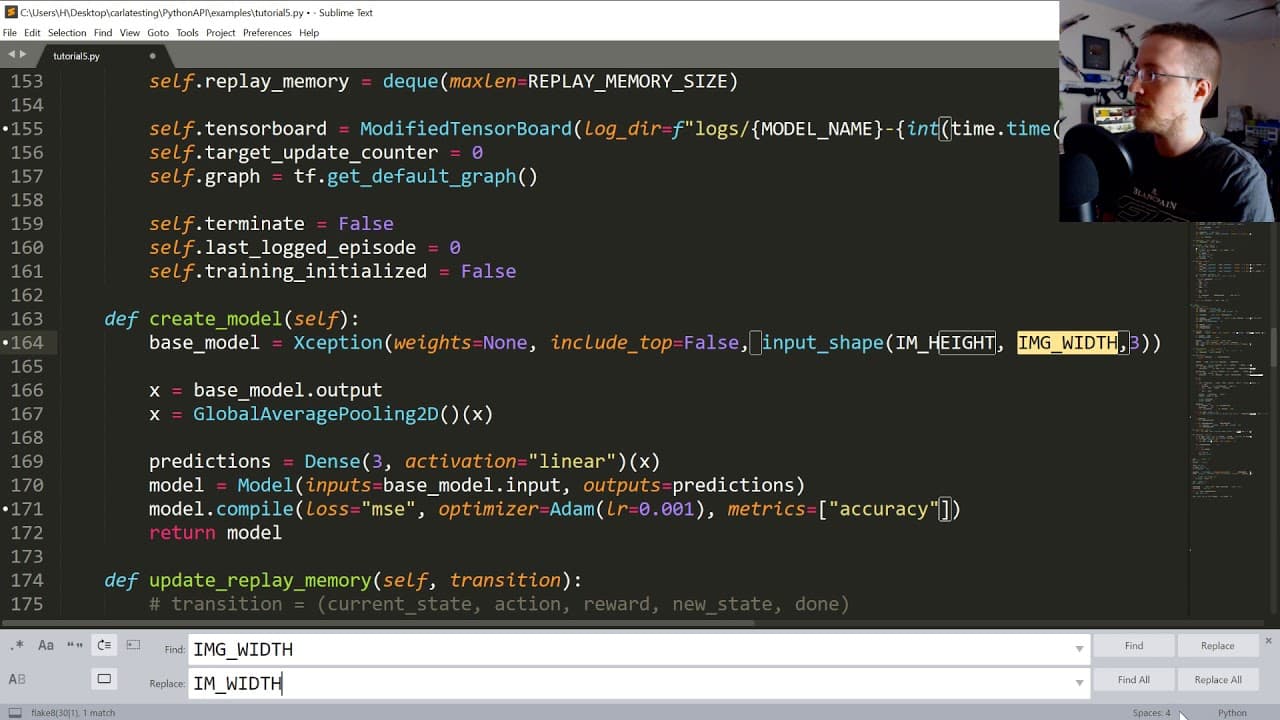
what's going on everybody and welcome to part 5 of the self-driving cars with Karla tensorflow Karros and other things basically we're trying to do reinforcement learning here ok that's the tutorial series where we left off we created the car in and we created the agent and now we're just going to tie everything together and actually hopefully star... Read More
Key Insights
- 🚋 The code demonstrates how to set up the necessary imports and configurations for training a self-driving car model using reinforcement learning.
- 😫 Setting random seeds and GPU options ensures repeatability and efficient memory allocation for multi-agent training.
- 🚂 The training process involves iterating over multiple episodes, updating the replay memory, performing predictions, and training the model.
- 👣 Metrics such as accuracy, reward average, and maximum/minimum rewards are tracked to monitor the training progress.
- 🚋 The provided "play.py" script allows for testing and visualization of the trained model's performance in a self-driving car simulation.
Install to Summarize YouTube Videos and Get Transcripts
Explore YouTube Video Summarizer or Get YouTube Transcript Extractor
Questions & Answers
Q: What is the purpose of this tutorial?
The tutorial aims to demonstrate how to tie all the components of a self-driving car system together using reinforcement learning.
Q: Why are random seeds set in the code?
Random seeds are set to ensure repeatability and to compare and debug different runs of the training process.
Q: How does the code handle GPU memory allocation?
The code sets GPU options to allocate a specific memory fraction for each model to prevent memory overflow and allow for multi-agent training.
Q: What is the significance of setting the FPS value?
The FPS value represents the desired frames per second for the training process, and it affects the timing of actions taken by the model.
Q: What is the purpose of the "get_qs_np.ones" function?
This function is used to get the Q-values of a state before the actual training process begins, allowing for a comparison of later predictions.
Q: How is the training process structured in the code?
The training process is structured using a main loop that iterates over episodes, updates the replay memory, and performs predictions and training steps.
Q: What metrics are tracked during the training process?
The code tracks metrics such as accuracy, epsilon decay, average reward, maximum reward, and minimum reward to monitor the progress of the training.
Q: How can the trained model be tested and visualized?
The provided "play.py" script can be used to test and visualize the trained model's performance in a self-driving car simulation, such as Karla.
Summary & Key Takeaways
-
The tutorial focuses on tying all the components together to start the training process for a self-driving car using reinforcement learning.
-
The code includes imports for TensorFlow and Karla, along with setting up the GPU options for training multiple agents.
-
The script uses a main loop to iterate over multiple episodes and update the model's replay memory and perform predictions.
Read in Other Languages (beta)
Share This Summary 📚
Summarize YouTube Videos and Get Video Transcripts with 1-Click
Try YouTube Summary with ChatGPT & Claude or YouTube Transcript Generator
Explore More Summaries from sentdex 📚






Summarize YouTube Videos and Get Video Transcripts with 1-Click
Try YouTube Summary with ChatGPT & Claude or YouTube Transcript Generator