How Can Beginners Create a Game with the Godot Engine?
TL;DR
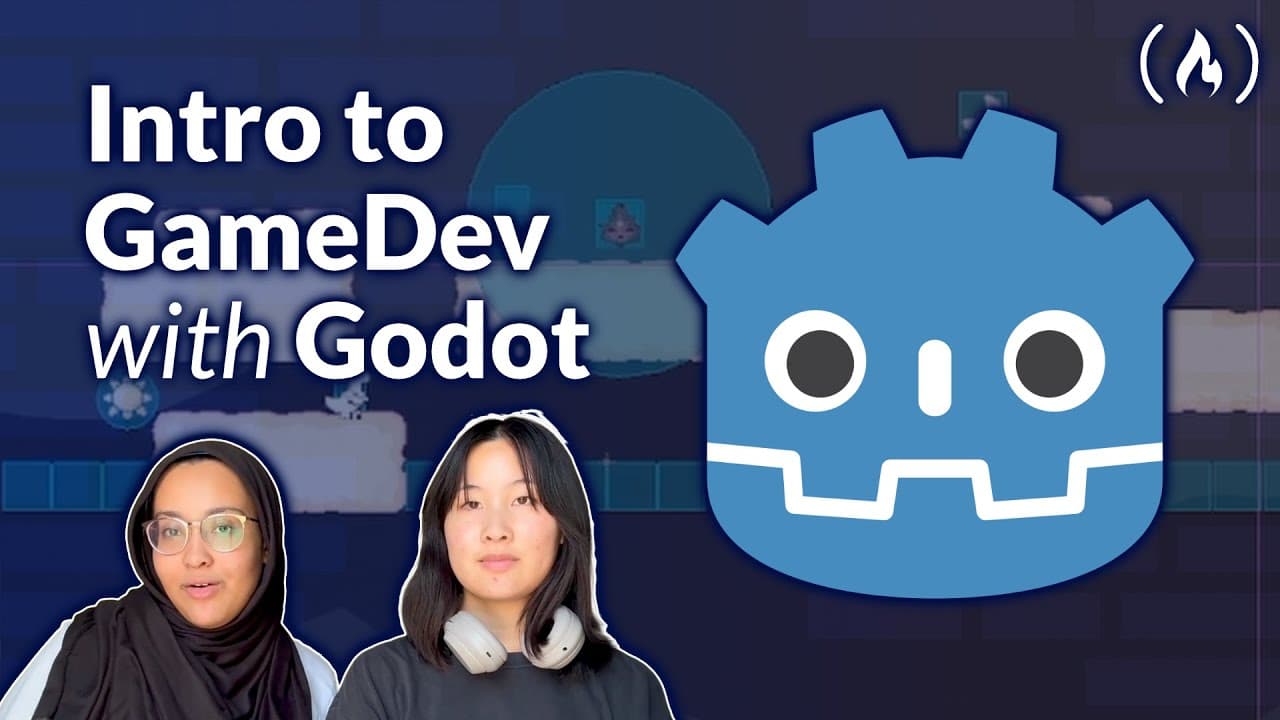
Beginners can create a playable Godot game by installing the engine, starting a 2D scene, building levels with tile maps and tile sets, and then adding a player, checkpoints, scoring, and enemies. The tutorial uses 32 × 32-pixel tiles, physics layers for solid surfaces, and terrain sets to make level drawing easier. Read on for the eight core steps from project setup through exporting the finished game.
Transcript
This course will guide you step by step through building your very own first game using the GooDo game engine. You'll start by setting up GDO and getting comfortable with the editor. From there, you'll create levels, design tile sets, and add a player character. The lessons also cover checkpoints, scoring, and adding enemies to make the game more e... Read More
Key Insights
- Godot is a free, open-source game engine for building 2D and 3D games.
- Installing Godot involves downloading the engine from the official website and setting it up on your system.
- Tile maps and tile sets are essential for designing levels and creating the game world.
- Physics layers and collision shapes are crucial for enabling interaction with game elements.
- Creating a player character involves setting up input controls and animations.
- Checkpoints and a death system enhance gameplay by allowing players to respawn.
- Enemies and obstacles add challenge and complexity to the game.
- Exporting your game to a platform like Itch.io allows others to play it online.
Install to Summarize YouTube Videos and Get Transcripts
Explore YouTube Video Summarizer or Get YouTube Transcript Extractor
Questions & Answers
Q: How can beginners create a game with the Godot Engine?
Start by installing Godot and creating a project in the project manager. Then build a 2D level with tile maps and tile sets, add a controllable player, and implement checkpoints, scoring, and enemies. By the end of the course, you will have a complete playable game that can be customized and expanded.
Q: How do you install the Godot Engine and create a project?
Download the latest version from the Godot Engine website, extract the downloaded ZIP folder, and run the first executable file. This opens the Godot project manager, where you can create and name your first game project.
Q: How do you import game art into a Godot project?
Download the provided art repository as a ZIP file and unzip it. In Godot, open the project folder through the file manager, then drag the extracted art folder into the editor or the project's file manager.
Q: How do you create a tile map and tile set in Godot?
Create a new 2D scene, add a TileMapLayer child node, and open the tile map panel. In the inspector, replace the empty tile set with a new tile set, add an atlas, and open the Aurora tile set PNG from the art folder.
Q: How do you set the tile size in the tutorial?
Change the tile set tile size to 32 × 32 pixels. Then set the texture region to 32 × 32 through the TileMapLayer inspector so the tiles align correctly in the level.
Q: How do you make tiles solid in Godot?
Add a physics-layer element and a new physics material through the TileMapLayer inspector. In the tile set's physics tab, select a tile and press F; when it is shaded red, it has become solid. You can hold Shift and drag across multiple tiles before pressing F to apply solidity to all of them.
Q: How do terrain sets make level building easier?
Terrain sets let Godot fill connected tile shapes automatically instead of requiring you to repeatedly select individual tiles. Add a terrain-set element and a terrain, paint the required grid-like pattern onto each tile, and then draw from the terrain section of the tile map.
Q: What features does the beginner Godot course add after the level is built?
After creating the level, the course adds a player character, checkpoints, scoring, and enemies. These features turn the scene into a complete playable game that learners can customize and expand further.
Summary & Key Takeaways
-
Godot is a versatile game engine ideal for beginners interested in game development. This tutorial guides users through setting up Godot, creating game levels, and designing characters. By the end, users will have a playable game with custom features.
-
The tutorial covers essential game mechanics such as checkpoints, scoring, and adding enemies. It also includes instructions for creating animations and backgrounds to enhance the visual appeal of the game.
-
Users learn how to export their finished game to platforms like Itch.io, making it accessible to a wider audience. The tutorial is designed to be comprehensive yet approachable, perfect for those new to game development.
Read in Other Languages (beta)
Share This Summary 📚
Summarize YouTube Videos and Get Video Transcripts with 1-Click
Try YouTube Summary with ChatGPT & Claude or YouTube Transcript Generator
Explore More Summaries from freeCodeCamp.org 📚



![The Most Important Skills Going Forward with CTO + Homebrew Maintainer Mike McQuaid [Podcast #204] thumbnail](/_next/image?url=https%3A%2F%2Fi.ytimg.com%2Fvi%2F58Tn2xB8kIE%2Fhqdefault.jpg&w=750&q=75)

Summarize YouTube Videos and Get Video Transcripts with 1-Click
Try YouTube Summary with ChatGPT & Claude or YouTube Transcript Generator