How to Record Professional Vocals at Home
TL;DR
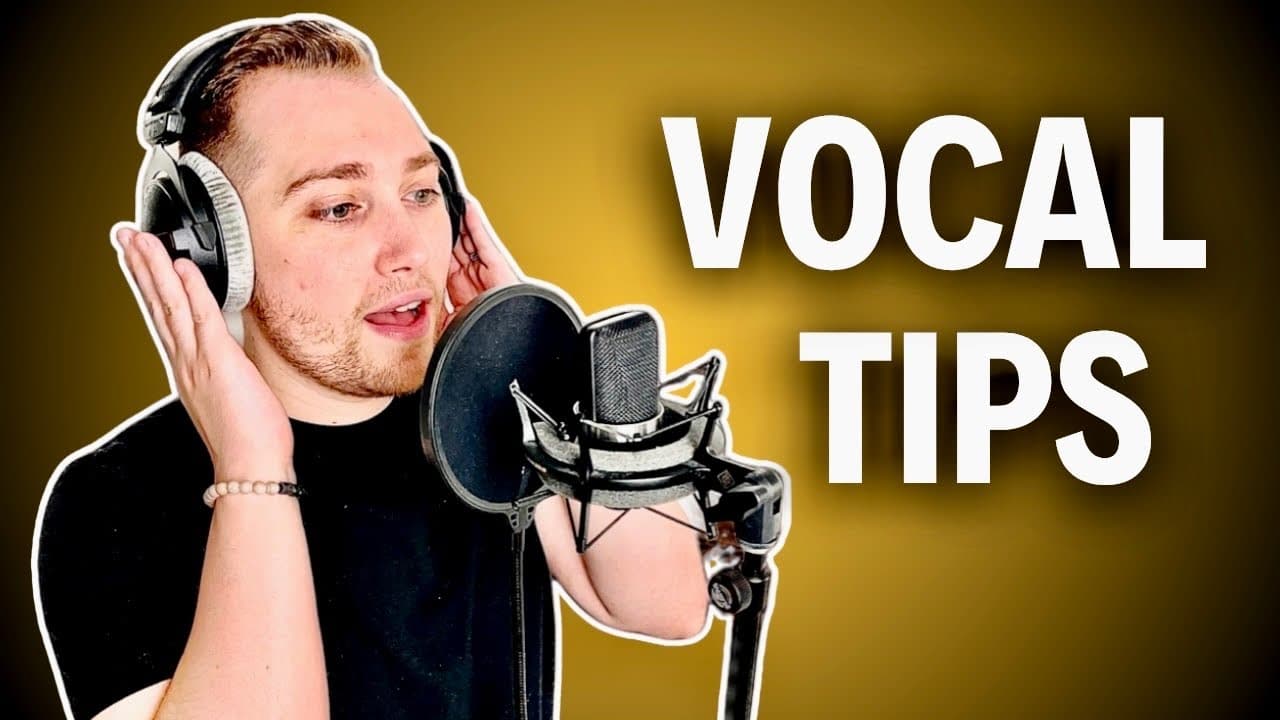
To record professional vocals at home, ensure proper microphone placement away from walls and noise sources while aiming for a distance of one to two hands with condenser mics. Set gain levels between -8 to -12 dB to prevent clipping, and create a comfortable headphone mix for singers, possibly adding reverb for enhanced performance.
Transcript
here are three tips for recording professional sounding vocals regardless of the microphone you use tip number one is to get good mic placement believe it or not where you place a microphone can have a huge impact in the sound of your recording but unfortunately a big mistake that a lot of beginners make is that they just place the microphone where... Read More
Key Insights
- 💨 Proper mic placement away from walls and noise sources can greatly improve vocal clarity.
- 📡 Signal gain should be monitored carefully to ensure a quality recording without distortion or clipping.
- 😘 A pop filter is a low-cost investment that significantly enhances vocal recording quality by minimizing plosive sounds.
- 🥰 Singers typically perform better when they can hear themselves well through headphones, requiring tailored mixes for optimal results.
- 🥺 Recording in sections, adjusting gain levels for each segment, can lead to more consistent audio quality throughout a song.
- 👂 Proximity effect can alter sound characteristics significantly, making microphone distance critical for desired sound fullness.
- 🧑🎤 Reverb in headphones can motivate singers by providing a more immersive listening experience, improving their performance.
Install to Summarize YouTube Videos and Get Transcripts
Explore YouTube Video Summarizer or Get YouTube Transcript Extractor
Questions & Answers
Q: Why is mic placement so important in vocal recording?
Mic placement significantly influences the final sound quality of a recording. Placing the microphone too close to walls or corners can lead to undesirable low-end build-up and reflections, resulting in a muffled sound. Proper placement ensures a clear recording that emphasizes the vocalist's voice while minimizing background noise.
Q: How can I prevent audio clipping when recording?
To prevent audio clipping, regularly monitor your gain levels during recording. Aim for green and yellow signal indicators on your audio interface, adjusting settings to keep levels between -8 dB and -12 dB. This creates a healthy signal that prevents distortion and maintains sound quality throughout the recording session.
Q: What is the significance of using a pop filter in vocal recording?
A pop filter is essential in vocal recordings as it helps eliminate plosive sounds produced by words that contain the letters ‘P’ or ‘B’. These pops can disrupt the clarity of the recording. By using a pop filter, you achieve cleaner and more professional-sounding vocals, enhancing the overall quality of the audio.
Q: How can I set the right headphone mix for a singer?
The ideal headphone mix allows singers to hear themselves and the music comfortably, enhancing their performance. Adjust audio track faders based on the singer's preference for vocals versus instruments. Utilizing direct monitoring features or adding reverb can also help the singer feel more comfortable and confident during recording.
Summary & Key Takeaways
-
Good microphone placement is crucial for clear vocal recordings. Position the mic away from walls and noise sources while ensuring it’s appropriately directed towards the singer's mouth for optimal sound capture.
-
Setting a healthy gain level is vital to avoid audio clipping. Aim for levels between -8 to -12 dB, adjusting based on the loudest parts of the song to maintain consistent and unblemished audio quality.
-
Creating a comfortable headphone mix for the singer can significantly enhance their performance. Adjust the levels so they can hear themselves and the music adequately, potentially adding reverb for an improved recording experience.
Read in Other Languages (beta)
Share This Summary 📚
Summarize YouTube Videos and Get Video Transcripts with 1-Click
Try YouTube Summary with ChatGPT & Claude or YouTube Transcript Generator
Explore More Summaries from Home Studio Academy 📚

Summarize YouTube Videos and Get Video Transcripts with 1-Click
Try YouTube Summary with ChatGPT & Claude or YouTube Transcript Generator