Turn GMail In To An Autoresponder
TL;DR
Learn how to set up Gmail to automatically respond to specific emails, making it function as an autoresponder.
Transcript
hey there mat wolf here today I want to make a quick video about how to turn your Gmail into an autoresponder now about six years ago I made a video and I put it up on YouTube is actually one of the first videos I ever put on YouTube and it was this little trick about how to turn Gmail into an autoresponder and it's my most popular video I've ever ... Read More
Key Insights
- 😫 Gmail can be turned into an autoresponder by enabling the "canned responses" feature and setting up filters based on specific criteria.
- 👻 Canned responses in Gmail allow for automatic replies, similar to vacation replies, but with more filters and logic involved.
- 🚚 This technique can be used in various scenarios, such as delivering bonuses, offering exclusive content, or soliciting replies from subscribers.
- 👻 Composing a message and saving it as a canned response allows Gmail to automatically send it when triggered by the specified criteria.
- 💌 Gmail's autoresponder feature is exclusive to Gmail and cannot be integrated with other email service providers.
- 🖖 There are no specific limitations on the number of canned responses that can be created, providing flexibility for multiple autoresponder messages.
- 🐕🦺 The autoresponder function in Gmail can be particularly useful for bloggers, podcasters, and those using existing autoresponder services.
Install to Summarize YouTube Videos and Get Transcripts
Explore YouTube Video Summarizer or Get YouTube Transcript Extractor
Questions & Answers
Q: How can Gmail be turned into an autoresponder?
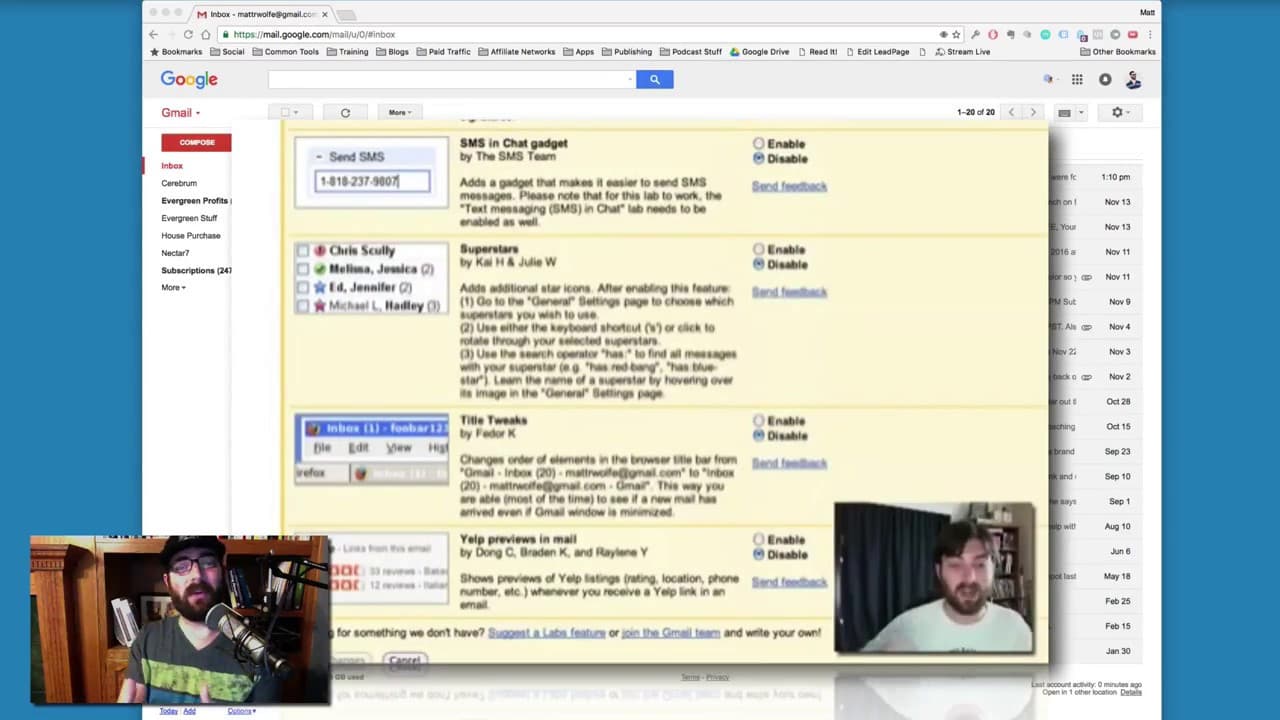
To make Gmail function as an autoresponder, enable the "canned responses" feature in settings, compose the desired response, and set up filters to trigger the canned response based on specific criteria.
Q: What is the purpose of using Gmail as an autoresponder?
Using Gmail as an autoresponder can be beneficial for various purposes such as delivering bonuses to subscribers, offering specific content to podcast listeners, or soliciting replies for existing autoresponders.
Q: Can Gmail's autoresponder feature be used with other email service providers?
Gmail's autoresponder feature is specific to Gmail and cannot be directly integrated with other email service providers.
Q: Are there any limits on the number of canned responses that can be created in Gmail?
There are no specific limits on the number of canned responses that can be created in Gmail, allowing users to set up multiple autoresponder messages as needed.
Summary & Key Takeaways
-
Gmail can be transformed into an autoresponder by enabling the "canned responses" feature in the settings.
-
Users can compose the message they want to automatically send out and save it as a canned response.
-
By creating a filter based on specific criteria like subject lines, Gmail will automatically send the canned response when receiving relevant emails.
Read in Other Languages (beta)
Share This Summary 📚
Summarize YouTube Videos and Get Video Transcripts with 1-Click
Try YouTube Summary with ChatGPT & Claude or YouTube Transcript Generator
Explore More Summaries from Matt Wolfe 📚






Summarize YouTube Videos and Get Video Transcripts with 1-Click
Try YouTube Summary with ChatGPT & Claude or YouTube Transcript Generator