Learn How To Record Vocals In 4 Easy Steps!
TL;DR
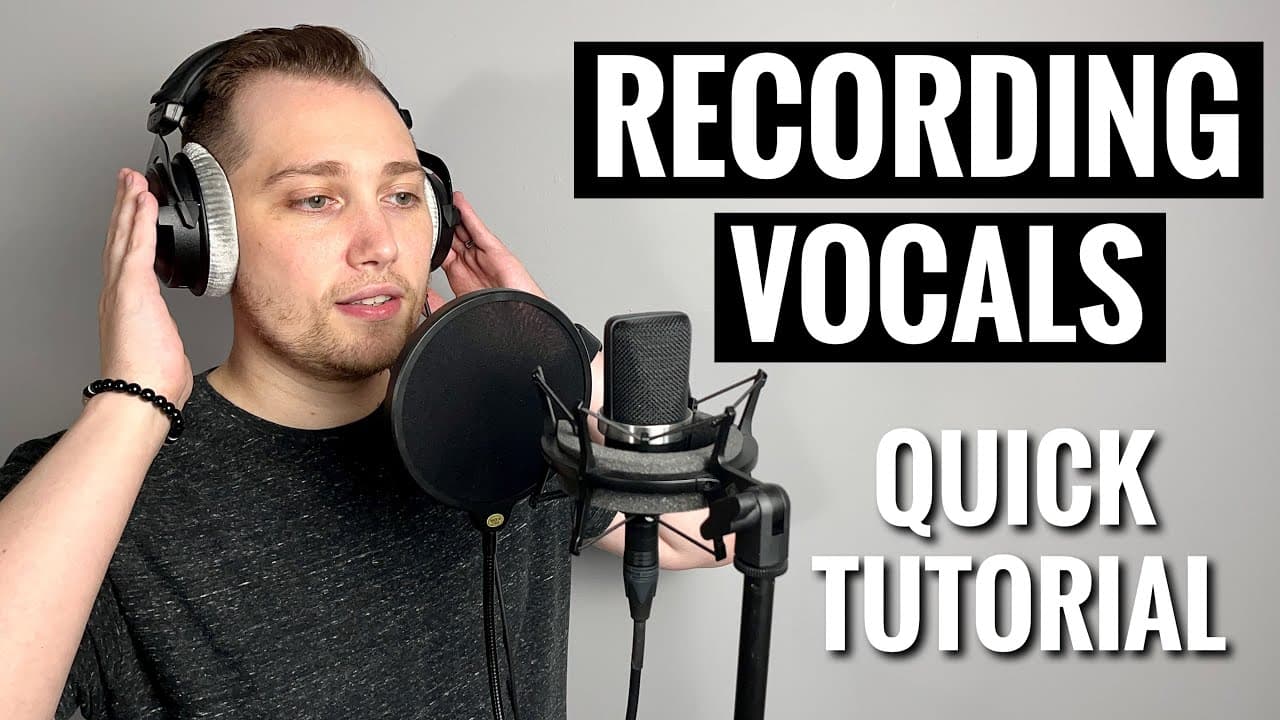
Learn to record professional vocals in four easy steps.
Transcript
in this video i'll be showing you how to record professional sounding vocals in four easy steps coming up welcome to the home studio academy everybody my name is nolan freitas and my goal is to help you build your own home studio and teach you how to create professional sounding recordings from home so in today's video we're going to be covering ho... Read More
Key Insights
- 🎙️ A reliable home studio setup includes essential equipment like a computer, audio interface, and microphone for vocal recording.
- 👻 Using low latency monitoring settings in your DAW allows for virtual real-time recording, enhancing performance accuracy and timing.
- 🙂 Correct microphone height is crucial; position it at or slightly above the singer's mouth for optimal sound capture.
- 🔇 Adjusting gain levels helps maintain sound quality; avoid peak levels that lead to clipping and distortion during recording.
- 😒 The use of a pop shield is highly recommended to remove unwanted plosives and ensure cleaner vocal tracks.
- 🪈 Incorporating acoustic treatment materials can significantly improve recording quality in non-ideal environments.
- 🫀 Practicing before recording helps familiarize the vocalist with their mic placement and enhances overall performance during takes.
Install to Summarize YouTube Videos and Get Transcripts
Explore YouTube Video Summarizer or Get YouTube Transcript Extractor
Questions & Answers
Q: What basic equipment do I need to record vocals professionally at home?
To record professional vocals, you need a computer with recording software, an audio interface, and a good quality microphone. For condenser microphones, ensure you have phantom power available. This setup will allow you to capture high-quality audio suitable for music production.
Q: Why is mic positioning important when recording vocals?
Proper mic positioning ensures that the captured sound is clear and balanced. The instructor recommends placing the mic away from walls and corners to reduce reflections and unwanted noise. A central position in the room is ideal, as are treatments like carpets or acoustic panels to dampen the environment.
Q: What should I do if my audio levels are too high when recording?
If your audio levels peak into the red zone on your audio interface, it indicates distortion, which affects sound quality. To prevent this, adjust your gain levels by lowering them until the signal sits within the green and yellow lights, aiming for levels between -18 and -6 dB for optimal clarity without distortion.
Q: How can I avoid plosive sounds when recording vocals?
To minimize plosive sounds—like those pronounced on 'p's and 'b's—use a pop shield placed about a fist's distance from the microphone. This affordable tool helps filter out harsh sounds that can detract from a professional vocal take, making your recordings sound cleaner.
Q: What is the "proximity effect," and how can I manage it?
The proximity effect refers to increased bass response that occurs when a vocalist gets too close to the microphone. To counter this, maintain a proper distance; ideally, the singer should be about one hand away from the mic. This balance prevents sounds from becoming overly bass-heavy while still capturing clarity.
Summary & Key Takeaways
-
The video offers a step-by-step guide on how to record professional-sounding vocals using a home studio setup, including necessary equipment recommendations.
-
Key steps include setting up your audio interface, properly positioning the microphone, and adjusting gain levels to achieve optimal sound quality.
-
The instructor emphasizes the importance of using a pop shield to minimize undesirable sounds and suggests using acoustic treatments for an improved recording environment.
Read in Other Languages (beta)
Share This Summary 📚
Summarize YouTube Videos and Get Video Transcripts with 1-Click
Try YouTube Summary with ChatGPT & Claude or YouTube Transcript Generator
Explore More Summaries from Home Studio Academy 📚

Summarize YouTube Videos and Get Video Transcripts with 1-Click
Try YouTube Summary with ChatGPT & Claude or YouTube Transcript Generator