How to Use Google Calendar for Maximum Efficiency
TL;DR
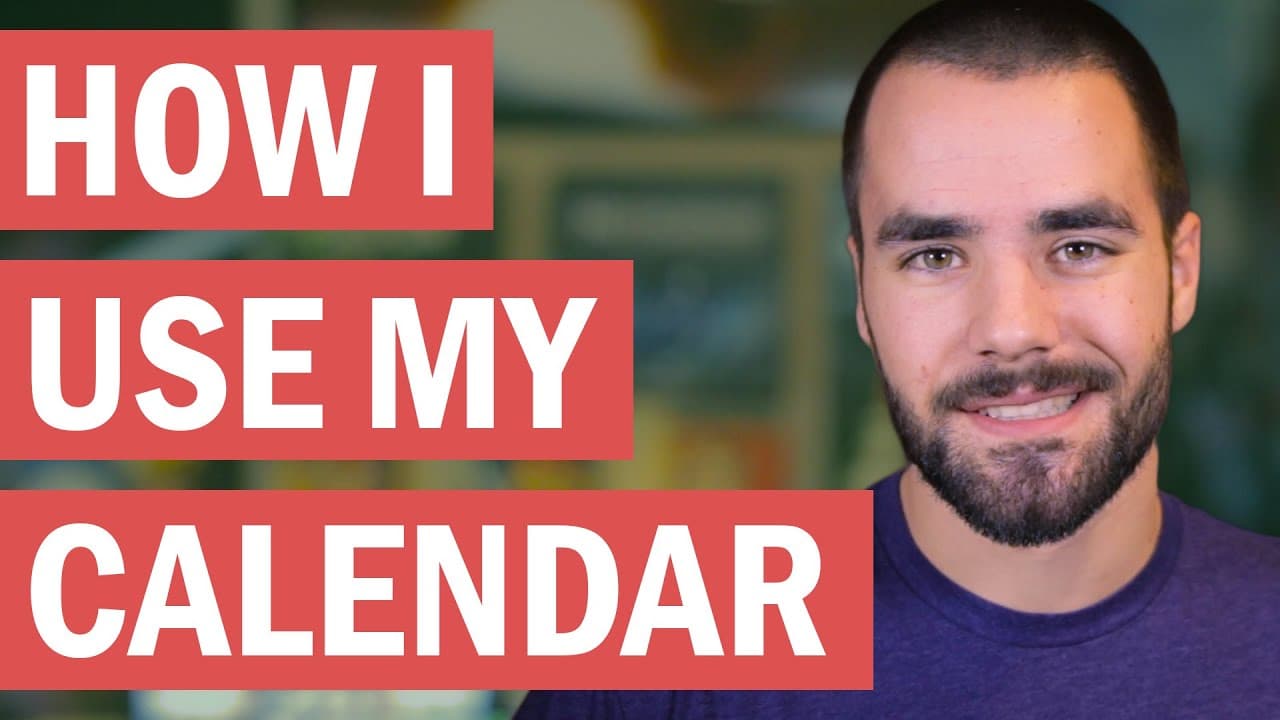
To use Google Calendar efficiently, implement a 'quick capture system' to immediately organize tasks and ideas. Split your calendar into categories like classes, work, and personal events for better visibility. As a business owner, utilize it for meetings, travel, and exercise scheduling, integrating apps like Fantastical for mobile management and Calendly or Doodle for effortless appointment coordination.
Transcript
Today we are talking about Google Calendar because I've been getting a lot of questions about how I use my calendar personally and Google calendar has been my weapon-of-choice for the past five, six, seven years almost to this point. So, today in this video, we're gonna go through how I use Google Calendar, some of the tips and tricks I use ... Read More
Key Insights
- 🪈 Google Calendar can be utilized as part of a "quick capture system" to immediately record and organize ideas and tasks.
- 📅 Students can benefit from using separate calendars for different aspects of their lives, ensuring organized scheduling and easy access to important dates.
- 👨💼 As a business owner, Google Calendar is primarily used for scheduling meetings, travel plans, and exercise activities.
- 😀 The app Fantastical is recommended for managing Google Calendar on mobile devices, particularly for its Apple Watch compatibility and natural language processing features.
- 😀 Technology, such as apps like Calendly and Doodle, can simplify the process of scheduling appointments and coordinating availability with others.
- 🧑🎓 Inputting important dates at the beginning of each semester can save time and reduce stress for students.
- 📅 The content creator emphasizes the importance of regularly reviewing and updating one's calendar to stay organized and on top of commitments.
Install to Summarize YouTube Videos and Get Transcripts
Explore YouTube Video Summarizer or Get YouTube Transcript Extractor
Questions & Answers
Q: How does the content creator recommend using Google Calendar as part of a "quick capture system"?
The content creator suggests immediately recording ideas and tasks into Google Calendar, ensuring they are organized, easily accessible, and can be either regularly checked or set up for future notifications.
Q: How did the content creator use Google Calendar as a student?
As a student, the content creator used multiple calendars to separate different aspects of his life, such as classes, work, on-campus events, and personal activities. He also inputted all important dates at the beginning of each semester.
Q: What are some of the main uses of Google Calendar for the content creator as a business owner?
The content creator primarily uses Google Calendar for scheduling meetings and travel plans. He also uses it to ensure he attends yoga classes, ice skating practices, and his daily gym sessions.
Q: What app does the content creator recommend for managing Google Calendar on a mobile device?
The content creator recommends using the app Fantastical due to its Apple Watch compatibility and excellent natural language processing capabilities.
Summary & Key Takeaways
-
The content creator emphasizes the importance of using Google Calendar as part of a "quick capture system" to immediately record ideas and tasks, ensuring they are organized and easily accessible.
-
In his student days, the content creator used multiple calendars for different aspects of his life, such as classes, work, events, and personal activities.
-
Currently, as a business owner, the content creator primarily uses Google Calendar for scheduling meetings, travel plans, and exercise.
Read in Other Languages (beta)
Share This Summary 📚
Summarize YouTube Videos and Get Video Transcripts with 1-Click
Try YouTube Summary with ChatGPT & Claude or YouTube Transcript Generator
Explore More Summaries from Thomas Frank 📚

Summarize YouTube Videos and Get Video Transcripts with 1-Click
Try YouTube Summary with ChatGPT & Claude or YouTube Transcript Generator