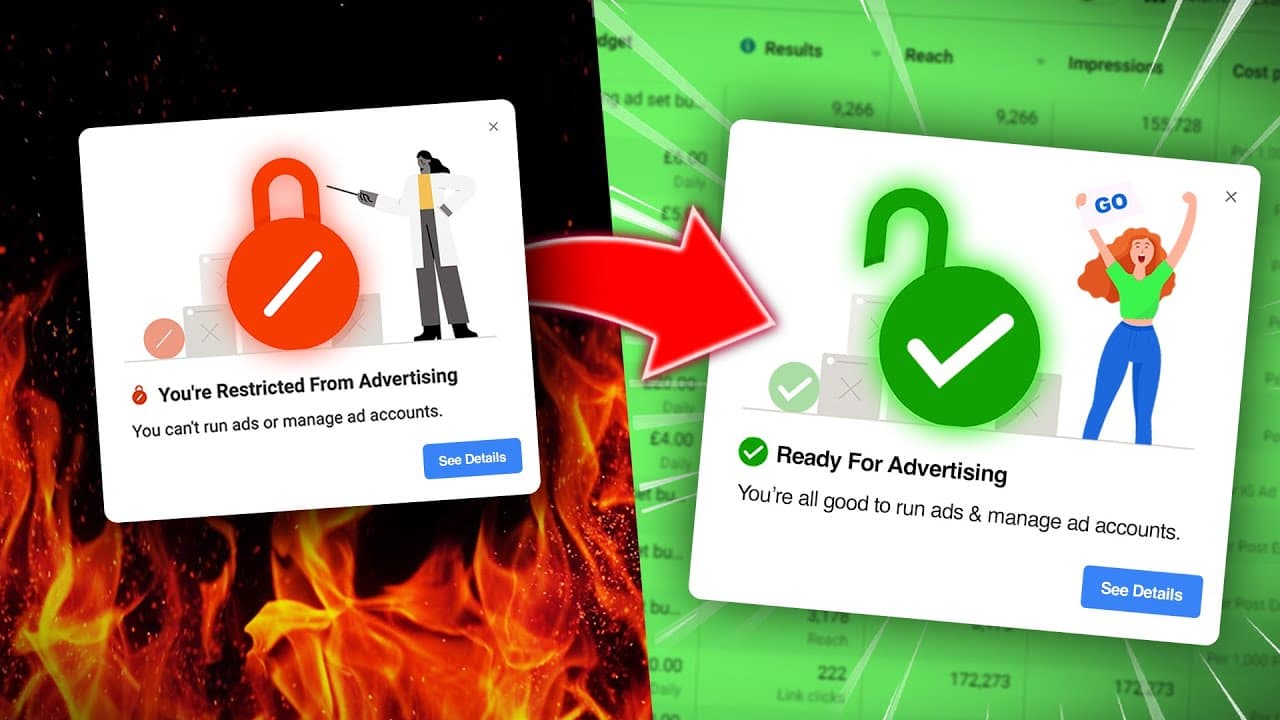
How To Recover Banned Facebook Ad Accounts (Still Works!)
TL;DR
To recover a Facebook ad account disabled by mistake, request a review immediately, then contact advertising support through Meta’s Business Help Center and pursue a human review. The speaker recommends three actions and warns that the initial review alone can take two or three weeks, or longer. Recovery is unlikely after a serious policy violation, so read on for the escalation steps and fallback options.
Transcript
if you advertise on Facebook long enough it is inevitable that your ad account will be disabled and that's if you've done nothing wrong and you haven't broken the rules that statement should not be true but unfortunately it is the automatic ad account disabling process that meta uses is terrible it's the worst thing about Facebook advertising but f... Read More
Key Insights
- Facebook ad accounts can be disabled even if no rules are broken, often due to Meta's automatic disabling process.
- If an account is disabled without breaking rules, it's possible to recover it by requesting a review and contacting support.
- Immediate actions include requesting a review through the notification link and using Meta's Business Help Center for support.
- Live chat with Meta support can expedite the review process, but it's crucial to be persistent and articulate your case clearly.
- Having a recent call with a Meta marketing rep can be advantageous, as they might help in expediting the review process.
- If recovery attempts fail, creating a new ad account or business manager may be necessary, ensuring compliance with Meta's policies.
- Avoid services promising to recover disabled accounts for a fee, as they are often unreliable and untrustworthy.
- Understanding and adhering to Meta's Advertiser policies is crucial to prevent future account disabling incidents.
Install to Summarize YouTube Videos and Get Transcripts
Explore YouTube Video Summarizer or Get YouTube Transcript Extractor
Questions & Answers
Q: How do you recover a banned or disabled Facebook ad account?
First, use the link in the disablement notification to request a review and explain that you did not break the rules. Then visit Meta’s Business Help Center, select the disabled-account issue, provide the correct ad account, and contact advertising support to seek a human review.
Q: What should you do first when your Facebook ad account is disabled?
Do not panic; the speaker says mistaken disablements happen regularly. Click the review link included in the notification and submit the requested information, briefly explaining that you have not broken the rules.
Q: How long can Meta’s initial ad account review take?
The transcript says it might take two weeks, three weeks, or sometimes longer to hear back from Meta. Because that delay can interrupt leads and sales from Facebook and Instagram campaigns, the speaker advises taking additional support steps instead of relying only on the review request.
Q: How do you contact Meta support about a disabled ad account?
Go to facebook.com/business/help and scroll to the section for finding answers or contacting support. Choose advertising support, select “my ad account is disabled,” confirm the correct account, and provide information explaining the situation.
Q: Why is a human review important for an incorrectly disabled account?
The speaker says standard FAQs and troubleshooting material are usually not useful when no policy was broken. A person needs to examine the case, recognize that the account was disabled by mistake, and reverse the decision.
Q: What should you tell Meta advertising support?
State clearly that you have not broken the rules and ask for the ad account to be restored. You can also explain how important the account is to your business, but the message should remain applicable to your specific circumstances.
Q: Can you recover an ad account after breaking Meta’s Advertiser policies?
The speaker says an account is unlikely to be restored after a serious violation, such as advertising something banned or using language Meta strongly rejects. In a gray-area case involving a minor or accidental violation, apologizing, explaining that you were unaware of the policy, and promising not to repeat it may give you a good chance of recovery.
Q: What should you do if the disabled Facebook ad account cannot be recovered?
You may need to create a new ad account and start again. The summary also identifies creating a new Business Manager as a possible fallback, while emphasizing that future advertising must comply with Meta’s policies.
Summary & Key Takeaways
-
Facebook ad accounts might be disabled even if advertisers follow the rules. This video explains how to recover such accounts using three effective techniques. The process involves requesting a review, contacting support through Meta's Business Help Center, and utilizing any contact with Meta marketing representatives.
-
The video emphasizes the importance of persistence and knowledge of Meta's Advertiser policies when attempting to recover a disabled ad account. It also warns against using third-party services that claim to recover accounts for a fee, as they are often unreliable.
-
In cases where recovery isn't possible, creating a new ad account might be necessary. The video provides guidance on how to avoid future disabling by understanding Meta's policies and ensuring compliance with their advertising standards.
Read in Other Languages (beta)
Share This Summary 📚
Summarize YouTube Videos and Get Video Transcripts with 1-Click
Try YouTube Summary with ChatGPT & Claude or YouTube Transcript Generator
Explore More Summaries from Ben Heath 📚
Summarize YouTube Videos and Get Video Transcripts with 1-Click
Try YouTube Summary with ChatGPT & Claude or YouTube Transcript Generator