Google Sheets… Your Next Database?
TL;DR
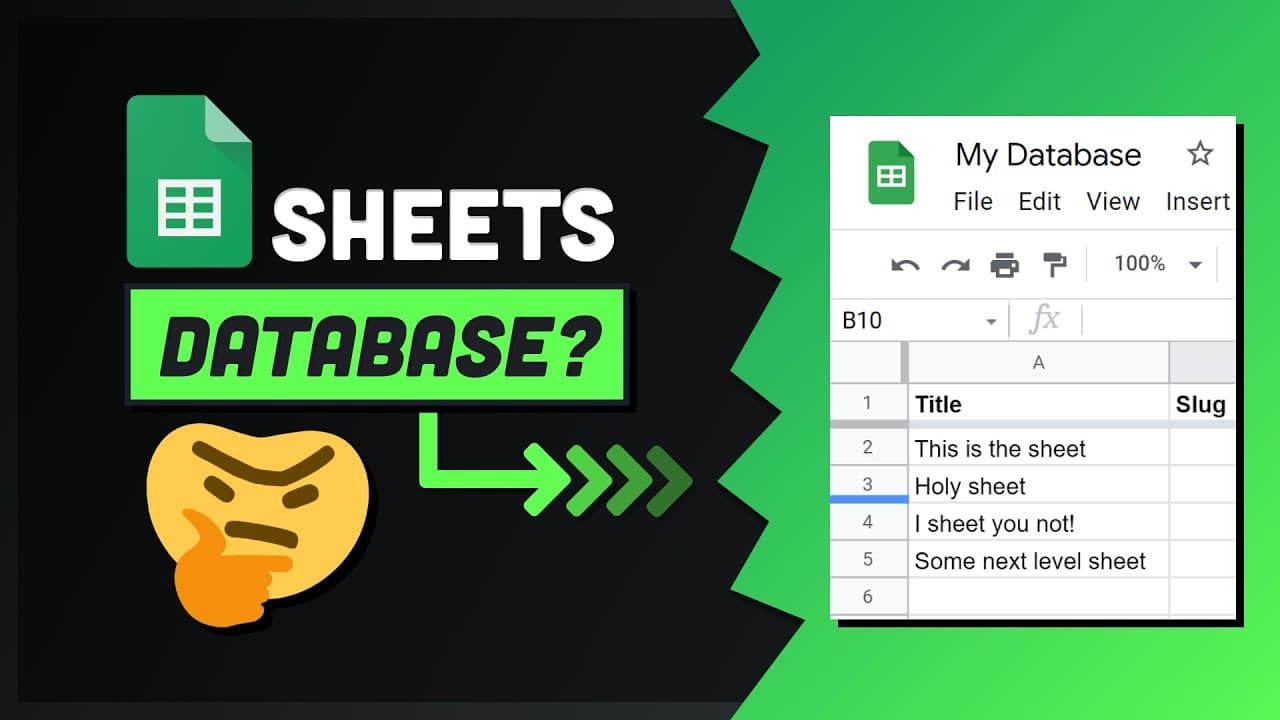
Integrate Google Sheets with Next.js to use it as a lightweight database, albeit with limitations.
Transcript
what if i told you there is a database that is 100 free has a world-class admin ui and almost everybody in the world knows how to use it that's impossible believe it or not google sheets the spreadsheet software can be used as a lightweight database or headless cms as the data layer in your application stack and that's exactly what i'll show you ho... Read More
Key Insights
- 🈸 Utilize Google Sheets as a database in Next.js for lightweight applications.
- ❓ Understand the limitations of using Google Sheets as a primary database.
- ♿ Authenticate the Google API through default credentials for access to Sheets.
- 👨💻 Fetch data from Google Sheets in a Next.js application using server-side code.
- 🍵 Ensure to handle sensitive credentials securely to prevent unauthorized access.
- ❓ Leverage Google Sheets for prototyping and production in Jamstack sites.
- 🛟 Explore the potential of integrating other Google APIs with your server using Google Sheets.
Install to Summarize YouTube Videos and Get Transcripts
Explore YouTube Video Summarizer or Get YouTube Transcript Extractor
Questions & Answers
Q: How can Google Sheets be used as a database in Next.js?
Google Sheets can be integrated with Next.js to act as a lightweight database, allowing easy data fetching for server-side applications.
Q: What are the limitations when using Google Sheets as a primary database?
Google Sheets lacks traditional database features like ACID compliance, join support, and complex queries, with storage scaling up to 5 million cells and an API quota of 500 requests per 100 seconds.
Q: How can one authenticate the Google API for accessing Google Sheets in a project?
Authentication can be done by setting up default credentials in the Google Cloud Platform console, enabling the Sheets API, and generating a key for authorization.
Q: What steps are involved in fetching data from Google Sheets in a Next.js application?
The process involves setting up server-side code, authenticating the API client, making a request to the spreadsheet, and displaying the retrieved data in the front end.
Summary & Key Takeaways
-
Google Sheets can be utilized as a database in Next.js applications.
-
Limitations include not being designed for app databases, with no ACID compliance, join support, or complex queries.
-
Despite limitations, Google Sheets is effective for prototyping and can be used in production for Jamstack sites.
Read in Other Languages (beta)
Share This Summary 📚
Summarize YouTube Videos and Get Video Transcripts with 1-Click
Try YouTube Summary with ChatGPT & Claude or YouTube Transcript Generator
Explore More Summaries from Fireship 📚






Summarize YouTube Videos and Get Video Transcripts with 1-Click
Try YouTube Summary with ChatGPT & Claude or YouTube Transcript Generator