How to Create Engraved Designs Using Inkscape
TL;DR
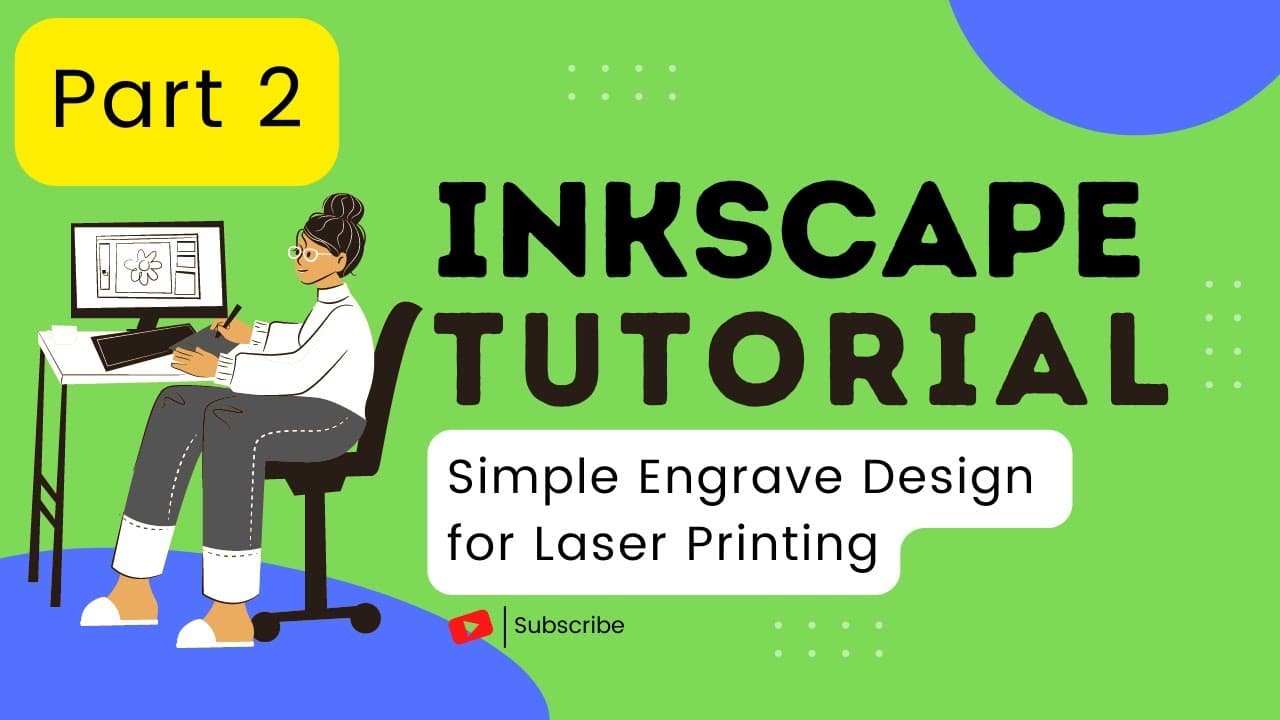
To create engraved designs in Inkscape, use the text tool to add text, choose your font and size, and position it correctly. Convert the text to a path for engraving recognition, and save your design as an SVG file for uploading to the Glowforge app for printing. This process is essential for making personalized keychains or ornaments.
Transcript
in this inkscape tutorial we will learn how to create a simple design for engraving open the cut file of the project you completed in part one of this tutorial series we will primarily use the text tool this tool is used to add text to your design click on the text tool click on the general area you would like to add your text you can move it later... Read More
Key Insights
- 🔨 The tutorial demonstrates how to create personalized engravings for keychains or ornaments using the text tool in Inkscape.
- 🎨 Changing font and size options are crucial for customizing the text in the design.
- 🎨 Proper positioning of text within the design is important for achieving the desired engraving outcome.
- ❓ Converting text to a path is necessary for ensuring accurate engraving on the material.
- 🎨 Saving the design as an SVG file and uploading it to the Glowforge app are essential final steps for printing the design.
- 🎨 Understanding the different tools and functions in design software like Inkscape is crucial for creating customized projects.
- 📽️ Engraving projects require attention to detail and precision in text placement.
Install to Summarize YouTube Videos and Get Transcripts
Explore YouTube Video Summarizer or Get YouTube Transcript Extractor
Questions & Answers
Q: What is the primary tool used in this tutorial for creating the engraving design?
The primary tool used in this tutorial is the text tool, which allows users to add text to their design and customize it with different fonts and sizes.
Q: How can you change the position of text in the design?
To change the position of text, users can use the select tool to click on the text and then drag it to the desired position within the design.
Q: What is the importance of converting text to a path before engraving?
Converting text to a path is essential for engraving, as it ensures that the text is treated as a shape rather than editable text, enabling it to be engraved onto the material.
Q: What are the final steps after creating the design in Inkscape?
The final steps involve saving the design as an SVG file and uploading it to the Glowforge app, where users can apply cut and engrave settings before printing the design.
Summary & Key Takeaways
-
The tutorial focuses on creating a personalized design for engraving using the text tool in Inkscape.
-
It demonstrates how to add text, change font and size, position the text, and convert it to a path for engraving.
-
The final steps involve saving the design as an SVG file and uploading it to the Glowforge app for printing.
Read in Other Languages (beta)
Share This Summary 📚
Summarize YouTube Videos and Get Video Transcripts with 1-Click
Try YouTube Summary with ChatGPT & Claude or YouTube Transcript Generator
Explore More Summaries from San Diego Public Library 📚



Summarize YouTube Videos and Get Video Transcripts with 1-Click
Try YouTube Summary with ChatGPT & Claude or YouTube Transcript Generator