How to Stream Video from Raspberry Pi Camera to PC
TL;DR
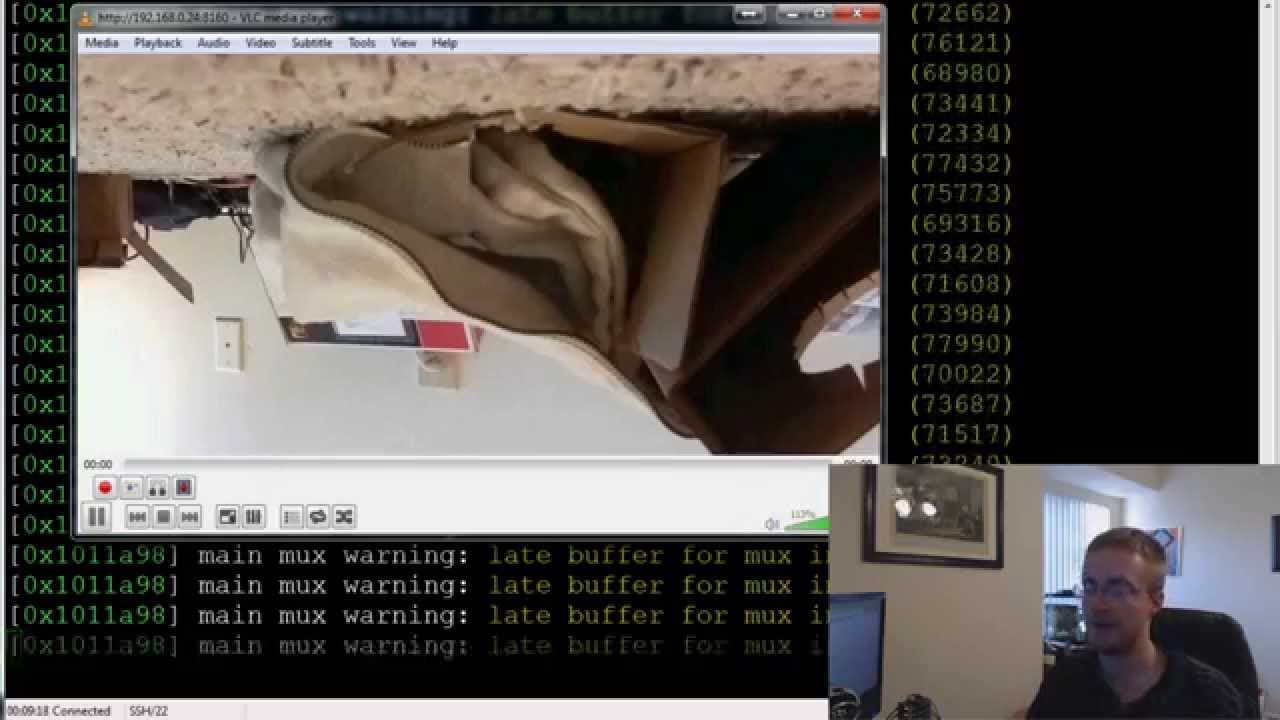
To stream video from a Raspberry Pi camera to another computer, enable the camera module and install VLC media player on both devices. Use VLC to start streaming via the HTTP protocol, and access the stream on the receiving computer by entering the Raspberry Pi's IP address and port 8160 in VLC's network stream option.
Transcript
going on everybody welcome to another Raspberry Pi tutorial video in this video we're going to be talking about how to stream video from your Raspberry Pi camera module to another computer so if you try to look this up a lot of times you're going to find something on motion and what motion is is it's a kind of a security program that works on motio... Read More
Key Insights
- 🎥 Motion detection is often associated with streaming video from the Raspberry Pi camera module, but this tutorial focuses exclusively on streaming video without motion detection.
- 🎥 Enabling the camera module and installing VLC media player are necessary steps before streaming video.
- 🧡 VLC media player offers a wide range of capabilities beyond video streaming.
- 🎏 The HTTP protocol is used to transfer the video stream from the Raspberry Pi to the other computer.
- 🎥 The tutorial provides a command with specific parameters to initiate video streaming from the Raspberry Pi camera module.
- 👤 Users need to ensure that VLC media player is installed on both the Raspberry Pi and the other computer for successful video streaming.
- 🎏 The Raspberry Pi's IP address is required to access the video stream on the other computer.
Install to Summarize YouTube Videos and Get Transcripts
Explore YouTube Video Summarizer or Get YouTube Transcript Extractor
Questions & Answers
Q: What is the purpose of motion detection in relation to streaming video from the Raspberry Pi camera module?
While many resources mention motion detection, the tutorial focuses on streaming video rather than using the camera module as a security system.
Q: What software do I need to install on the Raspberry Pi and the other computer to stream video?
Install VLC media player on both the Raspberry Pi and the other computer to enable the streaming of video.
Q: Can I use any file type for streaming video with VLC?
The tutorial specifies using the h.264 file type for streaming video with VLC.
Q: Why does the tutorial recommend using VLC instead of other software options?
VLC is a free and versatile software that allows for video streaming, playback, file conversion, and more, making it a convenient choice for this purpose.
Summary & Key Takeaways
-
The video tutorial demonstrates how to enable the camera module on Raspberry Pi and install VLC media player on both the Raspberry Pi and the other computer.
-
The tutorial provides the necessary command to start streaming video from the camera module using VLC.
-
Users can access the stream by opening VLC on the other computer and entering the Raspberry Pi's IP address with the specified port number.
Read in Other Languages (beta)
Share This Summary 📚
Summarize YouTube Videos and Get Video Transcripts with 1-Click
Try YouTube Summary with ChatGPT & Claude or YouTube Transcript Generator
Explore More Summaries from sentdex 📚






Summarize YouTube Videos and Get Video Transcripts with 1-Click
Try YouTube Summary with ChatGPT & Claude or YouTube Transcript Generator