Lecture 08: Zero-Shot Applications (KAIST CS492D, Fall 2024)
TL;DR
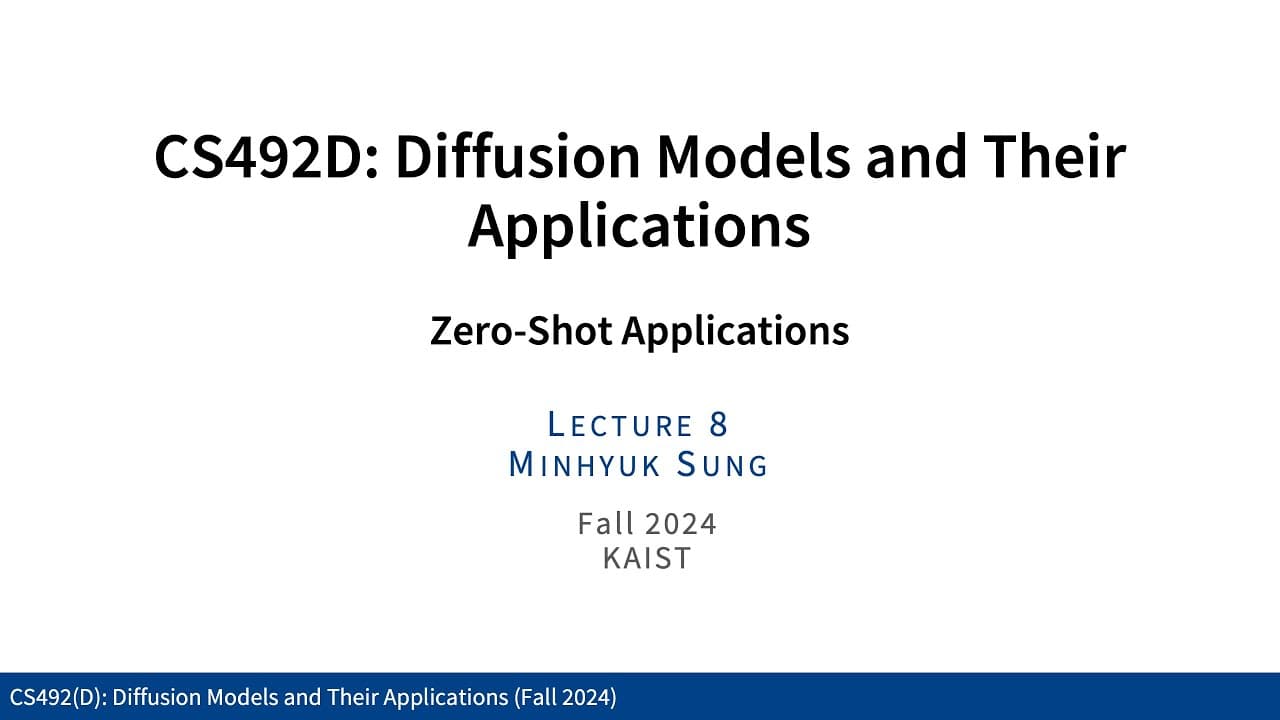
Exploration of zero-shot applications using diffusion models for image editing and generation.
Transcript
okay so welcome back to the C4 92d diffusion model CER applications so last time we started to discuss some more kind of the some application the ideas in terms of like how we can utilize some kind of the pre-trend diffusion models for some kind of the editing or some conditional generation the setups and also how we can basically enhance uh some k... Read More
Key Insights
- Diffusion models can be enhanced to incorporate conditional inputs such as text or labels, improving image generation quality.
- Classifier-free guidance is a method to improve diffusion models without additional networks, allowing for broader applicability.
- Latent diffusion models reduce data dimensionality, making them efficient for handling high-dimensional data inputs.
- Image editing applications like inpainting can utilize pre-trained diffusion models without fine-tuning, using noise addition and reduction.
- Inpainting involves preserving background regions while generating new foreground content, combining forward and reverse diffusion processes.
- The repainting process allows for iterative refinement of inpainting results, enhancing image realism.
- ControlNet and LoRA are techniques for converting unconditional diffusion models to conditional ones, using smaller datasets.
- Dynamic mask resizing during diffusion processes could offer new insights into image inpainting and editing.
Install to Summarize YouTube Videos and Get Transcripts
Explore YouTube Video Summarizer or Get YouTube Transcript Extractor
Questions & Answers
Q: How can diffusion models be enhanced for conditional generation?
Diffusion models can be enhanced for conditional generation by incorporating additional inputs such as text or class labels. This involves using techniques like classifier-free guidance, which allows models to conditionally generate outputs without the need for extra networks. By training models with both conditional and unconditional inputs, they can learn to generate outputs aligned with specific conditions, improving their applicability across various domains.
Q: What is the role of latent diffusion models in handling high-dimensional data?
Latent diffusion models play a crucial role in managing high-dimensional data by mapping it into a lower-dimensional latent space. This dimension reduction allows models to efficiently process and generate high-quality outputs without being overwhelmed by the data's complexity. By focusing on the latent space, these models can handle large datasets and perform tasks like image generation and editing more effectively.
Q: How do inpainting techniques utilize diffusion models for image editing?
Inpainting techniques use diffusion models to edit images by preserving background regions and generating new content in masked foreground areas. This process involves a combination of forward and reverse diffusion steps. The forward process adds noise to the input image, while the reverse process denoises it, allowing the model to fill in the masked regions with realistic content. This approach leverages pre-trained models without requiring fine-tuning, making it efficient for various image editing tasks.
Q: What is the repainting process in diffusion models?
The repainting process in diffusion models is an iterative method used to refine inpainting results. It involves running the forward and reverse diffusion processes multiple times to enhance the realism of the generated content in masked areas. If the initial output is not satisfactory, the process can be repeated, adjusting the noise levels and diffusion steps to improve the final result. This iterative refinement helps achieve more realistic and coherent images.
Q: How do ControlNet and LoRA transform diffusion models?
ControlNet and LoRA are techniques used to transform unconditional diffusion models into conditional ones. ControlNet involves using additional encoders to process conditional inputs while leveraging knowledge from pre-trained encoders. LoRA, on the other hand, introduces bottleneck layers to reduce parameter usage while adapting models to new conditions. Both methods allow models to handle conditional generation tasks effectively, even with smaller datasets, by optimizing parameter efficiency and leveraging pre-trained knowledge.
Q: What are the potential benefits of dynamic mask resizing in diffusion processes?
Dynamic mask resizing during diffusion processes could offer several benefits, including more natural image transitions and enhanced realism in inpainting tasks. By adjusting the mask size dynamically, models can better handle varying levels of detail and complexity in the generated content. This approach could lead to more flexible and adaptive inpainting techniques, allowing models to respond to different input conditions and produce more coherent and visually appealing results.
Q: How does classifier-free guidance improve diffusion models?
Classifier-free guidance improves diffusion models by allowing them to incorporate conditional inputs without the need for additional networks. This method trains the noise prediction network to handle both conditional and unconditional inputs, enabling it to generate outputs aligned with specific conditions. By using a linear combination of conditional and unconditional inputs, classifier-free guidance enhances the model's flexibility and applicability across various tasks, from image generation to text alignment.
Q: What challenges exist in using diffusion models for image editing applications?
Challenges in using diffusion models for image editing applications include ensuring the realism and coherence of the generated content, especially when combining forward and reverse diffusion processes. There is no theoretical guarantee that the output will closely match the input or appear realistic. Additionally, the composition of noise samples can lead to arbitrary results, requiring careful tuning of diffusion steps and noise levels. Despite these challenges, diffusion models offer flexible and efficient solutions for various image editing tasks.
Summary & Key Takeaways
-
This lecture explores the use of diffusion models for zero-shot applications, focusing on conditional generation and image editing. Techniques like classifier-free guidance and latent diffusion models are discussed to enhance model efficiency and applicability.
-
Image editing applications such as inpainting are explored using diffusion models. The process involves combining forward and reverse diffusion steps to preserve background regions while generating new content in masked areas.
-
Advanced techniques like ControlNet and LoRA are introduced for transforming unconditional diffusion models into conditional ones. These methods utilize smaller datasets and focus on efficient parameter usage for model adaptation.
Read in Other Languages (beta)
Share This Summary 📚
Summarize YouTube Videos and Get Video Transcripts with 1-Click
Try YouTube Summary with ChatGPT & Claude or YouTube Transcript Generator
Explore More Summaries from Minhyuk Sung 📚
Summarize YouTube Videos and Get Video Transcripts with 1-Click
Try YouTube Summary with ChatGPT & Claude or YouTube Transcript Generator