How to Delete Files and Directories in Python
TL;DR
To delete files and directories in Python, use the os module for specific file deletions and the shutil module's remove_tree function for deleting entire directories. Ensure you specify the correct directory and have the necessary permissions to avoid access denied errors.
Transcript
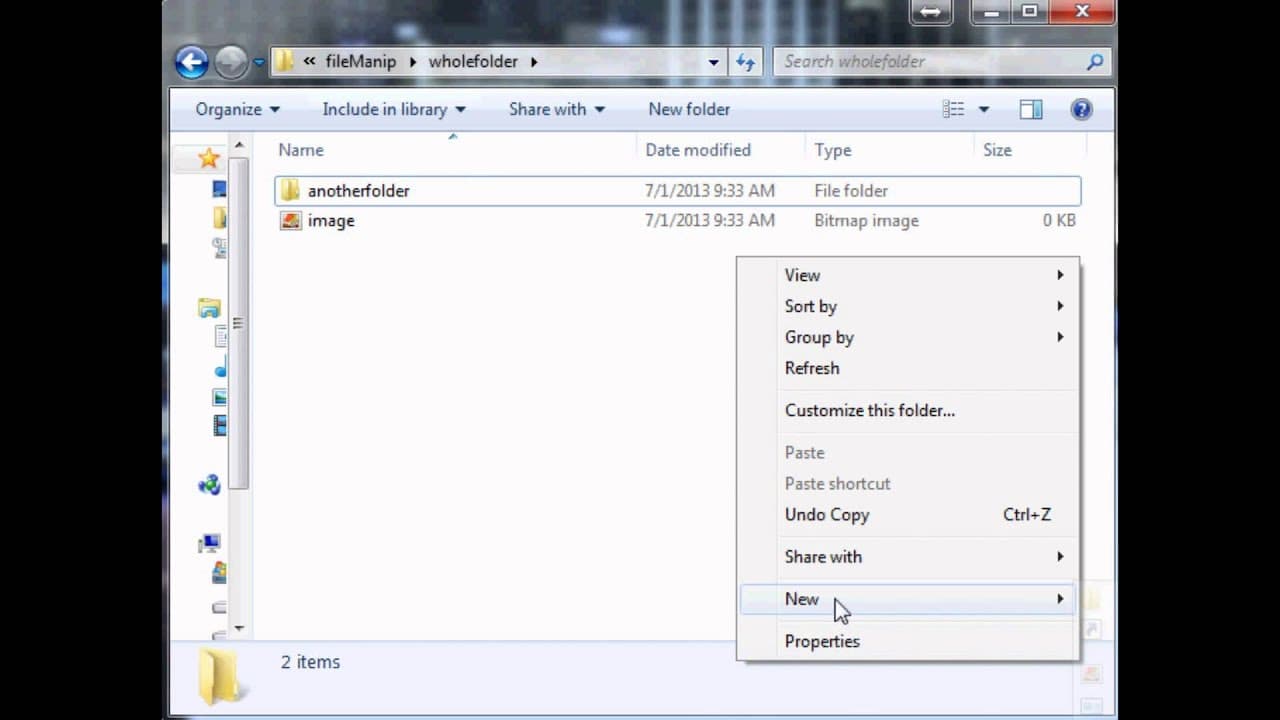
hello and welcome to another Python tutorial in this tutorial we're gonna be talking about how to manipulate actual files so how do we delete rename and move files and even directories so with that let's get into it let's make a fake directory here and we'll just call this whole folder and within home folder we're gonna make just some random stuff ... Read More
Key Insights
- 😚 Python provides various modules like glob, os, and shutil for file manipulation tasks.
- 📁 Deleting specific files requires importing glob to specify the directory and os to delete the files.
- 🌲 Properly deleting entire directories can be done using the remove tree function from the shutil module.
- 📁 Access denied errors can occur when trying to delete files/directories without the necessary permissions.
Install to Summarize YouTube Videos and Get Transcripts
Explore YouTube Video Summarizer or Get YouTube Transcript Extractor
Questions & Answers
Q: How do you delete a specific file in Python?
To delete a specific file, you need to import the glob and os modules. Specify the directory and file type using glob and use the os.unlink() function to delete the file.
Q: Can you delete multiple files at once using Python?
Yes, you can delete multiple files at once by iterating through the files in a directory. Use the glob module to specify the files to delete and the os.unlink() function to delete each file.
Q: How do you delete an entire directory in Python?
To delete an entire directory, import the shutil module and use the remove tree function. Specify the full directory path as the argument to remove the entire directory, including all its files and subdirectories.
Q: What happens if you try to delete a directory without proper access in Python?
If you try to delete a directory without proper access, you will get an "Access Denied" error. To delete the directory, you can either modify your user account settings to provide access or use the proper method using the remove tree function from the shutil module.
Summary & Key Takeaways
-
The tutorial covers the process of manipulating files in Python, including deleting, renaming, and moving them.
-
It demonstrates how to delete a specific file by specifying the directory and file type using the glob and os modules.
-
It also shows the proper way to delete entire directories using the remove tree function from the shutil module.
Read in Other Languages (beta)
Share This Summary 📚
Summarize YouTube Videos and Get Video Transcripts with 1-Click
Try YouTube Summary with ChatGPT & Claude or YouTube Transcript Generator
Explore More Summaries from sentdex 📚






Summarize YouTube Videos and Get Video Transcripts with 1-Click
Try YouTube Summary with ChatGPT & Claude or YouTube Transcript Generator