Using AI To Build A Game From Scratch (NO Experience)
TL;DR
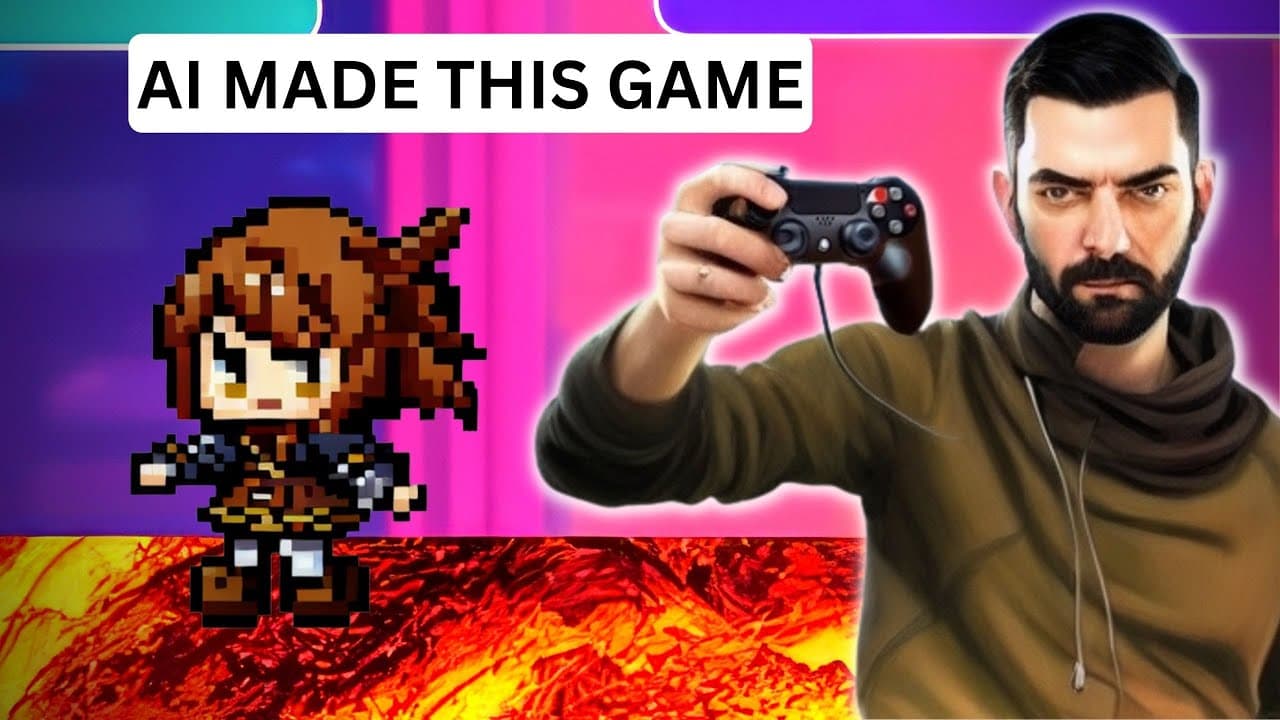
Using Chat GPT, the creator attempted to build a basic video game using HTML, CSS, and JavaScript, relying on GPT for guidance and code generation.
Transcript
so I've watched a handful of videos now where people have used chat GPT to build video games the thing about all those videos is almost every single one of them the person already had at least a little bit of coding knowledge me personally I have like no coding knowledge I have no clue how to start to build a video game so in this video I'm going t... Read More
Key Insights
- 👨💻 Building a video game with no coding knowledge is possible using AI tools like Chat GPT and guidance from code generation.
- 👨💻 Troubleshooting and debugging code can be achieved by leveraging the capabilities of AI models like Chat GPT.
- 👾 AI tools like Mid-Journey and Tile Maker can be utilized to generate graphics and improve the visual appeal of the game.
Install to Summarize YouTube Videos and Get Transcripts
Explore YouTube Video Summarizer or Get YouTube Transcript Extractor
Questions & Answers
Q: How did the creator start building their video game?
The creator downloaded Visual Studio Code and created a project folder. They then opened Visual Studio Code, selected the project folder, and began working with empty HTML, CSS, and JavaScript files.
Q: What kind of game did the creator decide to build?
The creator chose to build a platformer game, as it sounded fun and challenging. They wanted to create a game using only HTML, CSS, and JavaScript, with visual elements.
Q: How did the creator troubleshoot issues with their game?
The creator relied on Chat GPT to provide guidance and code snippets for various functionalities. They would ask specific questions about their code and received detailed answers on where to place the code, how to fix issues, and improve the game's features.
Q: What challenges did the creator face while building the game?
The creator faced challenges related to player movement, collision detection, level design, background images, animation, and more. However, they were able to address these challenges by seeking help from Chat GPT and incorporating the provided solutions.
Summary & Key Takeaways
-
The creator used Visual Studio Code to set up their project and created HTML, CSS, and JavaScript files.
-
They followed steps provided by Chat GPT to structure the HTML and CSS files and set up basic JavaScript functions for rendering and updating the game.
-
They encountered challenges with player movement, collision detection, level design, and implementing background images, but were able to troubleshoot with the help of Chat GPT.
-
Eventually, the creator added features such as coin collection, high score tracking, and a reset button, and used additional AI tools like Mid-Journey and Tile Maker for graphics.
Read in Other Languages (beta)
Share This Summary 📚
Summarize YouTube Videos and Get Video Transcripts with 1-Click
Try YouTube Summary with ChatGPT & Claude or YouTube Transcript Generator
Explore More Summaries from Matt Wolfe 📚




Summarize YouTube Videos and Get Video Transcripts with 1-Click
Try YouTube Summary with ChatGPT & Claude or YouTube Transcript Generator