How to Upload Multiple Files at Once in ChatGPT
TL;DR
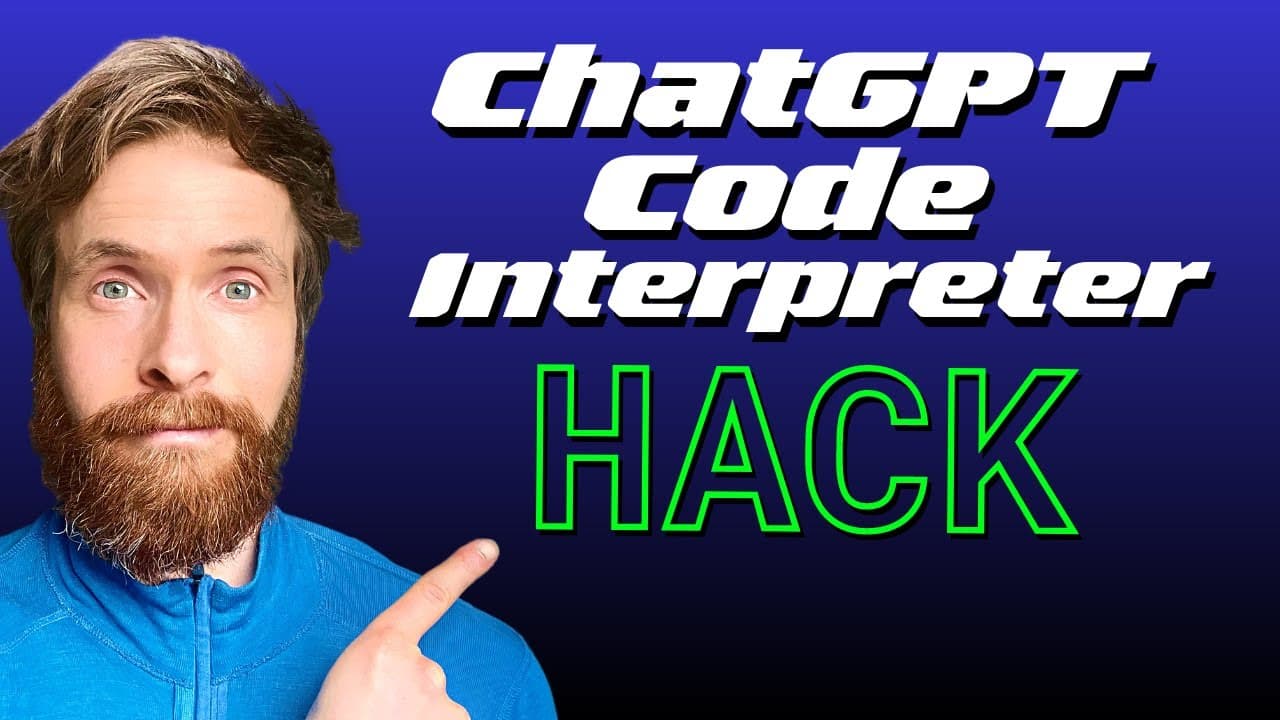
To upload multiple files at once in ChatGPT's code interpreter, compress your files into a zip file under 100 megabytes. Simply upload the zip file, and you'll have access to all the contents for analysis, including generating mid-journey prompts and summarizing PDF documents.
Transcript
in today's video I'm gonna show you a nice hack we can use on chat GPT code interpreter to upload multiple files at once instead of just going uploading one and one file I'm gonna spend up all our messages and just uploading right so what you want to do is go over to some kind of zip here because we can read actually zip files with the code interpr... Read More
Key Insights
- 📁 Uploading multiple files can be time-consuming and tiring if done one by one, but using a zip file simplifies the process.
- 📁 The code interpreter can handle various file types, such as videos, audios, text files, and PDFs.
- 🖕 Mid-journey prompts can be created based on the style and theme of uploaded files, providing creative illustrations.
- 👻 Summaries can be generated from PDF files, allowing quick access to important information.
- 📁 The file size limit for smooth uploading is 100 megabytes.
- 👨💻 Efficient file uploading saves time and avoids using up attempts on the code interpreter.
- 🎮 The hack demonstrated in the video increases productivity and streamlines the workflow.
Install to Summarize YouTube Videos and Get Transcripts
Explore YouTube Video Summarizer or Get YouTube Transcript Extractor
Questions & Answers
Q: How can I efficiently upload multiple files at once on Chat GPT code interpreter?
Simply compress all the desired files into a zip file, upload it to the code interpreter, and access the files within it. This saves time and effort compared to uploading individual files one by one.
Q: Is there a limit on the file size when using the zip file method?
Yes, the file size should not exceed 100 megabytes to ensure smooth uploading and processing on the code interpreter.
Q: Can I create mid-journey prompts using the uploaded files?
Yes, the video demonstrates creating mid-journey prompts that mimic the style and theme of a book by accessing the uploaded files. Simply write the prompts and run them through mid-journey to generate suitable illustrations.
Q: Is it possible to generate a summary from a PDF file using the code interpreter?
Yes, the video shows how to request a summary of a PDF file. By specifying the desired number of pages or a keyword, you can extract a summary tailored to your requirements.
Summary & Key Takeaways
-
The video demonstrates a hack to upload multiple files at once on Chat GPT code interpreter using a zip file.
-
Steps include selecting various files, compressing them into a zip file, uploading it to the code interpreter, and accessing the files.
-
Mid-journey prompts and a summary from PDF files are also shown as examples.
Read in Other Languages (beta)
Share This Summary 📚
Summarize YouTube Videos and Get Video Transcripts with 1-Click
Try YouTube Summary with ChatGPT & Claude or YouTube Transcript Generator
Explore More Summaries from All About AI 📚

Summarize YouTube Videos and Get Video Transcripts with 1-Click
Try YouTube Summary with ChatGPT & Claude or YouTube Transcript Generator